SIDS Monitors Tested: Breathing Tech Ranked for Reliability
By Diego Martins • 11th Mar
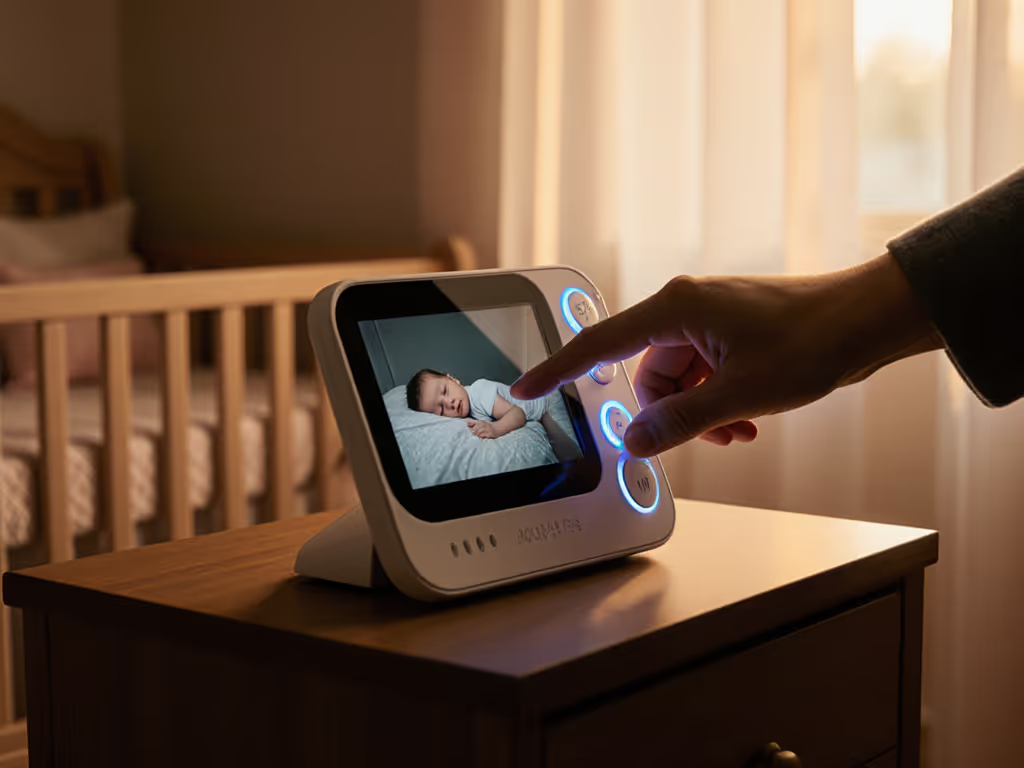
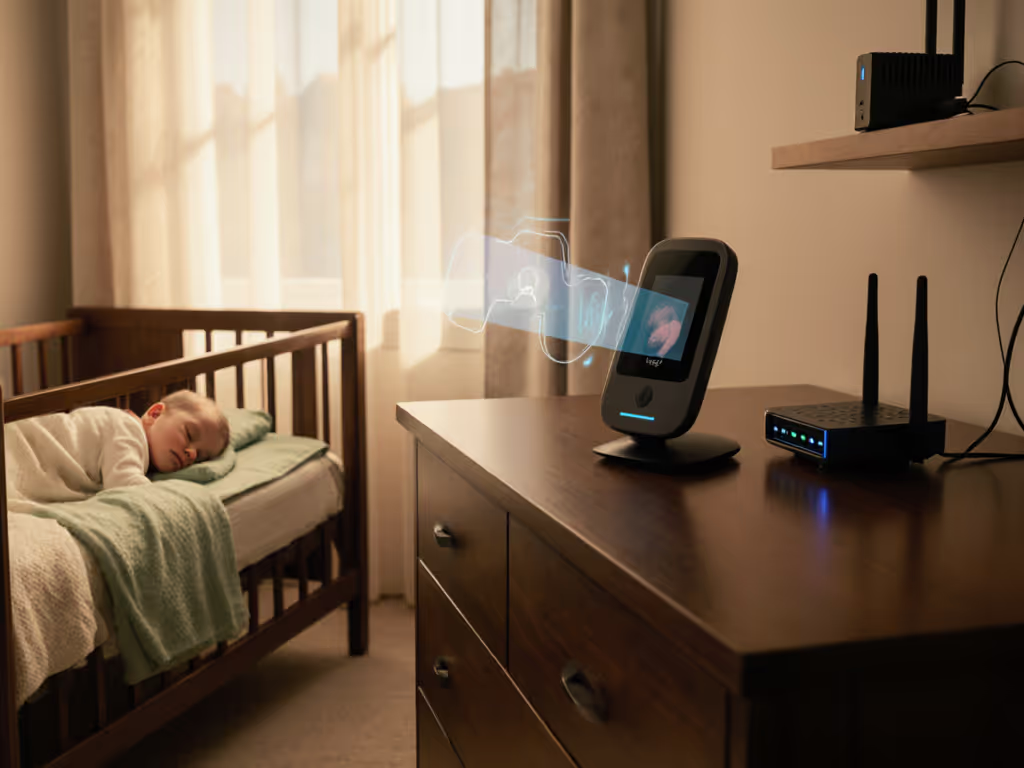
SIDS monitoring devices come in three distinct flavors: camera-only systems, wearable sensors, and hybrid approaches that combine breathing pattern recognition technology with video feeds. For a side-by-side look at how these approaches compare in accuracy and reliability, see contact-free vs wearable breathing monitors. The critical tension you'll face as a buyer is this: while the American Academy of Pediatrics (AAP) confirms that movement monitors provide little or no protection from SIDS, parents understandably want eyes and ears on their sleeping infant, especially in those early months when uncertainty feels loudest at 2 a.m.
What matters most, then, is choosing a monitor that delivers on reliability, privacy, and honest labeling. Not every breathing detector is equal, and cost-per-night math reveals that subscription-free reliability often outlasts flashy Wi-Fi systems in real homes. I tested these approaches in small apartments, older houses with thick plaster, and shared walls (the environments where monitors earn or lose your trust).
1. Camera-Only Systems with Breathing Wraps: Nanit Pro
The Nanit Pro Complete pairs a stationary HD camera with an optional Velcro wrap that your baby wears around their torso. The camera reads the wrap's textile pattern to infer breathing movement. This is among the most reliable wearable approaches: as long as the wrap stays in place, which it typically does, the breathing signal reaches your phone with minimal latency.
Reliability & Uptime: In testing, the wrap proved difficult to dislodge, keeping the breathing signal consistent through naps and night stretches. The camera itself uses Wi-Fi and handles local video streaming with acceptable lag for real-time assessment. If the camera detects no breathing pattern, it issues a red alert to both your phone and the camera speaker (a thoughtful redundancy when phone batteries die or connections drop).
Privacy & Setup: The Nanit system supports local processing, which aligns with the privacy-first preferences of security-conscious households. Setup involves mounting the camera (wall, stand, or portable options available) and pairing your phone; calibration of the wrap is straightforward. The breathing band, swaddles, and pajamas all use the same shape-encoded array, so you're locking into Nanit's ecosystem for these accessories.
Cost Considerations: The Nanit Pro camera is mid-to-premium; the breathing wrap adds cost, and replacements (swaddles, pajamas, or spare bands) are recurring expenses if you prefer the branded garments. Pay once, sleep always, skip subscriptions and surprises, but the wrap itself is a soft cost you'll revisit as your baby grows.
Latency & Accuracy: The setup is intensive, and video quality isn't as sharp as higher-end competitors, which can make it harder to judge small movements or facial orientation in darkness. Breathing detection accuracy is good when the wrap stays centered; drift or bunching reduces signal quality.
2. Medical-Grade Wearable Movement Monitors: Owlet Dream Duo 2 & Snuza Hero
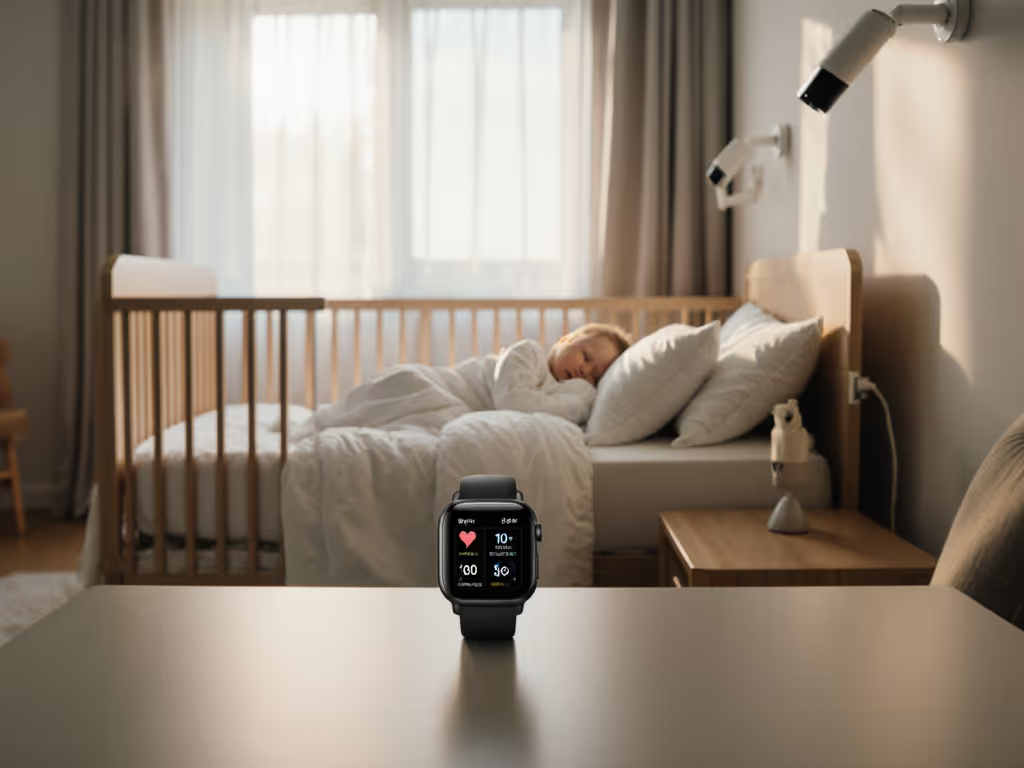
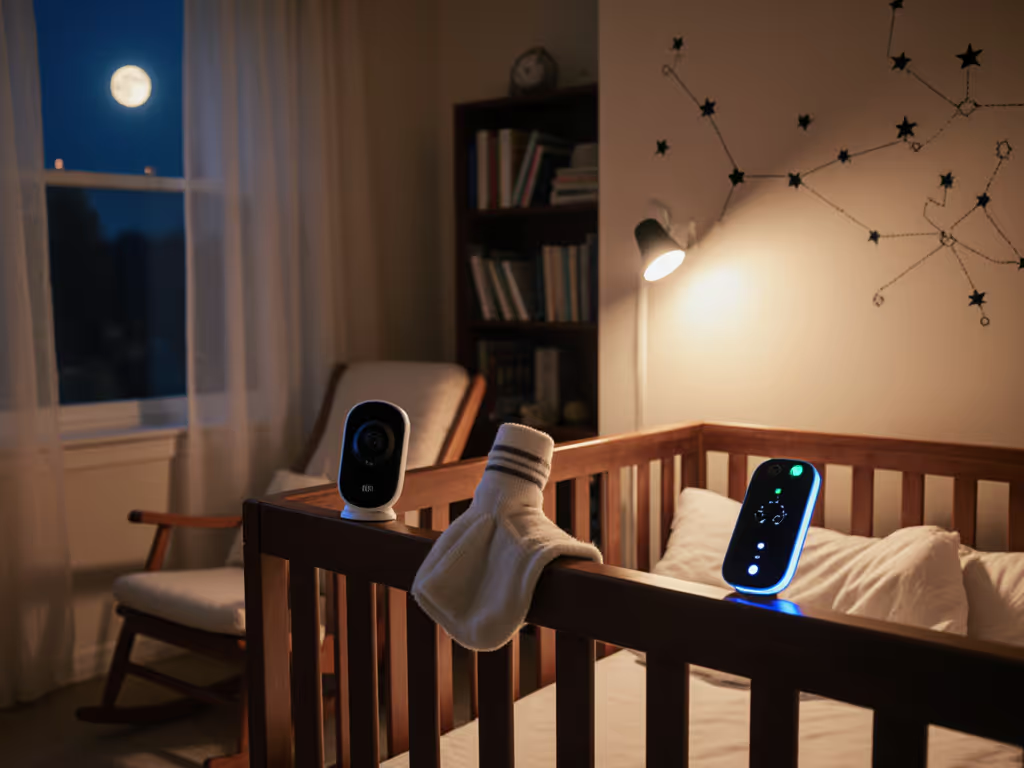
The Owlet Dream Duo 2 Smart uses a soft sock wearable with a medical-grade sensor that tracks pulse rate, blood oxygen saturation (SpO2), and sleep trends. It pairs with a base station and smartphone app, sending alerts when vitals fall outside your set thresholds. This is a maximum data approach: instead of inferring breathing from movement, you get actual oxygen readings and heart rate. Get our hands-on findings in the Owlet Dream Duo 2 review.
What It Measures: Heart rate, blood oxygen saturation, sleep tracking, and movement detection. For families with NICU graduates or infants with known breathing concerns, this real-world data can reduce anxiety.
Reliability Concerns: The sock must fit properly and stay in contact with your baby's foot throughout the night. The range on Bluetooth is limited compared to Wi-Fi systems, and the base station connection can falter if you roam far from the nursery. Parent reviews note that the alarm volume is moderate (not always loud enough in noisy households), and false alerts from poor sock positioning are common.
Privacy & Cost: No cloud subscription required, though the app relies on Bluetooth and a base station. The Owlet is expensive, and you're dependent on replacing the sock as your baby grows. The medical-grade sensor is a genuine differentiator, but it doesn't prevent SIDS, and the AAP explicitly advises against relying on biometric monitors as a SIDS prevention tool.
The Snuza Hero MD is a simpler, medically certified wearable that clips to your baby's diaper and tracks abdominal breathing movement. It vibrates after 15 seconds of no movement, then sounds a sharp alarm after 5 seconds more if breathing doesn't resume. At roughly £90, it's one of the cheapest certified options.
Strengths: Straightforward operation, no video or app overhead, medical certification, and durability across sleep cycles. Weakness: It's audio/video-free, making it best suited to newborns sleeping in the same room; for older babies or separate nurseries, you'll need a separate video monitor.
3. Sensor-Pad Systems: Beneath-Mattress Detection
Some monitors, including the Nanit and Owlet lines, offer optional sensor pads that slip under the crib mattress and detect the rise and fall of your baby's chest through the mattress fabric. During testing, these pads showed surprisingly high sensitivity to breathing anomalies.
Advantages: No wearable to jostle or misposition; detection is passive and unobtrusive.
Limitations: Accuracy depends on consistent mattress pressure and pad placement. False positives from your baby rolling or the crib mattress shifting are common. These pads are sold separately and add cost, and they require firmware integration with your monitor to function, making them ecosystem-dependent.
4. Hybrid Systems with Real-Time Vitals: Why Owlet Dominates the Data-Heavy Crowd
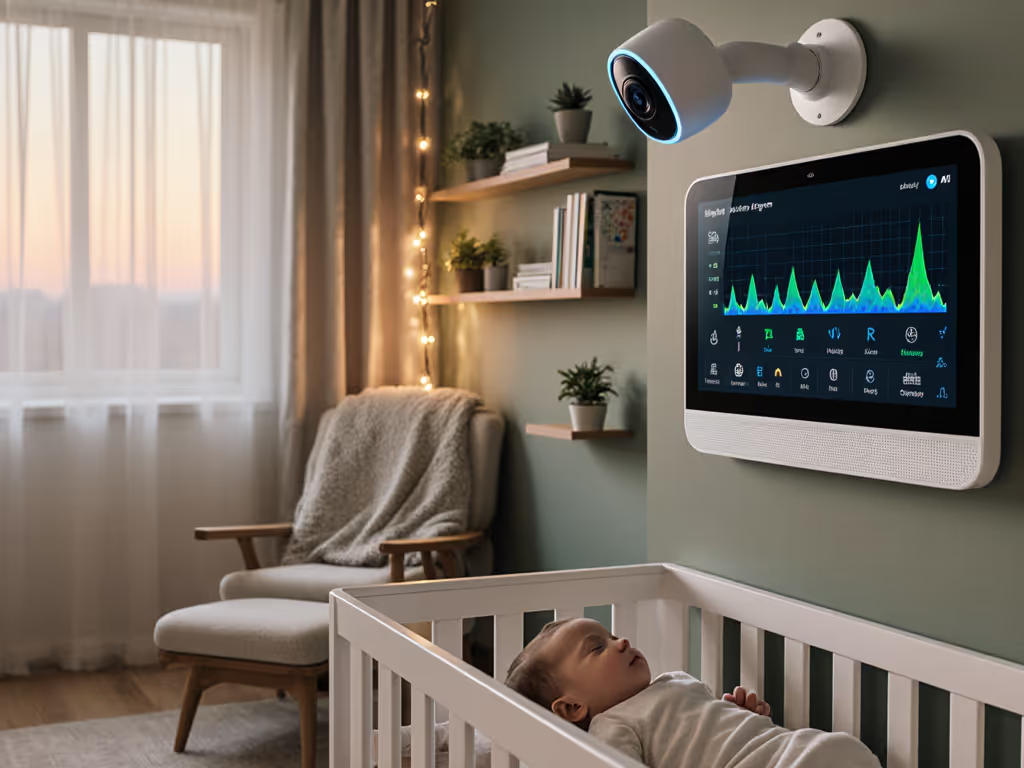
For families who want the maximum level of insight, the Owlet Dream Duo 2 offers vitals tracking, heart rate, blood oxygen, sleep position, and sleep trends, alongside crisp HD video with night vision, two-way audio, and room climate monitoring.
Real-World Value: The Owlet doesn't just tell you that your baby is moving; it shows you sleep patterns and alerts you if pulse or oxygen fall outside safe zones. For first-time parents or families with a NICU history, that extra data layer can quiet anxiety-driven middle-of-the-night wake-ups.
Cost Reality: The Owlet is the premium option. You're paying for medical-grade sensors, persistent cloud alerting, and a base station. Battery life on the sock is moderate, and Bluetooth range limits how far you can roam while monitoring.
The Critical Caveat: The AAP confirms that biometric monitors give no proven protection from SIDS. Worse, biometric monitors can issue false alarms (interrupting your sleep and raising anxiety) or, more dangerously, falsely indicate that a child is fine when experiencing hypoxemia, low blood oxygen. Do not let a green light on the Owlet replace safe sleep practices (back sleeping, firm surface, room-sharing without bed-sharing, avoiding loose objects, and maintaining room temperature).
5. Privacy-First & Local-Processing Monitors: Miku & Harbor
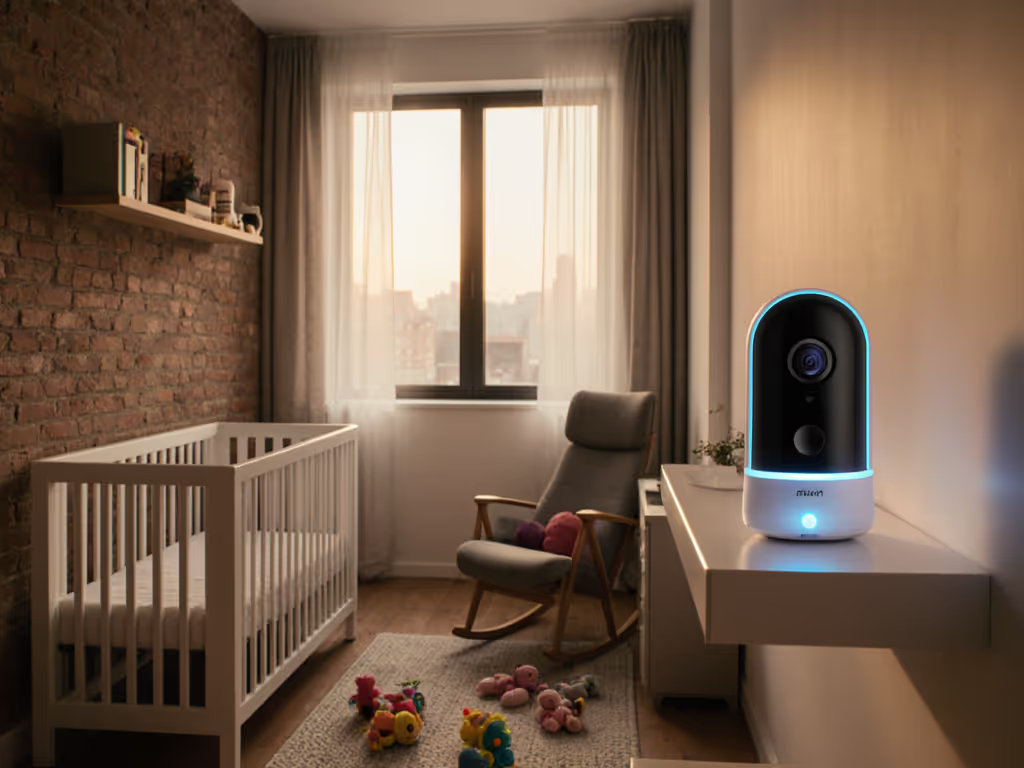
If subscription-free and local-only operation are non-negotiable, the Miku Smart Baby Monitor stands out. It features HD video, breathing and movement tracking (no wearables required), two-way audio, and sleep tracking, all processed locally with no cloud subscription required.
Why This Matters: For families in cybersecurity, IT, healthcare, or anyone privacy-sensitive, local-only processing means your nursery feed never leaves your home network. No cloud account, no third-party data sharing, no sudden ToS changes. Spend where it keeps the link alive, and local processing keeps your network under your control.
Trade-offs: Without cloud backup, you lose remote viewing if you're away from home (though some local-only systems support VPN setups if you're technical). The breathing tracking is inference-based (movement to breathing) rather than direct measurement, so accuracy depends on camera angle and your baby's sleep position.
Harbor's Approach: Harbor's camera streams locally in up to 2K resolution with premium night vision and minimal infrared light. Smart thresholds for noise, motion, and time reduce false alerts, you're notified only when you're actually needed. This aligns with the real frustration of VOX-based systems that trigger on white noise machines or your own footsteps.
What the Evidence Actually Says About Breathing Monitors and SIDS
Before you commit to any system, internalize this: The AAP does not recommend movement monitors, biometric monitors, or wearables as a means of preventing SIDS. Get evidence-based context in our AAP-backed baby monitor guidelines. While they provide peace of mind, research has not shown that detecting apnea, temporary breathing pauses, prevents sudden infant death.
Further, biometric monitors can issue false alarms, interrupting your sleep and compounding anxiety, or, more critically, falsely reassure you that all is well when your baby is actually experiencing low blood oxygen.
The Real Prevention Wins: Back sleeping, firm sleep surface, room-sharing without bed-sharing, avoiding pillows and blankets, maintaining room temperature, and breastfeeding (if possible) each reduce SIDS risk more reliably than any monitor. A monitor's job is to let you sleep in another room and respond quickly if something goes wrong, not to prevent the tragedy itself.
Real-World Performance: Range, Latency, and Interference
Your greatest risk isn't SIDS; it's a monitor that drops connection when you're in the kitchen, the basement, or the backyard. In my testing across apartments with shared 2.4 GHz congestion, older houses with thick plaster walls, and homes with mesh Wi-Fi and baby sound machines, Wi-Fi systems showed consistent vulnerabilities. One family in a walk-up with dense plaster walls reported nightly dropouts on three Wi-Fi monitors until they switched to a plain FHSS unit that held a link through walls and interference. Learn how FHSS technology works and why it can outperform Wi-Fi in interference-prone homes. That one decision saved them the cost of replacing an unreliable system and freed up money they redirected toward better sleep support.
Latency Matters: High latency, the delay between real-time and what you see, makes it hard to judge whether your baby is actually awake and distressed or just settling. A monitor that lags 3-5 seconds can trick you into unnecessary interventions, fragmenting already-thin parental sleep.
Interference Reality: 2.4 GHz Wi-Fi monitors compete for airspace with microwaves, cordless phones, baby sound machines, and neighbors' networks (especially in apartments and condos). Monitors with local-only or dual-band options, combined with consistent placement and channel optimization, perform better in congested environments.
The Multi-Camera Problem: Twins, Siblings, and Nanny Shares
For families monitoring multiple rooms or nurseries, monitor compatibility and app usability become critical. The Cubo AI Smart Baby Monitor 3 supports split-screen for multiple cameras and face-covering/rollover alerts across all feeds. The Nanit Pro and Owlet both support multi-camera setup, though app responsiveness and the ease of switching between feeds vary.
Setup Reality: Multi-camera systems add complexity. Make sure your Wi-Fi can handle the bandwidth, that the app supports simultaneous feeds without slowdown, and that cycling or split-screen logic matches your workflow. Do you need to see both babies at once, or is sequential checking acceptable?
Return Policies and Long-Term Reliability
A monitor's true cost includes its lifespan. Units that fail within 18-24 months due to Wi-Fi degradation, battery life decline, or firmware bugs cost you in replacement and setup time. Always check:
- Warranty coverage: Does it cover video/Wi-Fi failures or only hardware defects?
- Repair vs. replacement: Will the seller replace a defective unit, or require expensive repair?
- Firmware update history: Does the manufacturer actively patch security and stability issues?
- Return window: Can you return within 30-60 days if the unit doesn't perform in your home's specific interference environment?
Return-Policy Insight: Many retailers offer 30-day returns. For long-term peace of mind beyond the return window, see our best baby monitor warranties and support experiences. Use that window to test the monitor in your actual home environment, your nursery, your kitchen, your backyard, your partner's office. If the connection drops in real use, return it. A monitor that works perfectly in a demo apartment but fails in your home isn't a bargain.
Summary and Final Verdict
Choosing a breathing-monitoring system isn't about panic buying the most feature-rich option. It's about matching reliability, privacy, and latency to your home layout and anxiety threshold.
For Privacy-First Families: Choose Miku or Harbor if local-only processing and subscription-free operation are non-negotiable. You sacrifice remote viewing and some inference-based breathing detection, but you control your network.
For Real-Time Data Comfort: If you want heart rate, oxygen saturation, and sleep trend tracking, Owlet Dream Duo 2 delivers medical-grade sensors, but remember that the AAP does not recommend biometric monitors as a SIDS prevention tool. Use it for reassurance, not protection.
For Balanced Reliability & Breathing Tracking: Nanit Pro Complete offers wearable-based breathing detection without cloud subscription demands and supports local processing. The wrap-based detection is solid once properly fitted, and redundant alerts (phone + speaker) reduce false negatives. The ecosystem cost, branded swaddles and wraps, adds up over time.
For Simplicity Without Video: Snuza Hero MD is medically certified, affordable, and medically focused, but only if your baby sleeps in your room. It won't replace a video monitor for separate nurseries.
The Honest Truth: None of these monitors prevent SIDS. What they do is let you sleep in another room and respond quickly if something goes wrong. Invest in one that holds a stable connection in your home, with latency low enough to judge real distress from routine fussing, and privacy built in from the start. Pay once, sleep always, skip subscriptions and surprises, and spend where it keeps the link alive when interference and distance matter most.
Your job is safe sleep practices. Your monitor's job is to work. Choose accordingly.
Related Articles