Best Baby Monitors for Nightlit Nurseries
By Hana Ito • 24th Apr
The Heart of the Matter: Night Vision and Ambient Light in Your Nursery
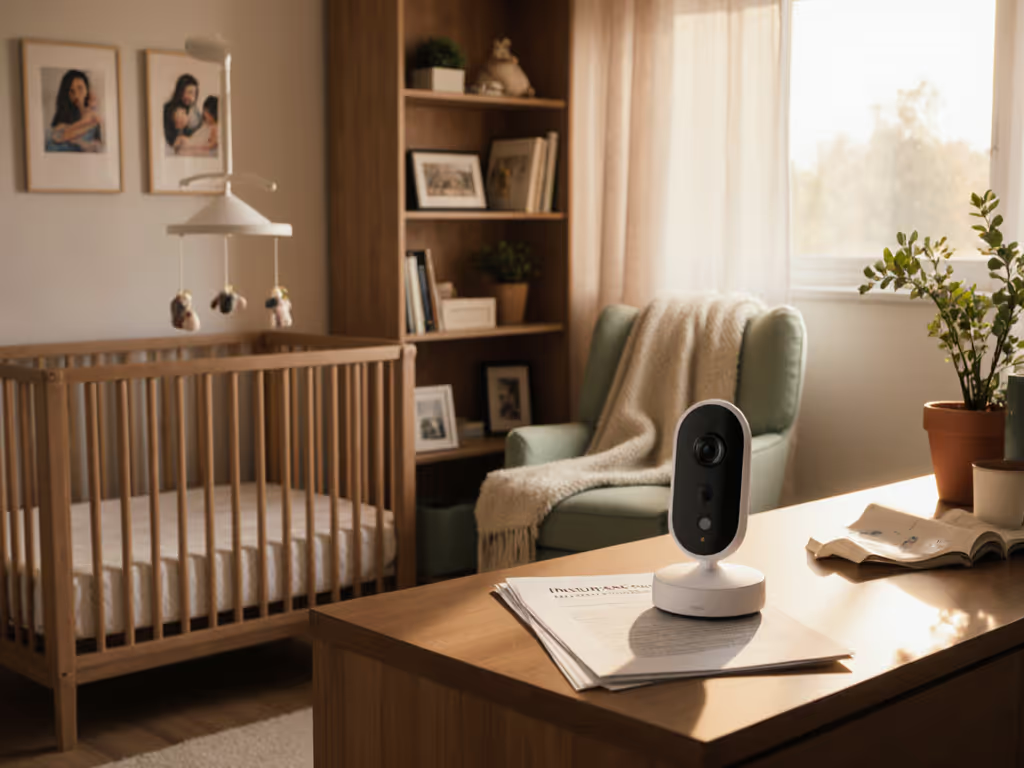
Baby monitor nightlight compatibility and low-light nursery monitoring comparison matter more than many parents realize when shopping for their first monitor. You're not just buying a camera; you're choosing a tool that will be part of your routine at 2 a.m., 4 a.m., and every quiet hour between. The difference between a monitor that captures clear breathing movements in a dimly lit nursery and one that returns grainy, washed-out footage isn't a luxury detail. It's the difference between knowing what's happening and wondering. It's the foundation of trust. For a deeper dive into how night vision works and what affects clarity in darkness, see our baby monitor night vision guide.
The stakes feel especially high when you're juggling sleep training, shift work, or handing off care to another caregiver. You need a monitor that works without requiring decisions or troubleshooting when you're exhausted.
The Problem: Not All Night Vision Is Created Equal
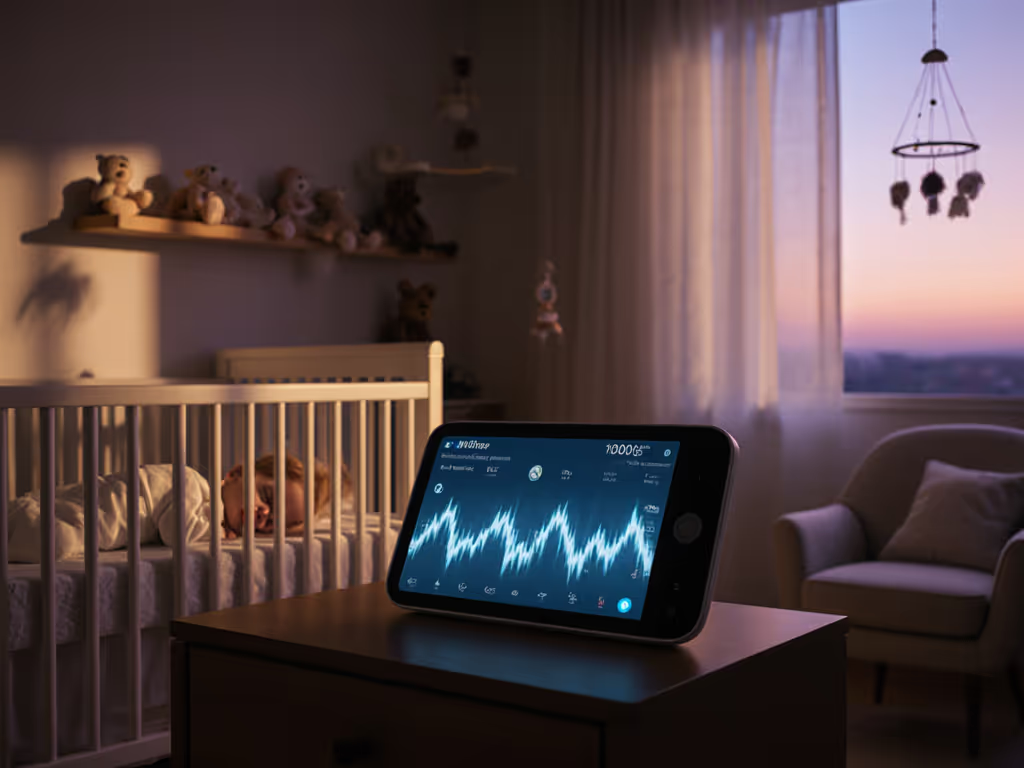
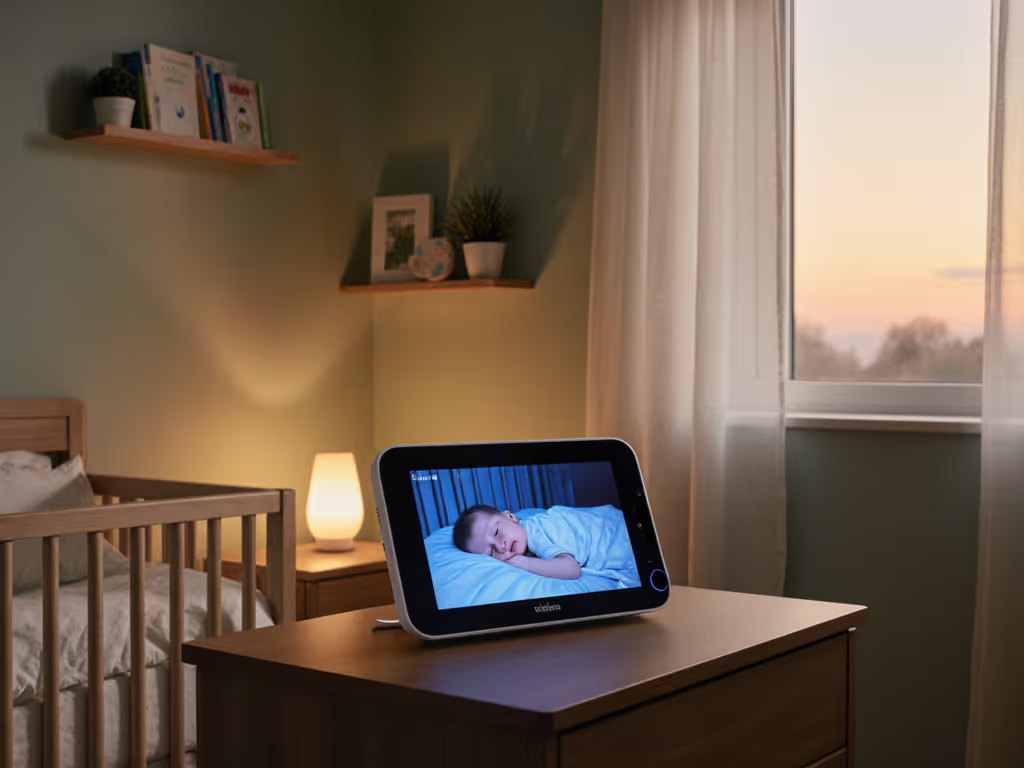
When you darken a nursery for sleep (whether you're using a dim amber nightlight, a white-noise machine with a soft glow, or nothing but blackness), your monitor's camera has to perform in conditions far from the bright daylight its specs promise. Many parents discover this frustration after purchase: the night vision either floods the image with infrared glare, rendering small movements invisible, or it softens detail so much that you can't reliably see chest rise, hand position, or subtle restlessness.
Ambient light camera performance varies dramatically across models. Some cameras are calibrated for complete darkness and become oversaturated when even a small nightlight is present. Others wash out in very dim conditions. Few are truly flexible, hitting the sweet spot that works beautifully whether your nursery is pitch-black, dimly amber-lit, or lit by a cracked door.
This matters in real life. You might use:
- A nightlight during the early weeks when you're monitoring constantly, then remove it during sleep training.
- A soft glow during naps but full darkness at night.
- Different lighting depending on whether you're checking on the baby or your partner is home and prefers more light.
- Varying light levels if you're traveling or using a grandparent's guest room.
Your monitor needs to adapt, or you need to know its limits before you commit to it. We’ve tested monitors in dim, nightlight-only rooms—browse our best low-light baby monitors to see which models stay clear with ambient glow.
The Agitation: Confusion, Handoffs, and the 3 a.m. Weight
Here's where it gets harder. You're comparing spec sheets that promise "HD night vision" across a dozen models, but the real-world performance is hidden behind product photos and marketing language. You read reviews mentioning monitors with crisp HD video with night vision, but no one tells you whether that crispness holds up when you've got a soft amber nightlight running.
If you're sleep-deprived and making decisions, the details that matter most slip away. You focus on price or brand name rather than the specific question: Will I be able to see my baby's face and chest clearly in my nursery's actual lighting?
Then there's the handoff problem. If you're sharing monitor duty with a partner, a family member, or a babysitter, baby monitor light sensitivity and consistent image quality become a liability. Imagine explaining to your mother-in-law why the monitor looks different in the morning when she turns on a lamp versus at night when she's in darkness. Imagine a nanny trying to assess whether the baby is settled when the night vision is so grainy she can't trust what she's seeing.
One family I worked with faced exactly this: they were using a popular app-based monitor, but the interface buried the brightness and volume controls so deep in the settings that their babysitter couldn't adjust them quickly if needed. When alerts came through muted or the image was too dark to read, the babysitter had to call them at work, or worse, hesitated to reach out. They switched to a simpler handheld monitor with a straightforward night-view preset and posted a two-line setup guide next to the monitor. Three weeks later, everyone knew the routine. No questions. No anxiety.
At 3 a.m., fewer decisions means more calm. The best monitor is the one that simply works within your routine, whether you're half-asleep or whether it's your first time using it.
The Solution: What to Look For in Low-Light Nursery Monitoring
When comparing monitors, focus on these practical dimensions:
1. True Night-Vision Clarity Without Washout or Glare
Look for monitors described as having active noise reduction or adjustable infrared levels. A camera that can dial down its IR in low-light conditions (rather than blasting at full strength) performs better when a nightlight is present. Some cameras also offer selectable night-vision profiles, one optimized for complete darkness, another for dim ambient light.
The proof is in the details: Can you see the baby's face and distinguish whether their eyes are open? Can you track chest movement? Do small hand movements register clearly, or do they blur into the crib bedding?
2. Nursery Lighting Compatibility Through Flexibility
The best monitors handle a range of light levels. This means:
- No harsh infrared glare even with a nightlight on.
- No crushing of detail in very dim conditions.
- Consistent color reproduction if you use color night vision (some cameras offer red or warm monochrome modes to preserve the nightlight's intent).
This flexibility buys you freedom. You're not locked into one lighting setup. You can adjust your nursery as your baby grows and your routine evolves.
3. Alert Tuning That Doesn't Overwhelm or Miss
When night vision is clear, your audio and movement alerts become more useful (not because the monitor detects more, but because you're not paranoid about missing something in a blurry image). Pair a good camera with tunable noise and cry detection. You want the ability to:
- Set a sound threshold so you're not woken by every sigh or shuffle.
- Test the alert before relying on it (many monitors let you record a sample cry and play it back through the alert to check volume).
- Disable movement alerts if you find them noisy during the learning phase.
This is where the caregiver handoff shines. A babysitter or family member can quickly understand: "If you hear three consecutive cries, the alert will sound. If the baby just fusses, it won't. Here's the sound test." Simple, predictable, trustworthy.
4. Connection Stability and Fallback Modes
Nursery lighting conditions also affect wireless performance. Ambient lighting can correlate with router placement (nightlights near outlets, routers near windows). Choose a monitor with:
- Rock-solid auto-reconnect if the signal drops briefly.
- An audio-only fallback mode so you don't lose monitoring if video becomes choppy.
- Clear indicators showing connection status, no guessing whether you're live.
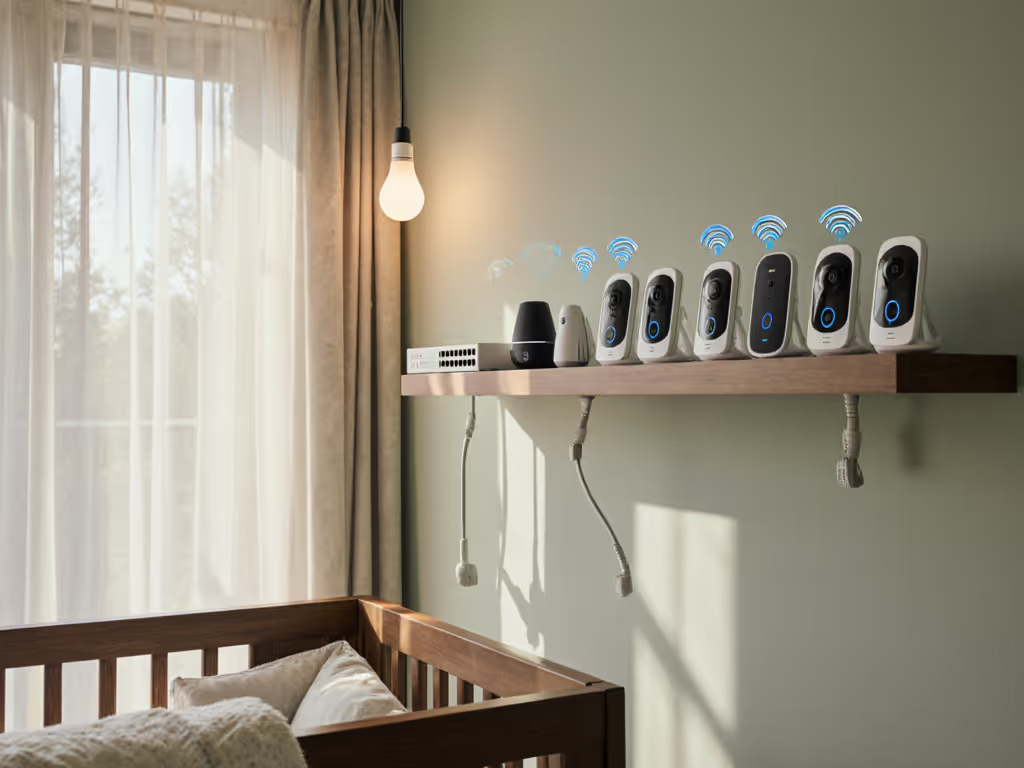
For families managing low-light nursery monitoring comparison, non-WiFi options often win on simplicity and range consistency. Not sure which route fits your home? Our WiFi vs non-WiFi baby monitors guide breaks down reliability, privacy, and feature trade-offs. A monitor with local transmission (no cloud, no app login required) eliminates one source of connection fragility. But if you prefer WiFi for smartphone alerts, ensure the model you choose has been tested in environments similar to yours.
5. Practical Setup for Handoffs
Before you buy, ask:
- Can I mount this securely without running cables across the crib or floor?
- Is the image angle adjustable, or am I stuck with one viewpoint?
- Can I show a caregiver how to operate it in under two minutes?
- Is there a parent unit with buttons, or do I have to use an app?
The simplest handoff is no handoff at all. Set it once, then sleep the plan. A monitor with physical buttons and a dedicated parent unit beats one requiring app navigation when you're handing care to someone less tech-savvy. But if you love your smartphone app, ensure the controls are intuitive enough that a grandparent can troubleshoot with a single phone call.
What the Options Look Like Today
Recent reviews reveal a clear pattern among leading monitors. Dedicated parent units (non-WiFi monitors) consistently deliver strong night vision because they're optimized for a closed system with no compression. The Infant Optics DXR-8 PRO, for example, offers a 5-inch HD display and an interchangeable lens system, allowing you to switch camera perspectives without replacing hardware. It's designed for caregivers who want zero app dependency.
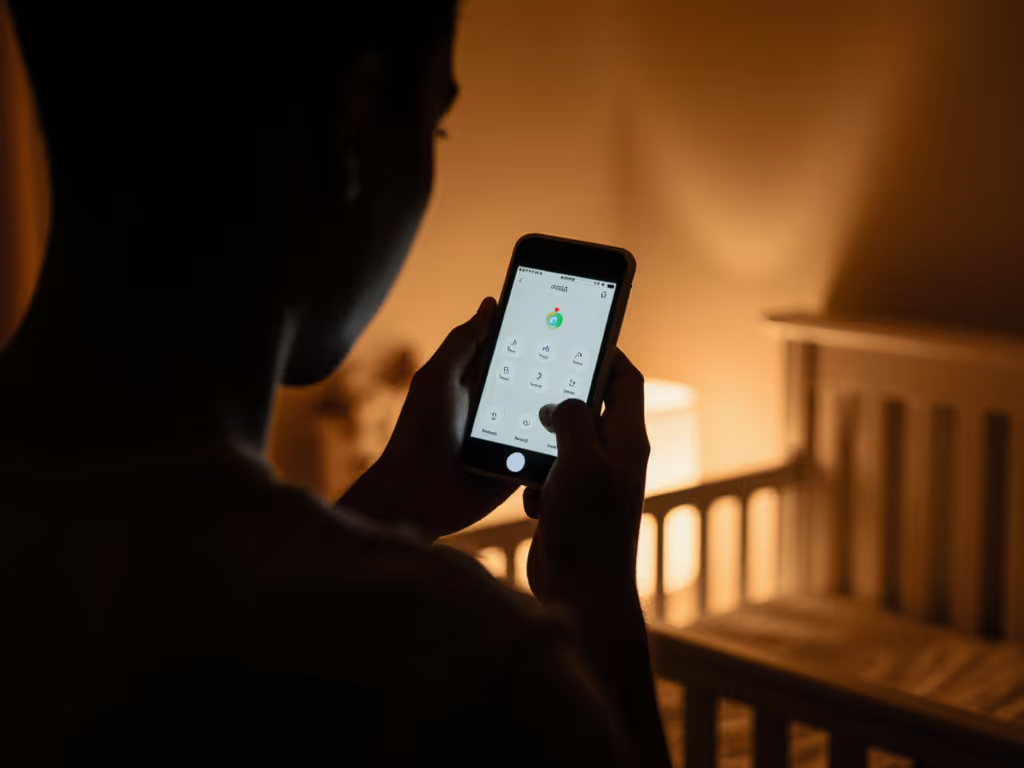
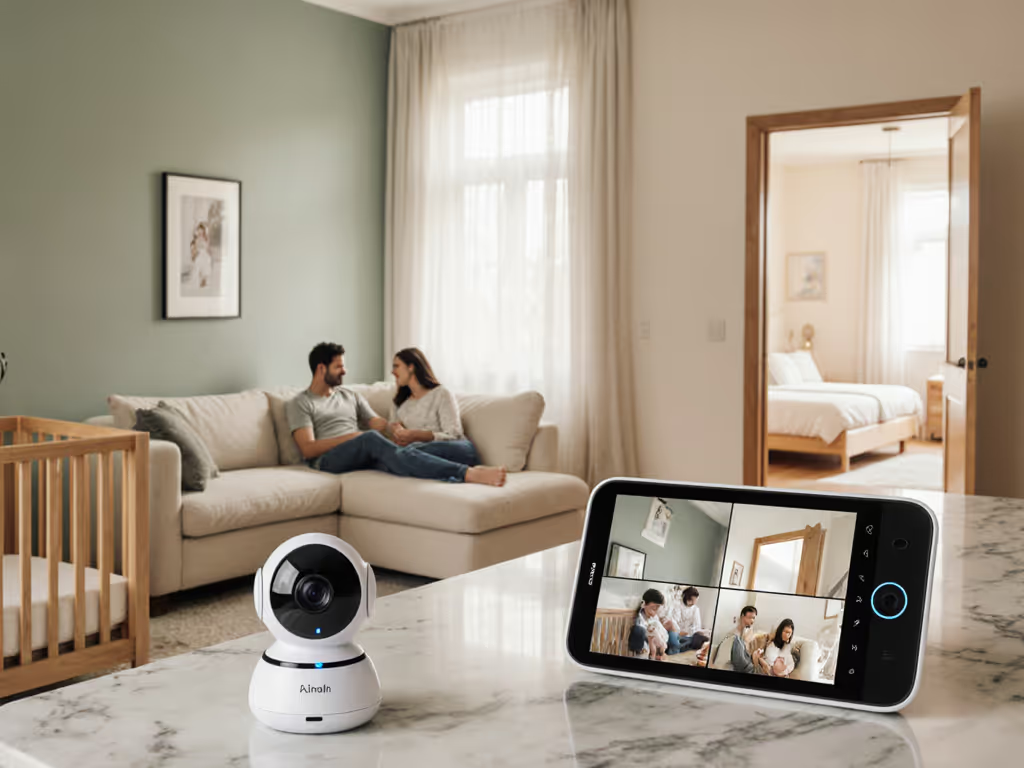
WiFi-based monitors like the Nanit Pro add smartphone convenience and sleep analytics, with features like split-screen and height tracking that can help you track growth over time. These work beautifully if you're comfortable with cloud recording and app-based monitoring, and if your WiFi is reliable in the nursery.
Mid-range options like the Miku Smart Baby Monitor or VTech VM819 offer a practical middle ground: strong local features, intuitive interfaces, and honest limitations. The Miku processes data locally without requiring cloud storage, preserving privacy while delivering breathing and movement tracking. The VTech runs on secure FHSS transmission with up to a 1000-foot range and impressive battery life (up to 29 hours in audio-only mode), making it portable for travel or multi-home families.
The key differentiator isn't the brand; it's whether the specific model has been tested for performance in low-light conditions similar to yours, and whether its interface supports the caregiver workflow you actually have.
Plain Steps to Choose Your Monitor
-
Define your lighting scenario. Pitch-black, dim amber nightlight, or variable? This drives 80% of your choice.
-
Decide: app or parent unit. Do you want smartphone flexibility, or do you prefer a dedicated device that won't drain your phone battery?
-
Check night-vision reviews for your lighting. Search for real-world user footage or reviews that specifically address night vision in dim light (not just the manufacturer's spec sheet).
-
Test the handoff. If a caregiver will use it, can they operate it in one or two simple steps?
-
Verify connection resilience in your home. Does the model work reliably across the distance and through the walls between your router and nursery?
-
Plan your setup before you unbox it. Mount location, cable routing, audio alert placement: write this down so the next caregiver understands without asking.
Further Steps: Refining Your Routine
Once you've chosen a monitor, invest 15 minutes in a setup ritual:
- Test night vision with your actual nightlight (if you use one) in your actual nursery. Adjust the camera angle to capture the area that matters most to you.
- Configure alerts and test them from across the house.
- Create a one-page handoff guide if someone else will monitor. Include: how to power on, what the alerts mean, how to adjust volume, and when to call you.
- Revisit this setup every few months as your baby grows and your routine changes; your ideal camera angle or alert sensitivity might shift.
The payoff isn't a perfect monitor. It's a monitor you trust enough that it fades into the background of your routine. You stop wondering if it's working. You stop second-guessing the image. You simply know.
A well-matched monitor, one that sees clearly in your nursery's actual light, that your caregiver can operate without friction, and that alerts you reliably without noise, is the closest thing to peace of mind in the middle of the night. Take time to explore your options, test a few models if possible, and talk with other parents in your community about what works in their homes. The monitor you choose today becomes the quiet partner in your nighttime routine for months to come. Make it count.
Related Articles