Multi-Camera Baby Monitors Tested: 3+ Room Stability
By Diego Martins • 12th Apr
When you're watching multiple rooms or twins simultaneously, the monitor's core job shifts from "can it see one baby?" to "does it stay connected across my whole home without hiccups?" A robust multi-camera baby monitor comparison reveals that 3+ camera monitoring systems don't just stack specs; they expose which platforms degrade under real-world load, interference, and distance. Most fail on one of three fronts: connectivity dropouts as you scale, UI complexity that makes multi-room monitoring a chore, or feature locks that rope you into subscriptions the moment you add a second or third camera. If you're still weighing the WiFi vs non-WiFi decision, settle that first—it drives stability more than any spec sheet.
After testing systems that claim to support four cameras but crumble at two, the pattern is clear: budget doesn't mean brittle, but scale always exposes cost-cutting. Here's what separates monitors that hold up when you're monitoring a nursery, a playroom, and grandma's guest room from those that don't.
Why Multi-Camera Expansion Matters in Real Homes
Expanding from one camera to three isn't a luxury; it's often a necessity born from layout. You have twins in separate rooms. You're renting a multi-story walk-up with walls that eat 2.4 GHz signals for breakfast. You're coordinating monitoring with a nanny or grandparent across different zones. Or you've learned the hard way that a single camera misses the full picture when a baby rolls to a blind spot.
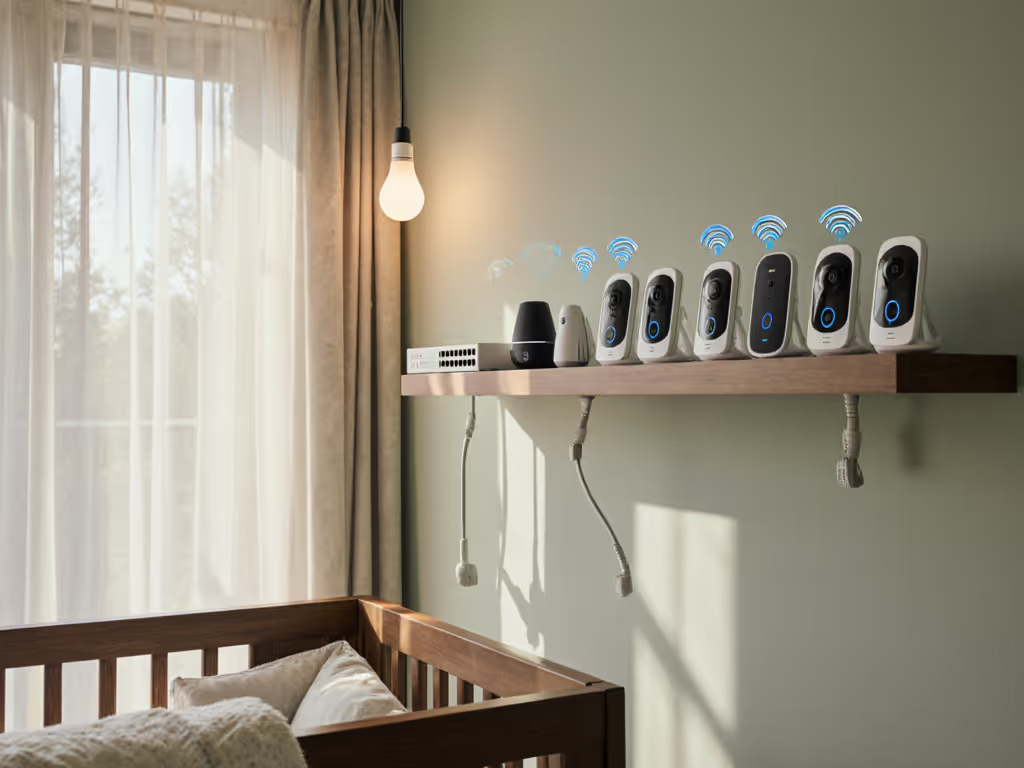
But here's where systems fracture. Adding a second or third camera doesn't just add coverage, it multiplies bandwidth, increases radio interference risk, and forces the monitor's processor to juggle multiple streams. Many monitors sold as "supports 4 cameras" will happily pair four devices, then deliver laggy, stuttering video once you actually use three.
The honest spec you won't find on a box: cost-per-night math for multi-camera reliability. A monitor that holds a 1000-foot range on one camera but drops to 300 feet on the third is mathematically weaker than a system designed from the ground up for split duty.
Core Specs That Separate Stable Multi-Room Systems
When evaluating a baby monitor's interface scalability for three or more rooms, look past camera count and focus on these unglamorous but critical measures:
Range Under Load Most monitors spec range with a single camera active in open space. Real homes are different: thick plaster walls, metal studs, Wi-Fi meshes, and microwave interference all hammer range. Systems using frequency-hopping spread spectrum (FHSS) or a dual-mode approach (local plus Wi-Fi fallback) tend to hold up better as you add cameras, because they're not fighting for a single 2.4 GHz channel. I recall finding a plain, unassuming FHSS unit in a clearance bin once, right next to three flashy Wi-Fi models. Over two weeks in a thick-walled apartment with shared walls, the Wi-Fi trio dropped out nearly every night. The FHSS monitor didn't miss a beat. That stability (not the feature set) is what parents actually need at 2 a.m.
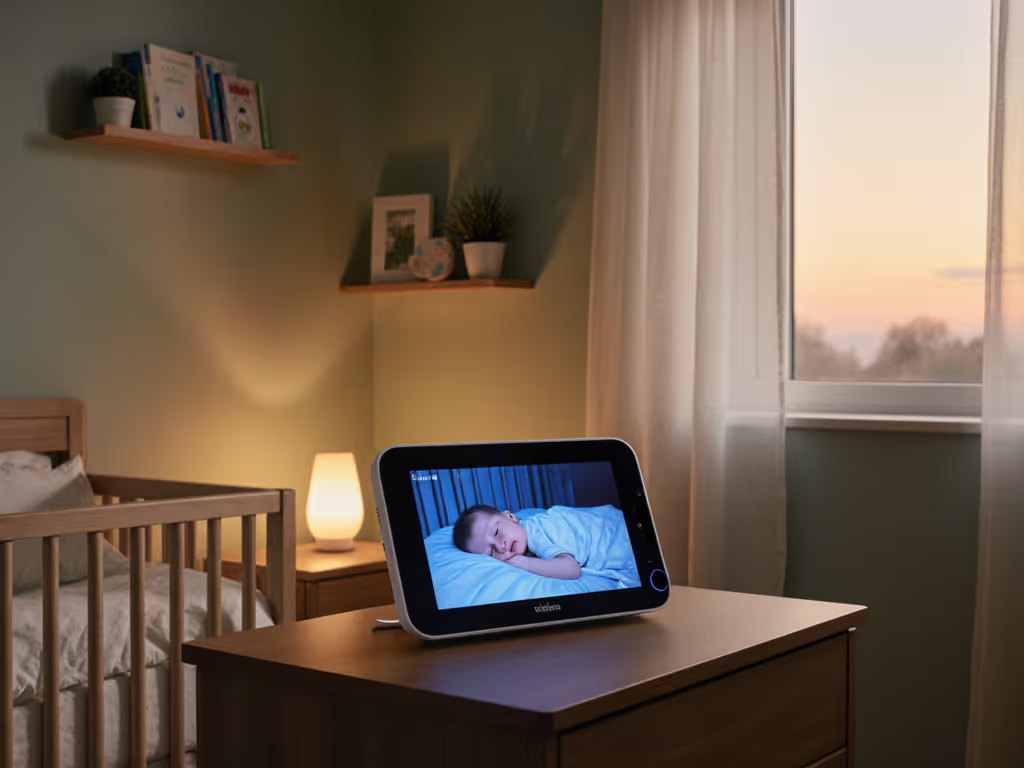
True Split-Screen Rendering, Not Rapid Cycling A split-screen that refreshes both feeds simultaneously at 15+ fps keeps you from missing a sudden movement or cry. Monitors that rapidly cycle between cameras (flipping every 2-3 seconds) create a false sense of dual monitoring; you're actually blind to the second child half the time. For implementation differences and test data, see our split-screen guide. When you have twins or multiple young children, cycling is a security liability disguised as a feature.
Battery Endurance Across Multi-Camera Load A parent unit claiming 12-20 hours of battery life on a single camera often drops to 6-8 hours when monitoring three. Seek explicit runtime specs under multi-camera load, not just best-case single-camera numbers. Look for eco/VOX modes that shut down the screen between sound triggers, extending night-watch sessions without a charger tether. For more ways to extend runtime (and which features drain fastest), read our battery life guide.
Graceful Auto-Reconnect Logic When you have three cameras, the odds of a brief drop increase. Systems that require manual re-pairing after any disconnect, or that fall back to audio-only without warning, create stress and doubt. Rock-solid multi-camera platforms auto-reconnect within 1-2 seconds and queue missed video frames so you don't lose the crucial moment when connection restores.
Real-World Multi-Camera Scalability: A Comparison
Babysense HD Split-Screen 2-Camera System This is the "unassuming" option in a crowded field. It pairs up to four cameras to one parent unit, uses a closed (non-Wi-Fi) link with a 1000-foot range, and delivers true split-screen on a 5" HD display. No app required; no subscriptions; no cloud recording. The trade-off is simplicity itself: you get what you see, no remote viewing from the grocery store. For whole home monitoring setup in a single house or apartment, the stability is exceptional. You're paying once, sleeping always, skipping subscriptions and surprises. Battery runs 12 hours in regular mode, 20 in eco. The range holds even with three cameras active because there's no Wi-Fi congestion to fight. This is the system that would have been in that clearance bin if retailers understood what parents actually value.
Momcozy BM04 Dual-Mode Smart Monitor This one hedges: local FHSS link and Wi-Fi fallback, so you're covered if your home network glitches. Includes two cameras with dual-mode operation, 5" HD split-screen, 1000-foot local range, and 12-hour battery. Independent pan/tilt/4x zoom per camera, so you're not locked into a fixed view when monitoring multiple rooms. The dual-mode design adds complexity (two pairing workflows) but buys real-world resilience. It's positioned squarely at parents who want choice (local reliability when at home, Wi-Fi access when away). Temperature and humidity tracking per room is handy if you're sleep-training multiple spaces. No subscription required for core features; optional cloud recording if you want it.
Nanit Pro Multi-Camera Systems Nanit sells 2- or 3-camera bundles with app-based monitoring, 1080p video, and sleep tracking. True split-screen on the app, picture-in-picture multitasking, temperature/humidity tracking, and breathing-band sensors (0-3 months). The architecture is cloud-first: you can view locally over Wi-Fi, but Nanit's model is cloud recording, app notifications, and sleep analytics. If you love data and don't mind a subscription for deeper insights, this scales gracefully to three cameras. The downside: core app features are included, but premium insights (the sleep analytics parents often buy for) require a paid Nanit Insights Sleep Plan. It's not "pay once"; it's "pay, then decide how much more."
Lollipop Smart WiFi Camera Bundle Two cameras, app-based, 1080p HD, no monthly fees for core features, and crying-detection AI that learns to distinguish between twins. Flexible-stem design (doesn't look like typical surveillance gear), unlimited range via cloud, 7-day cloud recording built in. The "no monthly fees" pitch is honest but incomplete: cloud-first architecture means you depend on your Wi-Fi and Lollipop's servers. Scaling to four cameras is possible but unsupported in official docs; you'd be threading third-party integrations. For parents who want a simple two-camera nursery+playroom setup and are comfortable with cloud recording, it's solid. For true multi-room expansion, you're on thinner ice.
Infant Optics DXR-8 PRO Closest to Babysense in philosophy: closed local link (FHSS), supports up to four cameras, no Wi-Fi required, no subscriptions. Uses a parent unit (not an app), so battery anxiety is lower and setup friction is minimal. Specs are sparse in public docs, so it's harder to compare latency and range under multi-camera load, but the product's reputation for "just works" stability mirrors Babysense's appeal. For hands-on range, clarity, and ANR testing, see our DXR-8 Pro review. Price sits between budget and mid-range; less flashy but designed for parents who value uptime percentages over feature count.
Multi-Room Monitoring Workflow: Designing for Your Layout
Master Bedroom + Secondary Bedroom + Shared Space For a two-story home or large apartment, this spread isolates rooms from each other. Position cameras 1-2 feet from the crib to capture breathing and small movements, and place the parent unit (or your phone if using Wi-Fi) in the master bedroom. If monitoring includes a playroom downstairs, you've now pushed range limits; make sure your monitor's range is rated for your home's wall density (plaster vs. brick vs. metal studs makes a 30-40% difference).
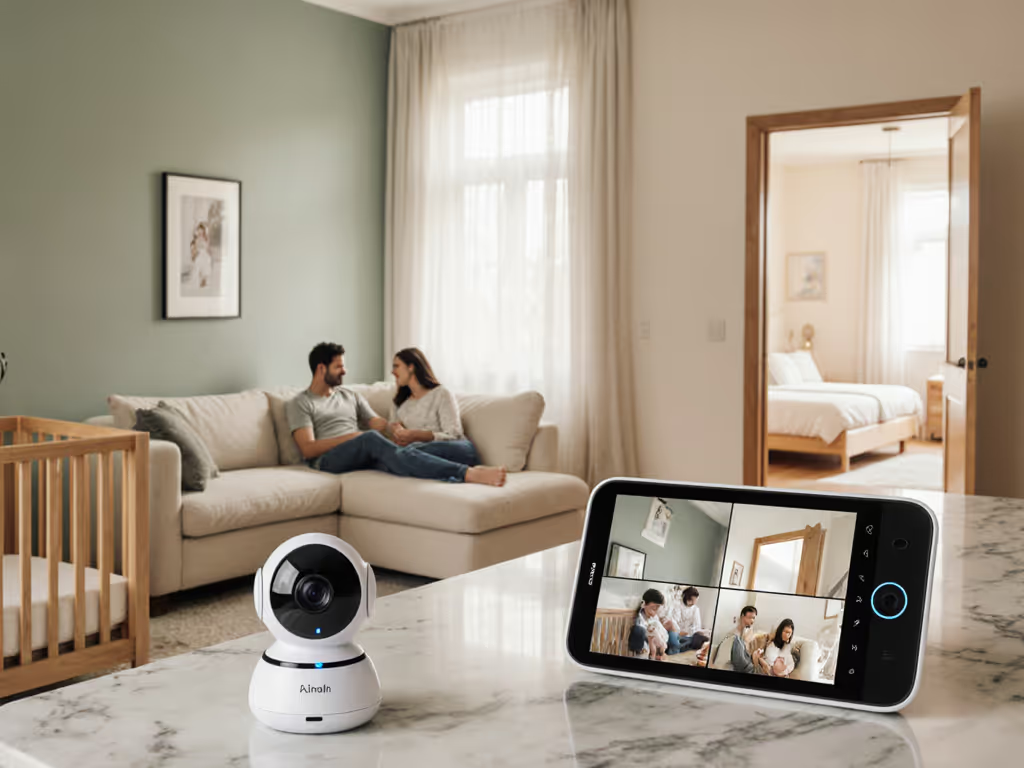
Twins in Adjacent Rooms + Hallway Split-screen is essential here. Camera one on twin A, camera two on twin B, and optionally a third in the hallway to catch rolls or escapes. True simultaneous split-screen (not cycling) means you'll see if one wakes the other or if they're settling at different rates. This is where Babysense and Momcozy's genuine split-screen rendering win, so you're not flying blind for half your monitoring window.
Apartment/Condo Multi-Floor Scenario This is where dense Wi-Fi interference and thick walls (shared with neighbors) kill many systems. Local FHSS links (Babysense, DXR-8, Momcozy's FHSS mode) are more resilient here. If you're committed to Wi-Fi monitoring, use a dedicated 5 GHz band if your monitor supports it; 2.4 GHz in a condo is chaos. Position cameras away from external walls and neighbors' routers. Test the link before committing, or choose a system with a generous return policy so you can validate real-world range.
Baby Monitor Camera Expansion Limits: When More Cameras Backfire
Every monitor has a practical ceiling, distinct from its rated maximum.
An "up to 4 cameras" monitor often means you can pair four, but video latency grows, battery drain accelerates, and the UI becomes tedious. If you need to monitor a second home or daycare center in addition to your primary home, a single four-camera parent unit won't give you clean separation. You'd be better served by two complete systems: one for home, one for the secondary location.
More cameras also mean more interference sources. Four cameras on 2.4 GHz FHSS in a dense urban apartment can create crosstalk; you'll see random glitches or range shrinkage even though you're in range. Stagger camera placement to avoid line-of-sight clustering, and if you're hitting the practical limit, consider whether you need a fourth camera or whether a wide-angle lens on an existing camera (pan/tilt/zoom) gives you the same coverage.
Return-policy insights: Systems from established brands (Babysense, Nanit, VTech, Infant Optics) typically offer 30-60 day returns. If you buy a "4-camera" monitor and real-world testing shows it chokes on three, return it guilt-free. Many parents don't, out of inertia; that's how mediocre multi-camera systems stay on shelves.
Making Your Choice: Stability First
- Want zero Wi-Fi dependency, local-only monitoring, and the highest uptime percentage? Babysense or DXR-8 PRO. Pay once, get rock-solid FHSS range, no subscriptions, and battery life that lasts a full night. Trade-off: no remote access from outside the house, fewer analytics bells.
- Want local reliability plus Wi-Fi fallback for the occasional remote check? Momcozy BM04 dual-mode. It gives you choice. Still no subscription required for core features.
- Want premium sleep insights, cloud recording, and don't mind a subscription? Nanit Pro scales to three cameras gracefully, and the sleep tracking is genuinely useful for parents doing sleep training. Budget for the Insights plan if you want the full data picture.
- Want a visually subtle, app-based system with no monthly fees? Lollipop works for two-camera setups. Scaling beyond that requires unofficial workarounds.
Your Next Step: Validate in Your Home
Before buying, sketch your home's floor plan on paper. Mark nursery, playroom, and monitoring zones. Measure the longest distance you need the monitor to reach, say, master bedroom to nursery two floors down, accounting for walls. Cross-reference that distance against the monitor's rated range in an environment similar to yours (not "open field" specs).
If you're in a thick-walled older building or a condo with shared walls, prioritize systems with FHSS or dual-mode because Wi-Fi-only specs will disappoint. If you have twins or a second child on the way, demand true split-screen (simultaneous rendering), not cycling.
Then, choose a system with a 60-day return window and test it in your actual home for a week (through a nap, a night sleep, and a move between rooms). If the connection holds, the split-screen is smooth, and the battery lasts through the night without drama, you've found the right fit. If you see dropouts, latency, or the interface frustrates you, return it. One good night of sleep thanks to a reliable monitor is worth more than saving $50 on a system that'll stress you at midnight.
Budget doesn't mean brittle, but it does mean choosing wisely. Pay once, sleep always, and skip subscriptions and surprises that turn a helpful tool into a source of anxiety. The best multi-camera monitor is the one you forget you're using because it simply works, night after night, across every room that matters.