Baby Monitor Placement for Sleep Quality: Complete Guide
By Amina Qureshi • 15th Mar
The midnight check-in ritual (padding quietly down the hallway, pressing your ear to the nursery door, watching for a small chest rising and falling in the dark) is a dance new parents know well. For many, a baby monitor promised to outsource that vigilance. But the devices we install to watch over our children's rest often come with a hidden cost: they can disrupt our sleep instead. Baby monitor placement for sleep quality isn't just about positioning a camera to catch movement or sound. It is about understanding what the monitor actually does to your home, your network, and (surprisingly) your own nervous system.
This guide cuts through the marketing and addresses what really matters: where placement fits into a threat model that protects both your child's sleep and your family's privacy.
How Does Placement Actually Affect Sleep Quality?
Does a Monitor's Location Impact Parental Sleep?
Yes. And the mechanism is layered. Research shows that adults exposed to radiofrequency (RF) radiation emitted by baby monitors operating at 2.45 GHz experienced measurably reduced sleep quality over seven nights, with roughly a quarter of exposed participants meeting clinical thresholds for insomnia risk[1][2]. If your monitor sits within arm's reach of your bedside table (a common placement so you can glance at the screen without moving) that proximity matters[2]. For step-by-step ways to lower exposure while keeping coverage, see our EMF safety guide.
But there is a second, psychological layer. Studies on real-world use reveal that when monitors work reliably, parental anxiety drops and sleep improves[3]. When they fail (dropping connection, missing alerts, or showing garbled video) stress and sleep disruption spike[3]. Placement, then, is not just about the camera's line of sight to the crib. It is about whether the device maintains stable communication without false alarms or dead zones that force you to check manually.
What About the Monitor's Impact on Your Home Network?
Here is where threat modeling enters the picture. Many monitors, especially older or budget models, transmit data over 2.4 GHz Wi-Fi or proprietary RF protocols. That means your device is constantly broadcasting signals that leave your home. I once tested a monitor marketed as "secure" and watched metadata leaving a home network at 3 a.m.: timestamps, device IDs, signal strength beacons. The parents were not streaming anything. We replaced it with a local-only model, reset credentials, and the logs went quiet. Their shoulders dropped; mine did too[2].
If it phones home, it needs a very good reason. Most parents do not need live remote access; they need reliable local monitoring.
Placement that reduces RF exposure (moving a parent unit away from your bed, choosing a monitor that supports local-only viewing rather than cloud-dependent streaming) is a small control lever you actually have.
Does the Monitor's Placement Affect Infant Sleep?
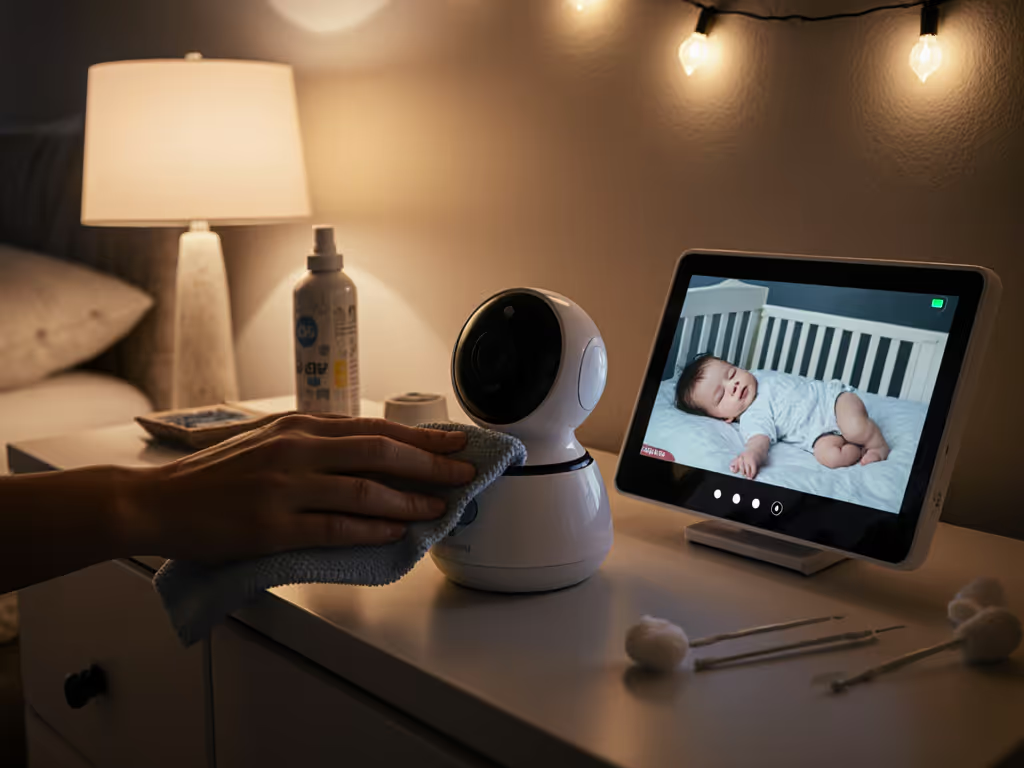
Indirectly, yes. Research on infants shows that excessive screen time in the bedroom correlates with shorter total sleep duration and reduced longest sleep episodes[4]. If your monitor placement encourages you to check the video feed constantly, or if notifications are frequent enough to wake a sleeping infant, that affects their rest. Additionally, nursery camera lighting effects (IR LEDs, indicator lights, or even the glow of a screen left on in the room) can disrupt circadian rhythms, especially in infants whose eyes are still developing sensitivity to light[1]. Compare no-glow night vision options to avoid visible IR that can disturb sleep.
Sleep environment optimization means thinking about what you are adding to the room, not just what you are watching in it.
Real-World Evidence
When monitors perform poorly (false alarms, frequent disconnections, latency that makes it hard to judge if your baby is actually crying or just settling) parental stress rises, and that stress enters the room through your behavior[3]. Children pick up on parental tension. The best placement is one that fades into the background: reliable enough that you trust it and stop obsessing over the screen.
Where Should You Place a Baby Monitor for Optimal Sleep?
Positioning for Coverage and Low Latency
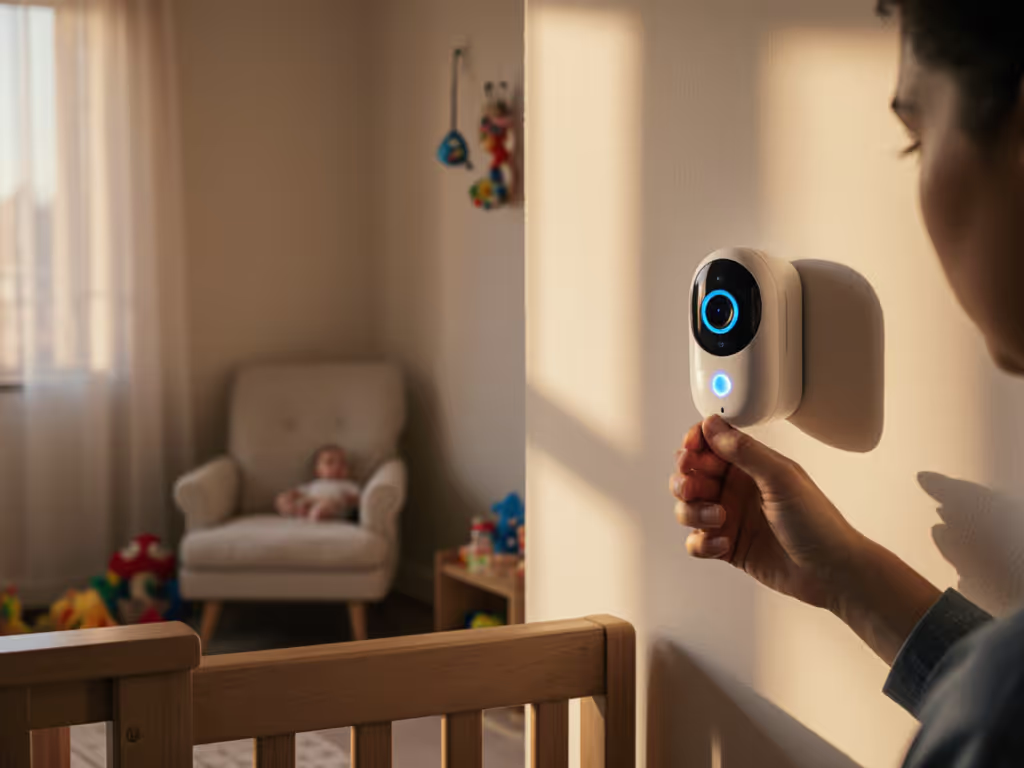
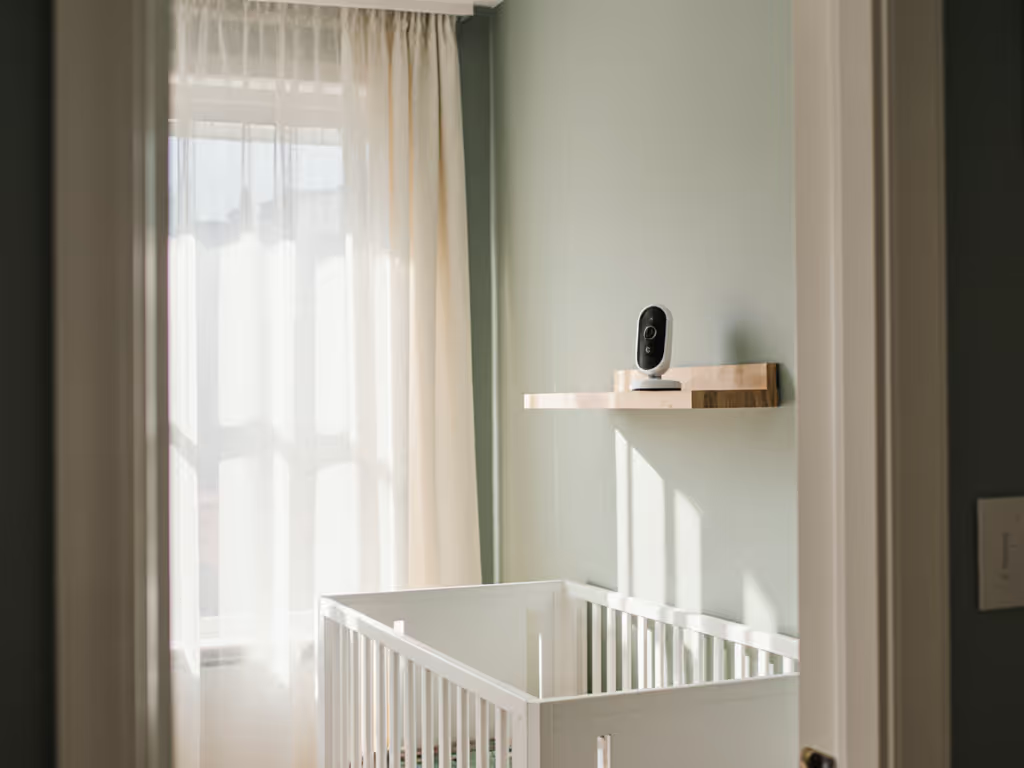
Crib sightline: Mount the camera high and at an angle, roughly 4 to 6 feet above the crib, positioned to capture the infant's face, chest (to assess breathing), and body position[2]. Avoid placing it directly above the crib where a child could eventually reach it or where cables hang over the sleep surface. For a room-by-room walkthrough, see our strategic placement setup guide.
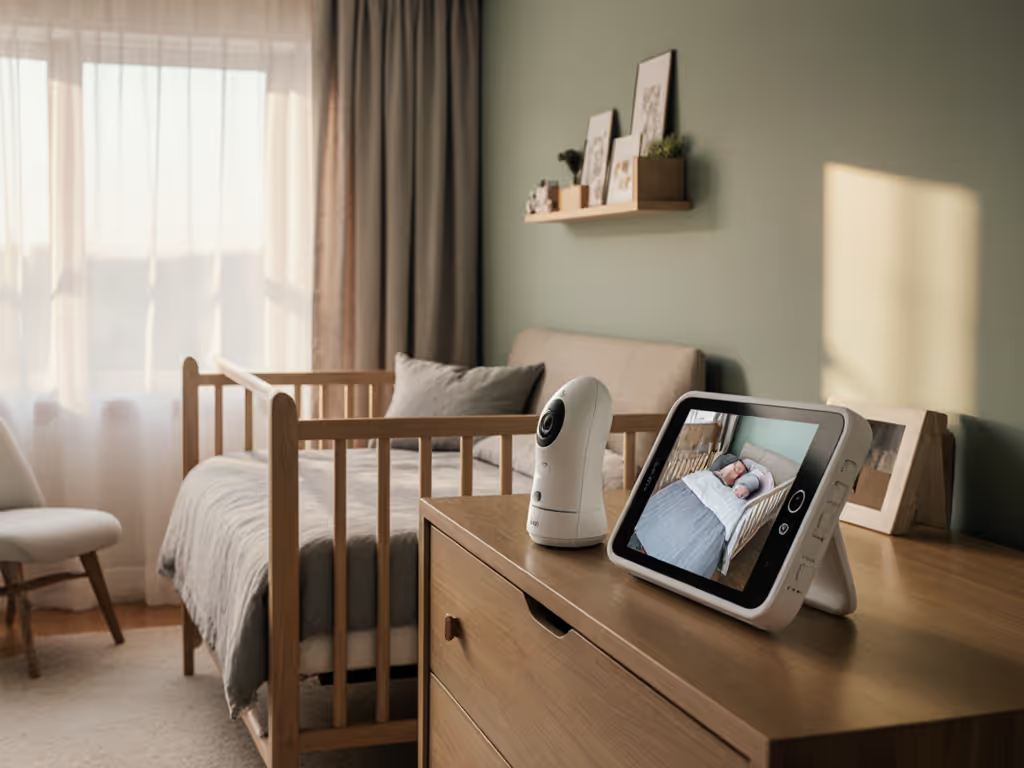
Distance from your bed: If using a parent unit, keep it on a nightstand or dresser at least 2 to 3 feet from your pillow[2]. If you are using your phone as a monitor, place the phone across the room rather than under your pillow or on your chest. This single change can meaningfully reduce RF exposure while you sleep[1].
Wall material matters: Brick, plaster, and older metal-studded walls attenuate Wi-Fi signals more severely than drywall. If you are monitoring across floors or through thick exterior walls, placement near a router or a Wi-Fi extender becomes critical. For tested strategies by wall type, see our home construction range guide. Dense urban apartments with neighbor interference are particularly challenging; local-only monitors avoid that problem entirely[2].
Interference and Connection Stability
Placement near other 2.4 GHz devices (microwaves, cordless phones, mesh Wi-Fi nodes, baby sound machines, wireless baby gates) invites signal collision. If possible, place your monitor's camera and parent unit on channels or frequencies clear of that clutter. FHSS (frequency-hopping spread spectrum) monitors hop across channels to avoid it, but not all do[2]. This is why understanding your home's RF environment (identifying interference sources) is part of placement strategy.
What About Privacy? Does Placement Reduce Risk?
Local Viewing vs. Cloud-Dependent Placement
No monitor placement physically stops a device from phoning home. But your choice of which monitor you place determines whether it can. Many mainstream monitors require cloud connectivity, cloud storage subscriptions, and mandatory accounts. By definition, your data leaves your house and network, stored on servers you do not control, governed by privacy policies you may not have read carefully.
A local-only or on-device encrypted monitor (one with end-to-end encryption and no cloud dependency) means your footage never transits the internet. Learn the pros, cons, and setup steps in our local storage monitoring guide. Placement becomes about managing your home's attack surface, not about trusting a manufacturer's vague claims.
Encryption Verification
If a monitor's manufacturer claims "military-grade encryption," ask: Where is the decryption key? Is it on your device, or on their server? If they hold the key, they can decrypt. If the key is generated and stored only on your local parent unit, they cannot. This distinction (plain-language crypto) is worth understanding before placement. You are not just positioning a device; you are deciding what data stays home.
What Signals Suggest a Placement Problem?
- Frequent disconnections: Camera loses contact with parent unit or app after brief Wi-Fi dips. Suggests placement is marginal for range or interference.
- Latency lag: 3+ second delay between live motion and what you see on screen. Hard to judge if baby is actually awake; tempts you to check manually.
- Spotty night vision: IR washout, glare, or grainy footage hiding chest rise and small movements. May indicate camera angle, reflective surfaces, or inadequate low-light performance (not always placement, but placement can worsen it).
- Phantom alerts: False alarms for sound or motion. May be sensitivity miscalibration, but placement near a vent, heating unit, or high-traffic room increases noise.
- Constant app notifications: If your phone is flooded with updates, you will stop trusting the monitor and increase manual checking instead, defeating the purpose.
Monitoring and Circadian Rhythms: The Bigger Picture
Placement is also about not over-monitoring. Constant screen checking suppresses melatonin production in you and can inadvertently disrupt your infant's natural sleep cues. The goal is to place a monitor you can trust enough to stop looking at. That means:
- Reliable sound or motion alerts that do not trigger constantly.
- Video quality good enough to assess your baby's state quickly, so you do not need to stare.
- A parent unit or phone placed far enough away that checking it is not automatic (it requires intention).
This is why baby sleep development monitoring through a trustworthy device is different from obsessive surveillance. Placement that supports appropriate vigilance (checking when alerted, not constant scrolling) protects both child and parent sleep.
Key Takeaways: Placement as Part of a Sleep Strategy
- Position the camera for clear sightline to face, chest, and body; mount high and away from the crib itself.
- Distance your parent unit or phone at least 2 to 3 feet from where you sleep to reduce RF exposure.
- Map your home's interference landscape: note 2.4 GHz appliances, neighbors' networks (especially in apartments), and wall materials. Adjust placement accordingly or choose a monitor protocol less prone to interference.
- Choose a monitor that aligns with your privacy model: local-only viewing and end-to-end encryption eliminate the need to trust a cloud service with your baby's movements.
- Use alerts as a circuit-breaker, not a scroll trigger: once placed, a good monitor should fade into the background. If you are constantly checking the feed, placement or device reliability is part of the problem.
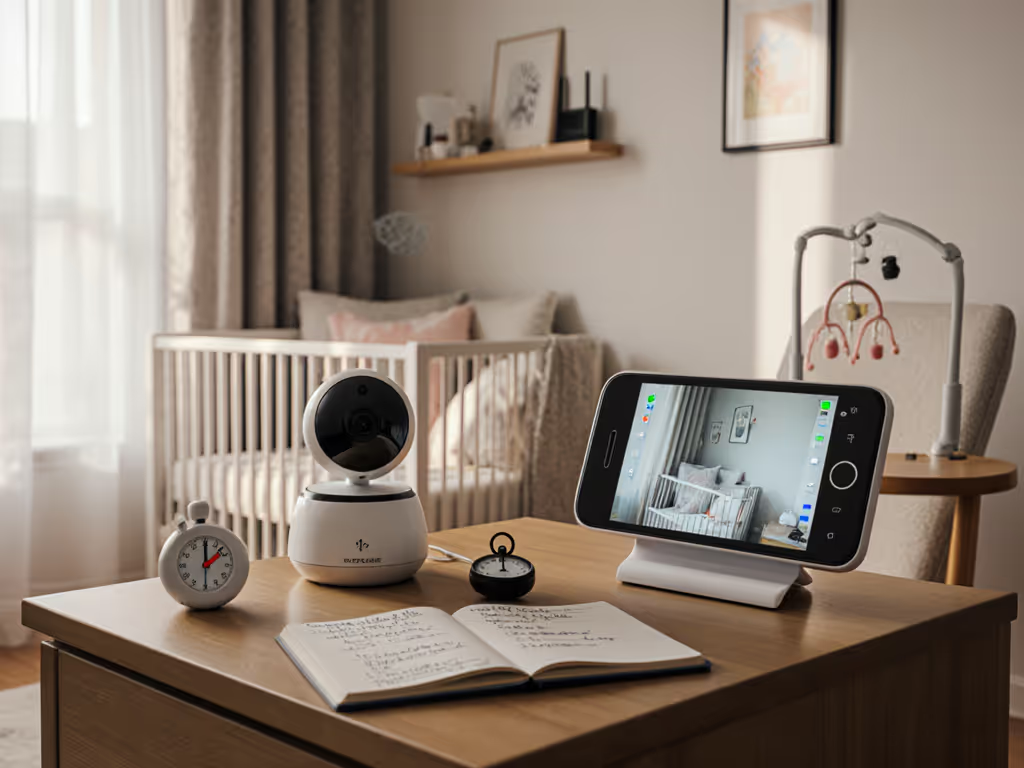
- Test placement before committing: move the camera and parent unit around, simulate nap and nighttime conditions, check range and latency. A 15-minute walkabout before midnight prevents weeks of poor sleep.
Further Exploration
Monitor placement is one lever. But placement without reliable performance, transparent privacy, and accurate night vision is just theater. As you evaluate where to mount a monitor, also audit what leaves your home when it is on. If the manufacturer will not explain their data flow, their encryption key custody, or their firmware update policy (if it phones home and they cannot give you a good reason) keep looking. The goal is a monitor placed so thoughtfully and chosen so carefully that you can trust it and forget about it, letting both you and your child sleep. Ask manufacturers directly about local viewing, show you their encryption architecture in plain language, and demand to see real-world range maps and latency numbers, not marketing specs. Your sleep (and your sense of home privacy) depends on it.
Related Articles