Stable Premature Baby Monitor Placement Guide
By Nora Jensen • 3rd Jan
For parents of premature infants, premature baby monitoring isn't just about peace of mind, it is about catching subtle changes in breathing patterns, color shifts, and movement that demand immediate attention. Yet too many parents struggle with a fragile infant monitoring system that fails precisely when needed most: during critical sleeping hours or when moving between rooms. Walls aren't opinions - they are signal barriers and passage paths, and your home's layout dictates whether your monitoring system will deliver reliable, real-time data. This isn't about buying the most expensive unit; it's about strategic placement that works with your specific environment. Forget marketing claims about universal range, because your plaster walls and metal studs change everything. For a deeper look at material impacts on signal, see our signal range by home construction guide.
Why Standard Baby Monitor Placement Advice Fails for Preemies
How does building material affect premature baby monitoring reliability?
Standard advice says to place the camera 3-5 feet away from the crib, but that ignores how your home's architecture impacts signal integrity. Brick walls attenuate 2.4 GHz signals by up to 20 dB, while foil-backed insulation (common in newer builds) can create near-total signal blackouts. For fragile infant monitoring systems processing critical biometric data, even a 1-second dropout can be devastating. In my former work installing home networks, I measured plaster-and-lath walls causing 12 dB drop-offs, while metal studs in newer constructions fragmented signals unpredictably.
This is why mapping your home's material callouts before choosing equipment is essential. A preemie home monitoring system needs consistent, low-latency transmission (no choppy video to obscure chest movement, no delay that makes you question whether that's real crying or a dream whimper). Your building materials dictate available technologies: FHSS/DECT systems often outperform Wi-Fi in plaster-heavy homes, while directional antennas help navigate metal framing in modern constructions.
Where should I place monitors when supplemental oxygen is involved?
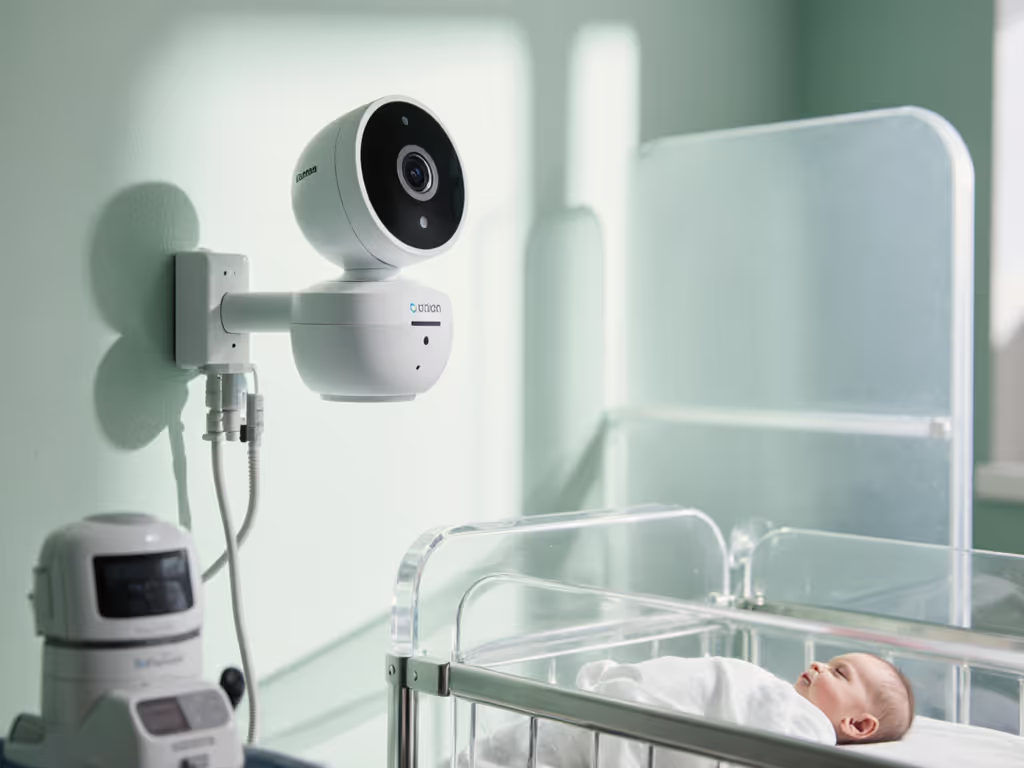
When monitoring infants on supplemental oxygen, equipment placement becomes safety-critical. Parents often make the mistake of clustering monitors near the oxygen concentrator, unaware that the electrical components generate interference that masks subtle breathing sounds. My placement heuristics for these scenarios:
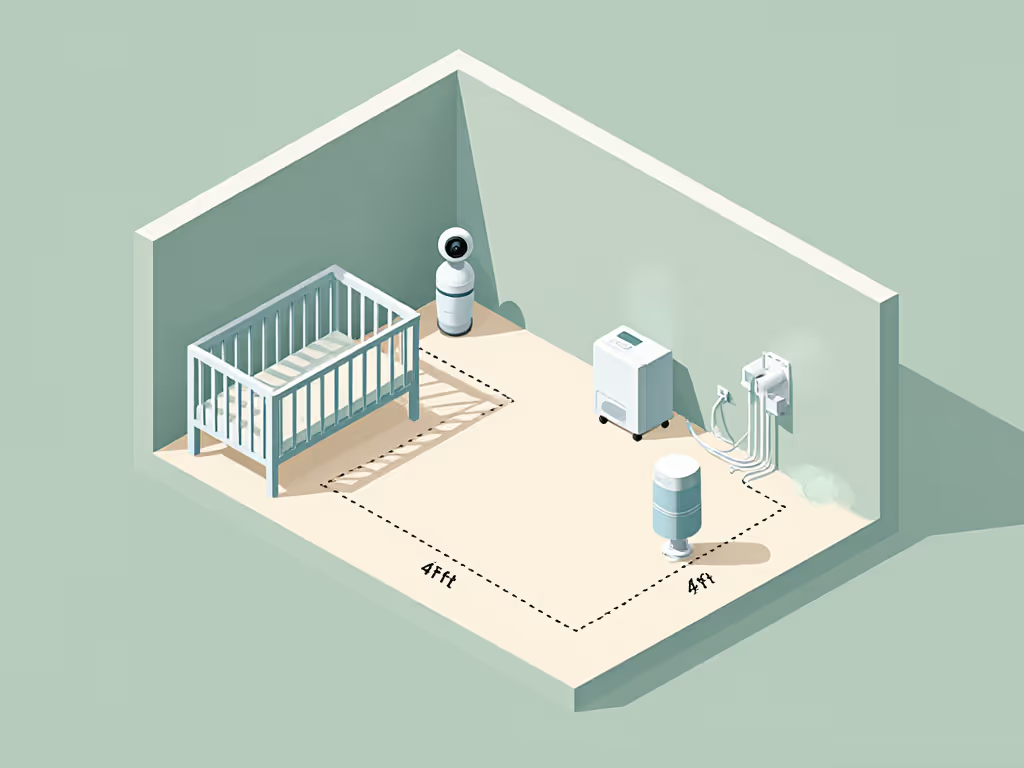
- Position camera diagonally opposite the oxygen equipment (not across but diagonal)
- Maintain minimum 4-foot separation from concentrator units
- Avoid mounting directly above tubing runs (airflow causes micro-vibrations that register as false movement)
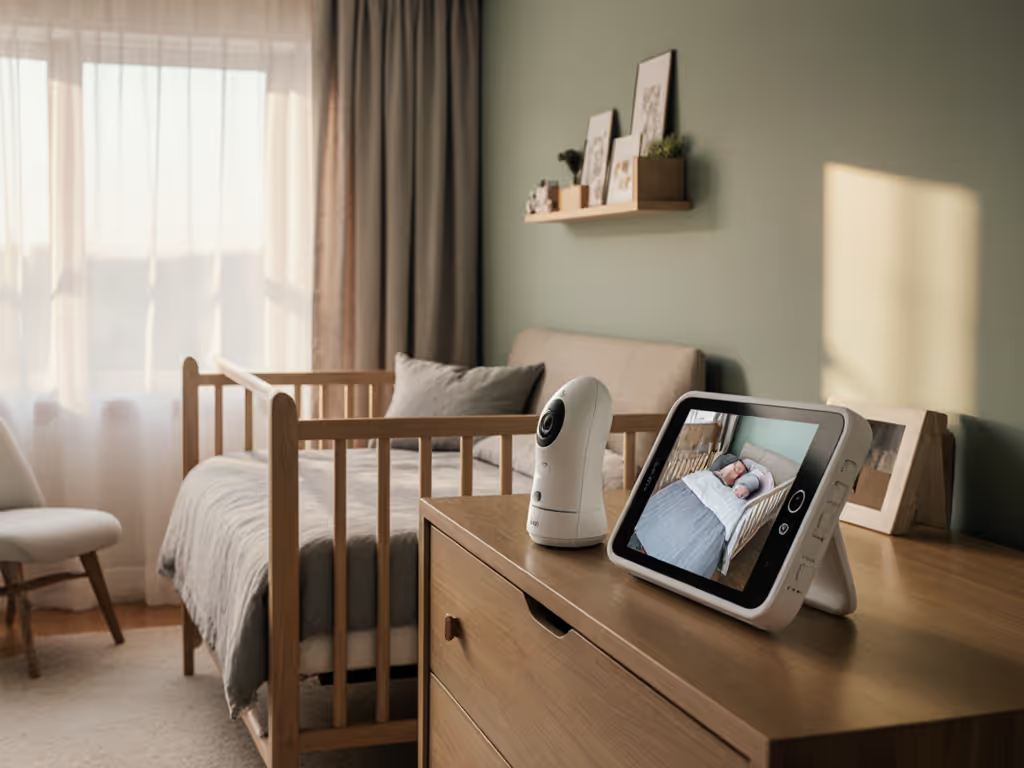
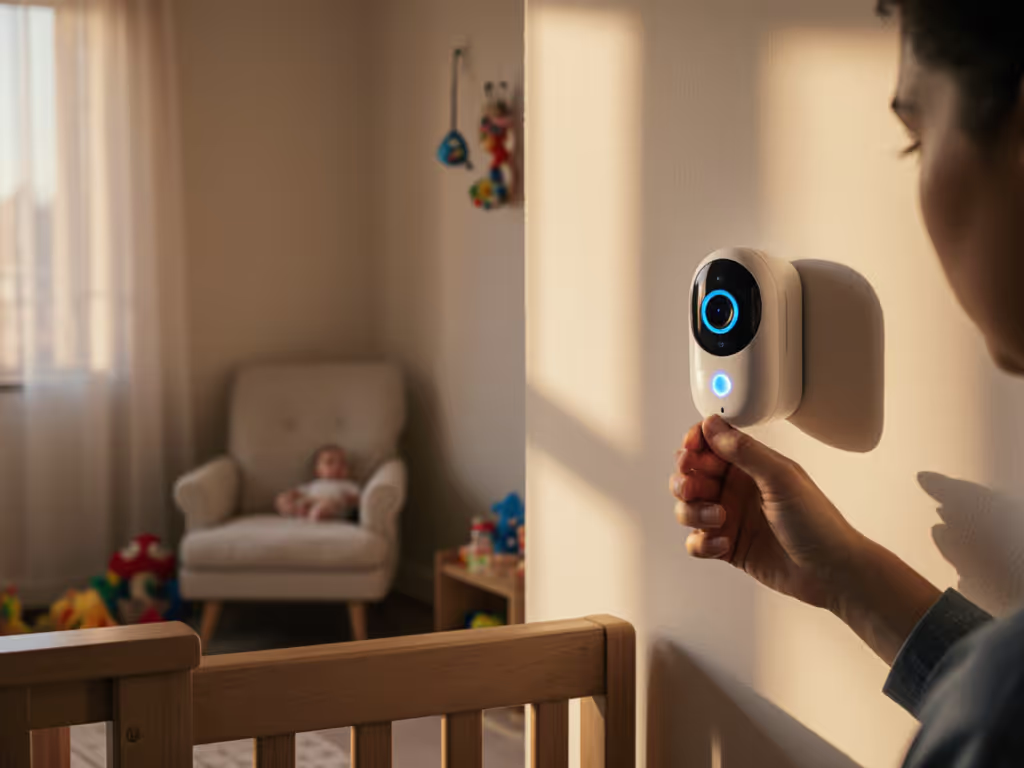
- Angle camera slightly downward (45°) to capture both face and chest rise without obstruction
In one situation with a narrow townhouse featuring foil-backed insulation, the nursery camera kept dropping whenever the oven preheated. We shifted the parent unit one room closer, angled the base station away from ducts, and added a short run of Ethernet for local viewing. The difference? Offline stability when every second counted.
Developing Your Premature Baby Monitoring Placement Strategy
How do I create a floor-plan overlay for optimal monitoring coverage?
Start with a simple sketch of your nursery and adjacent rooms. For step-by-step setup and troubleshooting, see our strategic baby monitor placement guide. Note these critical elements:
- Wall types (brick exterior, plaster interior, metal studs)
- Appliance locations (microwaves, refrigerators, Wi-Fi routers)
- Electrical panels and ductwork (major interference sources)
- Your typical movement paths between monitoring points
Measure your actual signal paths using a Wi-Fi analyzer app (free on most smartphones). Walk your typical routes with the app running while someone watches the baby's room. Note where signal strength drops below -70 dBm, because that's your dropout zone. For fragile infant monitoring systems, you need consistent -60 dBm or stronger in all critical areas.
This data-driven approach creates your before/after maps. One parent with a duplex home discovered their seemingly open-concept layout actually had a hidden load-bearing wall with metal reinforcement that blocked signals between floors. By mapping first, they avoided purchasing an inadequate system and instead implemented a directional antenna solution that maintained video quality even in basement laundry areas.
Practical Placement Heuristics for Different Home Types
What's the optimal placement for low birth weight baby monitors in apartments versus single-family homes?
Apartment/Condo Living:
- Position monitor away from external walls (neighbors' Wi-Fi causes interference)
- Use the opposite corner from your mesh Wi-Fi nodes
- Elevate parent unit onto a bookshelf rather than a nightstand (reduces floor-level interference)
- Enable wired Ethernet connection if possible (eliminates 2.4 GHz congestion issues)
Single-Family Homes:
- Install base station on the same floor as the nursery whenever possible
- For multi-story homes, position the parent unit between floors (for example, landing or hallway)
- Avoid placement near HVAC vents (temperature fluctuations trigger false motion alerts)
- Create a dedicated monitoring zone by relocating competing 2.4 GHz devices
The critical difference for low birth weight baby monitor systems is that you need to capture subtle movements. If you're troubleshooting interference in smaller spaces, see our baby monitors for apartments guide. This means the camera must maintain perfect night vision clarity without IR washout, which is easily compromised by incorrect placement relative to the crib. For preemies under 5 lbs, position the camera higher (7-8 feet) for better chest movement visibility, while infants 5-7 lbs need slightly lower angles (6-7 feet) to see facial cues.
Your Actionable Placement Roadmap
Don't choose equipment first, create your monitoring blueprint first. Follow these steps before purchasing anything:
- Map your home using a floor-plan overlay with material callouts (brick, plaster, metal)
- Identify interference hotspots using a Wi-Fi analyzer app during typical household activity
- Measure actual path requirements between the nursery and your most frequent monitoring locations
- Prioritize wired options for the nursery camera when possible (eliminates local interference)
- Verify night vision clarity at your intended placement distance before final installation
Walls aren't opinions - they are physics experiments with consequences. A single misplaced monitor can miss the subtle signs of apnea or oxygen desaturation that parents of premature infants must catch immediately. Map the house, then pick the monitor, not vice versa. Your baby's stability depends on understanding how your home's architecture shapes signal behavior, not marketing promises.
Walls aren't opinions - they're physics experiments with consequences.
Related Articles