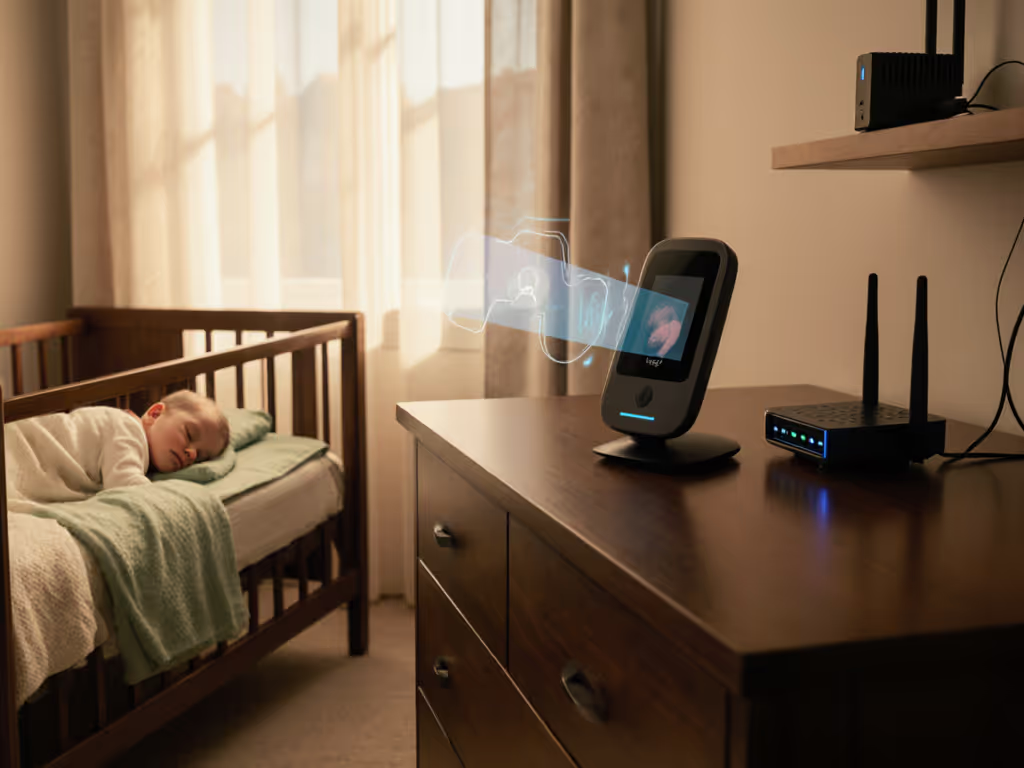
Baby Monitor Wearables: Smartwatch Alerts & Security
By Amina Qureshi • 19th Feb
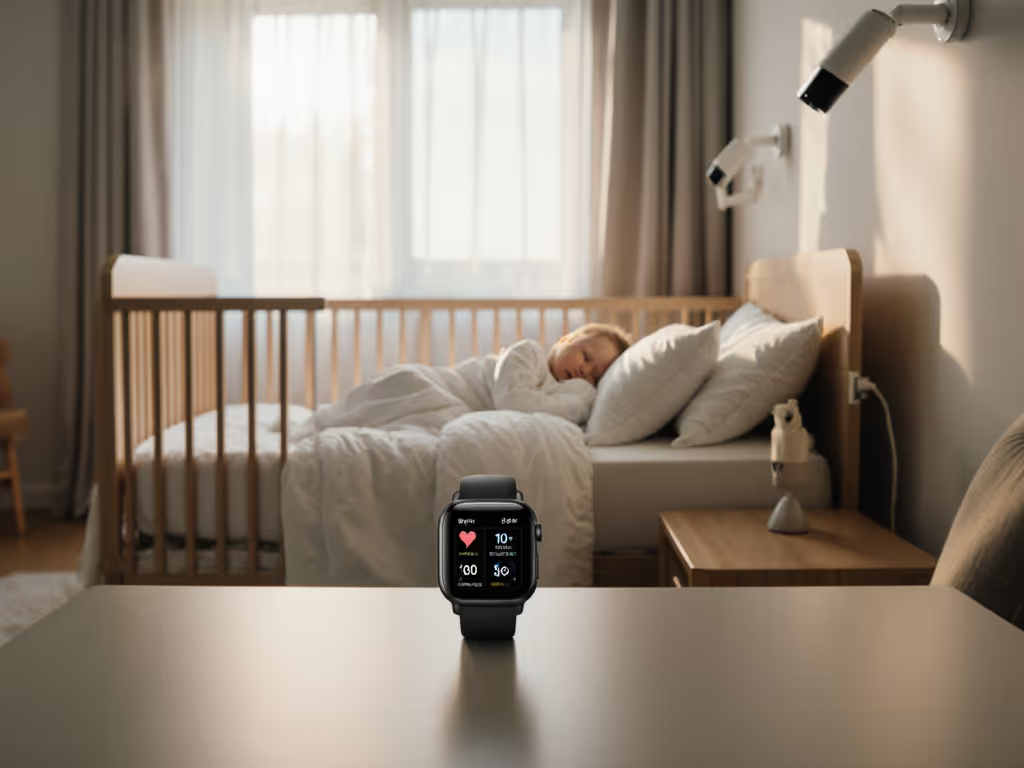
The promise of baby monitor wearable tech integration and smartwatch baby monitoring is seductive: your wrist buzzes if something's wrong. Your phone glows with sleep metrics. One ecosystem. One dashboard. One app. But before you buy into the unified vision, we need to talk about what leaves your home (and what stays in it).
I've seen families adopt these systems believing they're buying convenience and peace of mind. They're often buying data exhaust instead. This guide cuts through the marketing to show you exactly how wearable-integrated systems work, where they leak information, and when (if ever) they're worth the trade-off.
What Are Baby Monitor Wearables, and How Do They Connect to Smartwatches?
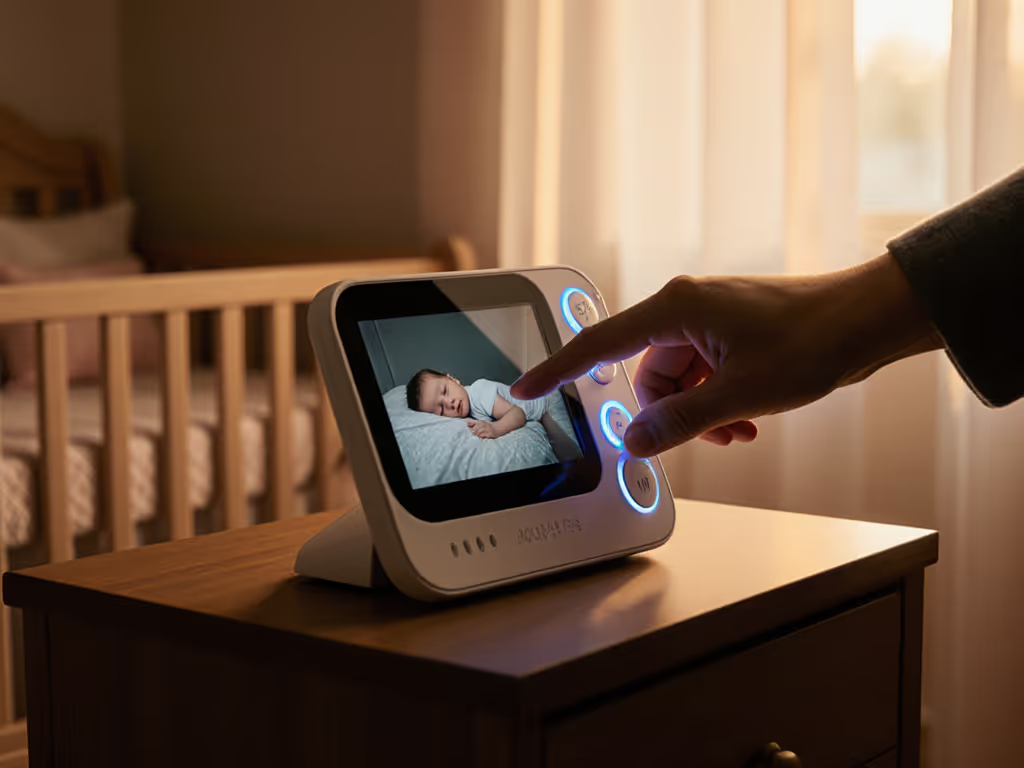
Wearable baby monitoring systems layer two or three data streams: a video camera, a wearable device (usually a small band or clip on the baby's clothing), and a bridge (often a hub or gateway) that speaks to your home network and the cloud. Smartwatch integration typically means notifications ping your watch instead of (or in addition to) your phone; the watch itself isn't usually a display for live video, but rather an alert endpoint.
The category breaks into two main types:
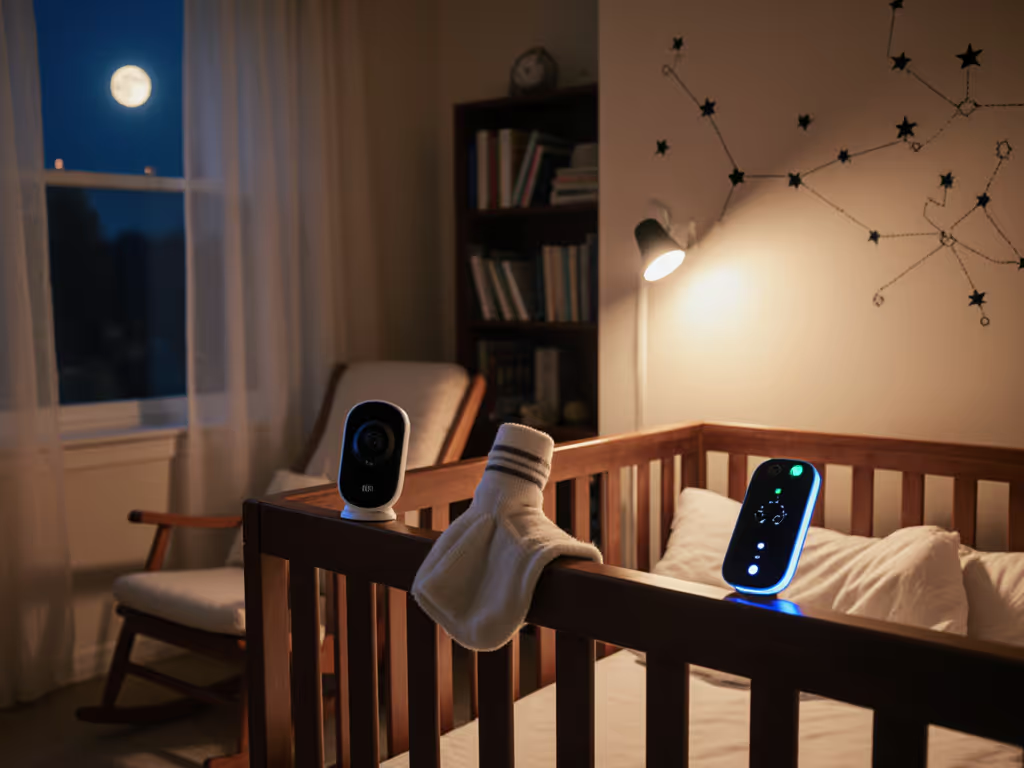
Wearable-first systems (like the Owlet Smart Sock ecosystem) treat the breathing/movement band as the primary sensor. Heart rate, pulse oxygen, and movement data flow from the sock to a hub, then to a smartphone app and sometimes a smartwatch notification layer. Video, if included, is secondary.
Video-first systems with optional wearables (like the Nanit Pro with breathing band) treat the camera as the main monitor and add the wearable as an optional insight layer (usually for sleep tracking or breathing confirmation).
Both require Wi-Fi to send data outside your home and a companion app to display alerts on your wrist (via IFTTT, native app integration, or a manufacturer's notification service).
Why Do Parents Choose Wearable Integration?
Several legitimate needs drive the choice:
- Precise sleep metrics: Movement and breathing data create a detailed map of your baby's sleep cycles, which some parents find reassuring during sleep training.
- Low-friction alerts: A smartwatch tap is harder to miss than a phone notification buried in 200 other apps.
- Reduced false alarms: Some wearable-integrated systems use machine learning to distinguish settling fussing from genuine distress, theoretically lowering the crying-wolf effect.
- Hands-free monitoring: During newborn days when you're holding, feeding, or soothing, a watch alert doesn't require you to fish your phone out.
These are real workflows. But they come with a data-collection cost that most marketing materials don't mention.
What Data Actually Leaves Your Home?
Here's where the threat model matters.
When you activate a wearable-integrated baby monitor, you're streaming:
- Precise timestamps of every alert, cry, movement, and sleep transition.
- Heart rate and oxygen saturation trends (if applicable), which are medical data and legally protected in many jurisdictions, yet often shipped to cloud servers with vague privacy policies.
- Behavioral patterns: When your baby sleeps, how long they nap, what time they wake. Aggregate that across thousands of families, and you have a dataset that's incredibly valuable to sleep-product companies, insurance firms, and data brokers.
- Environmental data: Room temperature, humidity, and light levels, which, combined with timestamps, reveal when your home is occupied and whether anyone's sleeping.
- Network metadata: Device IDs, MAC addresses, signal strength, and connection logs that, even if encrypted end-to-end, still leak information about when and how often your home's network is active.
I tested a "secure" wearable monitor system during a 3 a.m. wake-up, and even though the video was encrypted, the connection logs and metadata were leaking timestamps, device identifiers, and signal beacons to a cloud service every few seconds (whether I was viewing the app or not). The parents weren't even watching; the system was phoning home anyway. We replaced it with a local-only model, reset all credentials, and watched the logs go quiet. Their shoulders dropped. Mine did too.
Does "End-to-End Encryption" Mean Your Data Stays Private?
No. Not even close.
End-to-end encryption (E2EE) protects the content of your video stream, the actual image data bouncing between your camera and your phone. But encryption is one layer in a data flow. Here's what it doesn't protect:
- Metadata: Timestamps, device identifiers, IP addresses, session duration, and alert triggers often flow outside the encrypted tunnel or are logged in plaintext on the manufacturer's servers.
- Account data: Your email, phone number, and authentication credentials are stored separately and may be shared with third-party analytics, marketing, or cloud infrastructure providers.
- Backup and logging: Many systems automatically back up or log events to cloud storage, even if the live stream is encrypted, so that a customer support team can troubleshoot.
- Firmware and policy changes: Updates may alter what data is collected or how it's transmitted, and you often have no way to audit or deny the change.
The plain-language rule: Default deny, then permit with explicit evidence. For a deeper dive into hardening app settings and networks, see our WiFi baby monitor security guide. Don't assume "encrypted" means "stays home." Ask the manufacturer: Where is metadata logged? Who has access? Can you disable backup and cloud logging entirely? If they can't answer clearly, treat it as if your data is exiting your home.
How Do Smartwatch Notifications Add Extra Risk?
Smartwatch integration introduces another bridge in the data flow, and each bridge is a potential leak.
When your baby's heart rate or movement triggers an alert, the system must send a notification to your wearable. That path typically goes: camera/hub → cloud service → notification service (Apple, Google, Samsung) → your watch. If the manufacturer uses a third-party notification service, they're handing over the fact that an alert fired at a specific time to another company (even if the alert content itself isn't shared).
Additionally, smartwatches store notification history. If a family member or babysitter borrows your watch, they can scroll through all the alerts, including timestamps and sometimes summaries, that were sent over the past days or weeks.
Worse, if your smartwatch is synced to a cloud service (as most are), those notifications and the patterns they reveal are being logged on the manufacturer's servers, often with lighter security than your baby monitor system itself.
Which Wearable-Integrated Systems Are Out There, and How Do They Compare?
Owlet Smart Sock 4 / Dream Duo 2 Bundle
What it is: A wearable soft band fitted to your baby's foot that measures heart rate and blood oxygen, paired with a hub that connects to Wi-Fi. Optional: a video camera and smartwatch app integration.
How the data flows: Sock sensor → hub (Bluetooth) → Wi-Fi/cloud → Owlet app → smartwatch notification.
Strengths:
- Heart rate and oxygen data are genuinely novel compared to pure video monitors. If you have a family history of breathing concerns or were discharged from a hospital with monitoring orders, this is the most specific data source available.
- Dedicated parent unit option (hub display) means you can glance without opening an app.
- Smartwatch integration is straightforward; alerts reach your wrist reliably.
Critical considerations:
- The sock must fit correctly and be worn every nap and night. Fit issues, sweating, or a fussy baby who kicks it off reduce its reliability.
- Owlet's privacy policy has been criticized for vague language around data retention and third-party sharing. The company has made improvements, but independent audits are limited.
- Heart rate alerts are based on broad age-based thresholds; they don't replace a pulse oximeter and aren't approved for medical diagnosis. False alarms are common, especially during activity or teething.
- The system requires a Wi-Fi connection and cloud account. If your Wi-Fi drops, alerts delay or fail.
- Pricing is high ($350-$500 for the bundle), and the wearable band requires periodic replacement.
Verdict: Best for families who explicitly want cardiac/oxygen insights and accept the cloud dependency. Not a substitute for medical-grade monitoring. The wearable-first design means video is secondary, which frustrates parents who want clear visual confirmation before acting on an alert.
Nanit Pro Camera + Breathing Band
What it is: A wall-mounted 1080p video camera with optional sensor-free breathing detection (AI-analyzed from video) and an optional newborn breathing band. Cloud-connected with app and smartwatch notification support.
How the data flows: Camera → Wi-Fi → Nanit cloud → app → smartwatch.
Strengths:
- The video is crystal-clear in daylight and night vision mode; the camera's AI can track chest rise and classify sleep stages without the baby wearing anything.
- The optional breathing band is purely optical (no battery, no fit required), it just helps the AI algorithm in very dark rooms.
- Wall-mounted means no clutter on the nightstand; the fixed angle works well for stationary cribs.
- Smartwatch integration is polished and fast; alerts reliably reach your wrist.
Critical considerations:
- Nanit's cloud architecture is opaque. The company claims end-to-end encryption for video, but metadata logging is unclear.
- The AI breathing detection is marketed as medically accurate, but it's not FDA-cleared. False positives (detecting breathing when the baby is still) and false negatives (missing brief apneas) have been reported.
- Video must flow to the cloud for AI analysis; there's no true local-only mode. If Wi-Fi fails, you lose video and breathing alerts.
- Setup is rigid (wall mounting, specific distance from crib); it's not portable for travel or multi-room use.
- Expensive ($300-$350 for the camera alone; breathing band is extra).
Verdict: Excellent for tech-comfortable parents who want clear video and don't mind cloud AI analysis. Smartwatch integration is seamless. But privacy-focused families should note that video must leave your home for the system to function.
VTech RM7764HD Smart Wi-Fi Monitor
What it is: A hybrid approach: a traditional parent unit (handheld screen) with Wi-Fi remote access via smartphone app. No wearable.
How the data flows: Camera → Wi-Fi → VTech cloud (for remote access) → app → smartwatch notification.
Strengths:
- Dual-mode: use the dedicated parent unit at home (no cloud dependency for local viewing) and switch to the app when away.
- Remote access is genuinely useful for caregivers or when you're in the yard or basement.
- Affordable ($150-$200).
- Smartwatch integration through IFTTT or native notification support works reliably.
Critical considerations:
- The parent unit is bulky and feels dated compared to phone-first competitors.
- Remote viewing does require cloud routing, which means metadata about when you check in is logged on VTech's servers.
- No wearable or advanced sleep metrics; it's a straightforward video camera.
- Night vision is adequate but not exceptional.
Verdict: Best for families who want a backup local parent unit but also need remote access for occasional absence. Not a wearable-integrated system, so it doesn't align with the full smartwatch ecosystem push, but it's a pragmatic middle ground.
CuboAi Plus Smart Baby Monitor
What it is: A cloud-first video camera with AI-powered alerts (rolling over, face covering, crying, sound). No wearable, but app and smartwatch integration.
How the data flows: Camera → Wi-Fi → CuboAi cloud (AI processing) → app → smartwatch.
Strengths:
- The AI cry detection and movement alerts are genuinely useful if tuned correctly; you get notifications before you hear the baby cry.
- Smartwatch integration is clean; alerts are contextual ("baby rolling over" vs. "prolonged crying").
- Video quality is sharp; night vision is strong.
Critical considerations:
- All video and AI processing happens on the cloud. There's no local fallback.
- Vague privacy policy; the extent to which video is retained for AI model training is unclear.
- Numerous reported connectivity issues and false alerts (false positives for crying, motion alerts during normal sleep).
- Requires a strong, stable Wi-Fi signal; frequent disconnections in older homes or apartments with interference.
Verdict: Solid choice for families in strong Wi-Fi environments who want predictive alerts. Smartwatch integration is excellent, but privacy-conscious families should hesitate due to the opaque cloud AI processing.
Infant Optics DXR-8 PRO Video Baby Monitor
What it is: A traditional parent unit (handheld screen) with no Wi-Fi, cloud, or wearable. Pure local connection via proprietary radio frequency.
How the data flows: Camera → proprietary closed 900 MHz link → parent unit (stays in your home).
Strengths:
- Nothing leaves your home. Period. No metadata, no cloud logs, no data brokers.
- Long battery life (up to 24 hours) on the parent unit.
- Simple, reliable setup (minutes) with zero account management.
- Night vision is clear and doesn't overheat the image.
- Excellent range (typical homes, up to 700 feet in open space).
Critical considerations:
- No smartwatch integration because there's no Wi-Fi or cloud connectivity. Alerts stay on the parent unit only.
- No remote access if you're outside the home or need to check in from another location.
- Not portable for travel unless you carry the parent unit and set up again.
- Limited multi-camera support; split-screen is clunky.
Verdict: The gold standard for privacy and reliability if you're home-based or rooming-in. But it explicitly cannot send alerts to your smartwatch or phone. If remote monitoring or wearable integration is a non-negotiable requirement, this isn't the fit.
Local-Only vs. Cloud-Connected: The Real Trade-Off
Every wearable-integrated system in this guide that offers smartwatch alerts requires cloud connectivity. Here's why: smartwatches (Apple Watch, Wear OS, Galaxy Watch) don't connect directly to your home network. They sync to a cloud service. For a baby monitor to send an alert to your wrist, the alert must exit your home, touch a cloud service, and re-enter your phone's ecosystem.
There's no way around this. Local-only systems can't do smartwatch integration.
So the choice is binary:
Local-only (Infant Optics DXR-8 PRO): Your data never leaves your home. Alerts reach a dedicated parent unit. No smartwatch. No remote viewing. Maximum privacy, zero cloud risk. Trade-off: you must be home or within Bluetooth range of the parent unit.
Cloud-connected (Owlet, Nanit, CuboAi, VTech remote mode): Alerts can reach your smartwatch, phone, or any device authenticated to your account. You can check in from anywhere. Trade-off: metadata exits your home, your family's sleep patterns are logged on a third-party server, and you're trusting the manufacturer's firmware and privacy policy.
There is no middle ground. If you're still weighing connection types, read our WiFi vs non-WiFi comparison for clear pros and cons. Encryption doesn't change this, it just makes the data harder to snoop on in transit, not harder to collect.
What Should You Actually Buy?
It depends on your threat model and your daily routine. Here are three scenarios:
Scenario 1: You're Home-Based or Rooming-In
You want: Real-time visibility without worrying about remote access, cloud logging, or smartwatch notifications.
Buy: Infant Optics DXR-8 PRO. It's reliable, fast, and your data stays home. Set it on the nightstand and watch the parent unit. No account, no fees, no metadata. Yes, your smartwatch won't buzz, but is that worth having your baby's sleep logs on a cloud server?
Scenario 2: You Need Remote Access and Smartwatch Alerts, and Privacy Is Important
You want: The option to check in from work or your in-laws' house, plus wrist notifications, but you don't want your data farmed or unclear about who sees it.
Buy: Nanit Pro if you're willing to accept cloud AI processing and can live with wall mounting. The video quality is excellent, the smartwatch integration is fast, and Nanit has at least published some transparency reports. Pair it with a local-only audio monitor (like VTech audio-only) as a backup for when Wi-Fi fails.
Alternative: VTech RM7764HD for the hybrid approach (local parent unit at home, cloud remote access when away). Less fancy, but more pragmatic: you're not streaming video 24/7 to the cloud.
Scenario 3: You Explicitly Want Sleep Metrics (Heart Rate, Oxygen, Breathing)
You want: Medical-style insights into your baby's physiology, not just video and sound.
Buy: Owlet Dream Duo 2 (sock + optional camera) with clear-eyed expectations. The sock will produce false alarms. The oxygen threshold alerts have been criticized. But if your pediatrician recommended monitoring or you're dealing with a cardiac condition, the precision is worth it. Pair it with a pediatrician conversation about threshold settings and what actually warrants an intervention.
Important caveat: Wearable metrics are not medical-grade unless your system is FDA-cleared (Owlet's sock is not). Don't skip legitimate medical monitoring if your child needs it.
Scenario 4: You Want Multi-Room Coverage and Flexibility
You want: One system for the nursery and the guest room, with easy guest access and portability.
Buy: Two Nanit Pro cameras with one app account. You get consistent video quality, clear night vision, and fast smartwatch alerts across rooms. Setup is painless, and multi-camera management is intuitive. The downside is cost ($600+ for two cameras) and the continued cloud dependency, but the reliability and smartwatch integration are top-tier.
How to Verify a Wearable Monitor's Real Privacy Posture
Don't trust the privacy policy's marketing language. Ask the manufacturer directly:
-
Is video stored on your servers, and for how long? (Answer should be: "No, only for 24-72 hours for technical troubleshooting, then deleted." If it's longer or vague, decline.)
-
Is metadata (timestamps, device IDs, alerts) logged? (Answer should be: "Yes, for billing and service, but we don't share it with third parties. It's deleted after [specific timeframe]." If they won't specify, that's a red flag.)
-
Who has access to your cloud infrastructure? (Answer should name specific teams and exclude third-party analytics, advertising, or data brokerage.)
-
Can I disable cloud backup and logging? (Best answer: "Yes, in settings." Good answer: "Remote access requires logging, but we don't retain it beyond [timeframe]." Bad answer: "No, it's automatic.")
-
Can I audit what data is being sent? (Best answer: "Yes, we publish a data flow diagram and network capture guide." Most answers: "No, but you can use a network monitoring tool.")
-
Is there a local-only viewing mode? (Best answer for privacy: "Yes." Most answers: "No, video is cloud-processed for AI features.")
If a manufacturer can't or won't answer these, assume the worst: your data is valuable to them, and they're not keen to explain why.
What About Smartwatch Integration Specifically? Is It Worth It?
Smartwatch notifications are convenient, but they're not essential. Before you buy a system specifically for wearable alerts, ask yourself:
- Do I actually miss phone notifications? Most people don't; they ignore their phone at night. A watch tap is slightly harder to miss, but the difference is minutes, not hours.
- Is the added complexity worth it? Smartwatch pairing, app permissions, and notification routing introduce failure points. What happens if your watch is charging, the Bluetooth is off, or your app crashes?
- Am I comfortable with the extra data flow? Smartwatch notifications add another link in the data chain. That's acceptable if the monitor is already cloud-connected, but it's worth acknowledging.
For most families, a reliable phone app with a loud notification is sufficient. Reserve smartwatch integration for parents working outside the home, sleeping apart, or managing multiple kids in different rooms.
Actionable Next Steps
-
Map your threat model. Do you want zero data to leave your home, or is cloud access a non-negotiable? That choice alone will eliminate half the options.
-
Test your Wi-Fi signal in the nursery and any secondary rooms or outdoor zones where you might monitor. Use a Wi-Fi analyzer app to check signal strength. If it's weak (-70 dBm or lower), cloud-dependent systems will frustrate you.
-
Make a shortlist of three systems based on your scenario above. Don't overthink it.
-
Email the manufacturer with the six privacy questions listed earlier. Their response (or non-response) will tell you more than their marketing website.
-
Check the return policy. Buy the monitor with a 30-day window. Set it up, live with it for at least a week through naps and night sleep, and test Wi-Fi dropout scenarios. If alerts don't reliably reach your smartwatch, or if you find yourself resetting the camera weekly, return it. Reliable is worth more than feature-rich.
-
Disable unnecessary notifications and cloud features once installed. If smartwatch alerts aren't critical, turn them off. Keep video streaming local if your system allows it. Shrink your data footprint.
-
Review your choice annually. Firmware updates, new privacy policies, and your family's changing needs may shift the calculus. If a system starts exfiltrating data or the company changes privacy terms, don't sunk-cost yourself into keeping it.
Your home data belongs to you. A wearable-integrated baby monitor is a tool to help you keep your baby safe and you sane at 3 a.m. (but only if it respects that premise). Demand clarity, test rigorously, and don't apologize for skepticism.
Related Articles