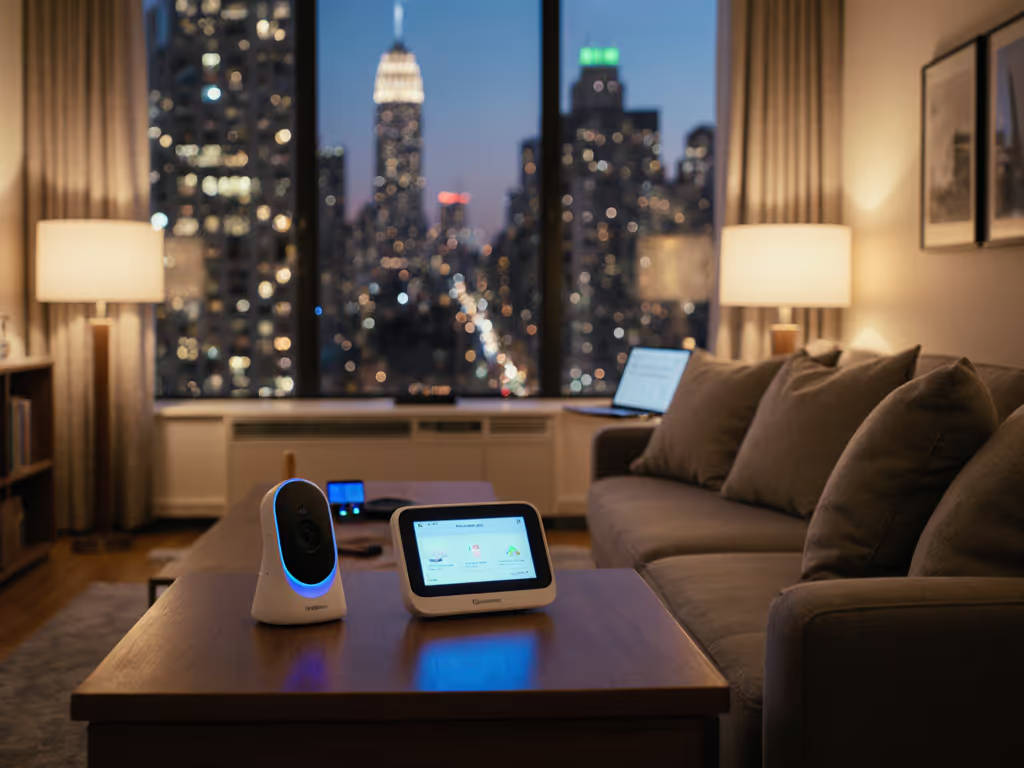
Developmental Milestone Tracking: Baby Monitor Guide
By Hana Ito • 19th Mar
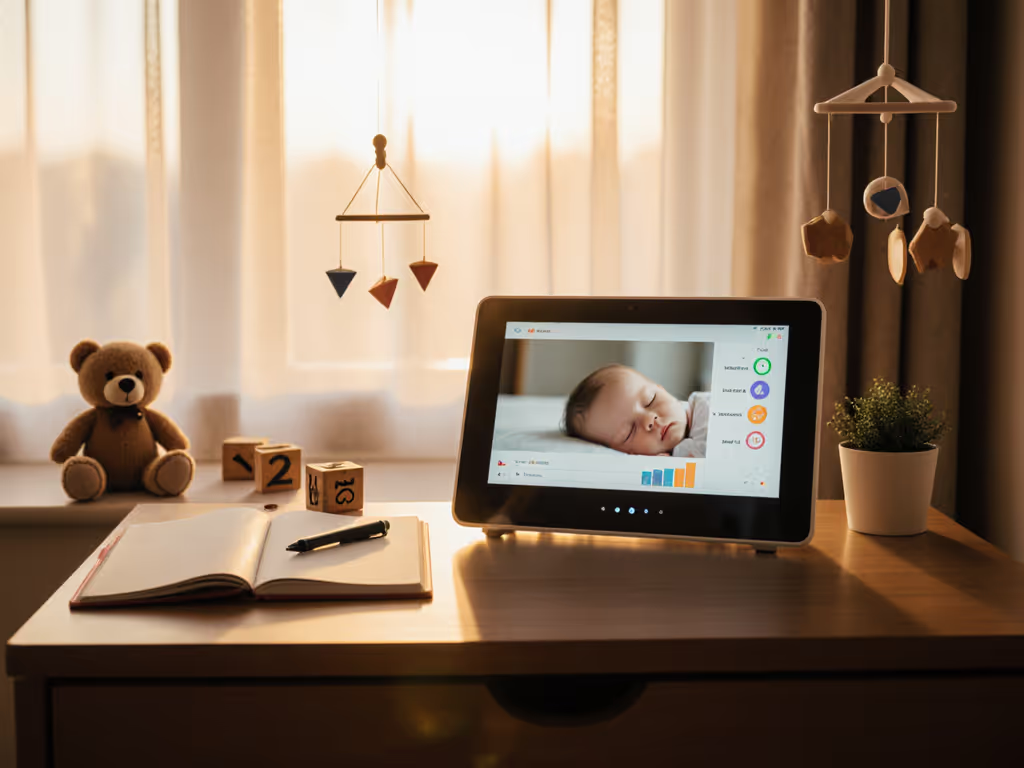
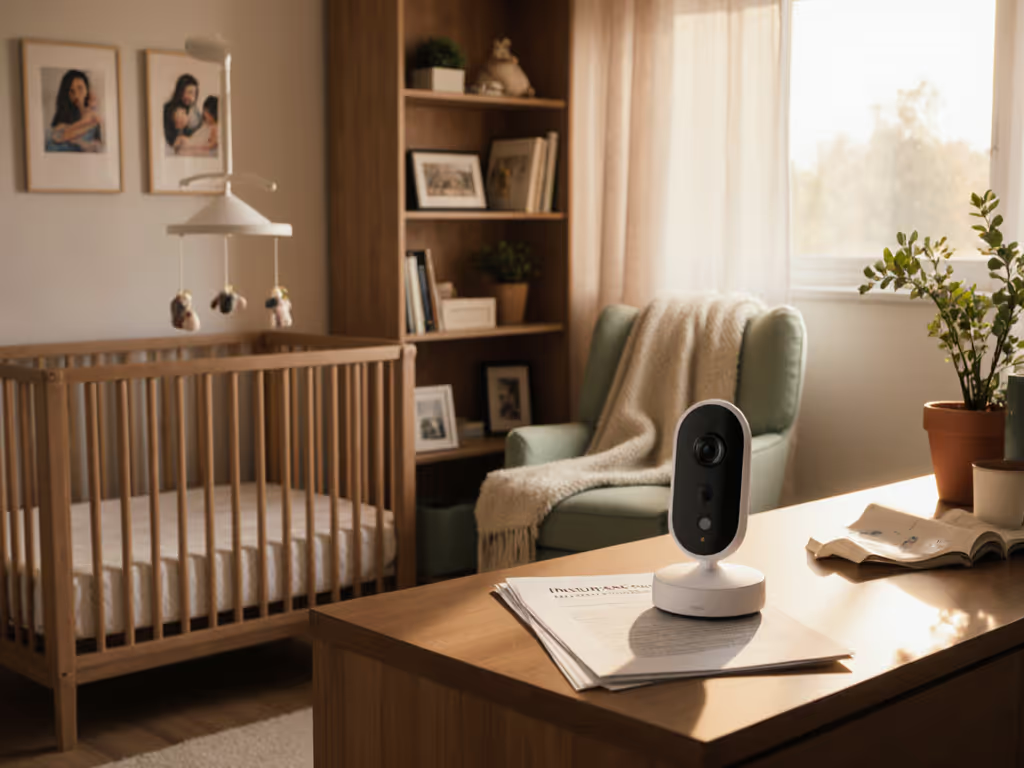
Developmental milestone tracking baby monitors and AI growth monitoring comparison tools are reshaping how parents observe their infants' progress, but the best insight still comes from watching your baby sleep, play, and grow in real time. A reliable monitor becomes your extended eyes during those long nights and busy days, letting you spot the small movements and behaviors that signal developmental leaps while freeing you from constant crib-side vigilance.
Developmental milestones matter most when you can observe them clearly and discuss them accurately with caregivers. The monitor you choose affects not just what you see, but how confidently you can hand off care to a partner, grandparent, or nanny. This guide cuts through feature overload to help you match a monitor to your real routine (one that works so well you'll stop thinking about it at 3 a.m.), because fewer decisions mean more calm.
Why Monitor Choice Matters for Milestone Observation
Your baby hits dozens of developmental markers in the first year alone: the first sustained eye contact, deliberate hand grasping, rolling from back to side, vocalizations that shift from coos to babbles. These happen at all hours, during naps, at dawn, while you're feeding an older sibling or stepping into the shower. A monitor with clear video and reliable connectivity ensures you won't miss these moments or, more importantly, mistake a developmental behavior for distress.
Parents tracking milestones also need to communicate what they've observed. A family juggling sleep training and shift work once kept missing developmental cues because their app buried video access and their handoff notes were scattered across texts and sticky notes. They swapped to a simpler monitor with a stable local connection, set a night-view preset, and wrote a two-line handoff checklist. Within three weeks, every caregiver knew the routine, and nobody questioned whether the monitor would cooperate when it mattered.
The monitor itself isn't the specialist tool; your observation is. But the monitor must stay out of your way so you can focus on what your baby is doing.
Understanding Milestone Tracking and Developmental Progress Tracking
Developmental milestones fall into broad categories: motor skills (rolling, sitting, crawling), social and emotional cues (smiling, eye contact, stranger wariness), language (cooing, babbling, first words), and cognitive (reaching, object permanence, cause and effect). Observing these requires seeing your baby's body, face, and reactions clearly, especially in low light.
Many parents use informal tools like the CDC's developmental checklists to track progress between pediatric visits. Others keep a simple phone note or photo log. The monitor's job is to provide the reliable video feed and stable recording that supports this observation, not to diagnose or predict milestones, but to create a clear window.
What Makes a Monitor Useful for Milestone Observation
- Night vision clarity: Infrared video that shows chest rise, arm movements, and facial expressions without washout or glare.
- Video quality: 720p or higher resolution so you can see details like hand position, mouth shape, or eye direction, not just whether the baby is moving.
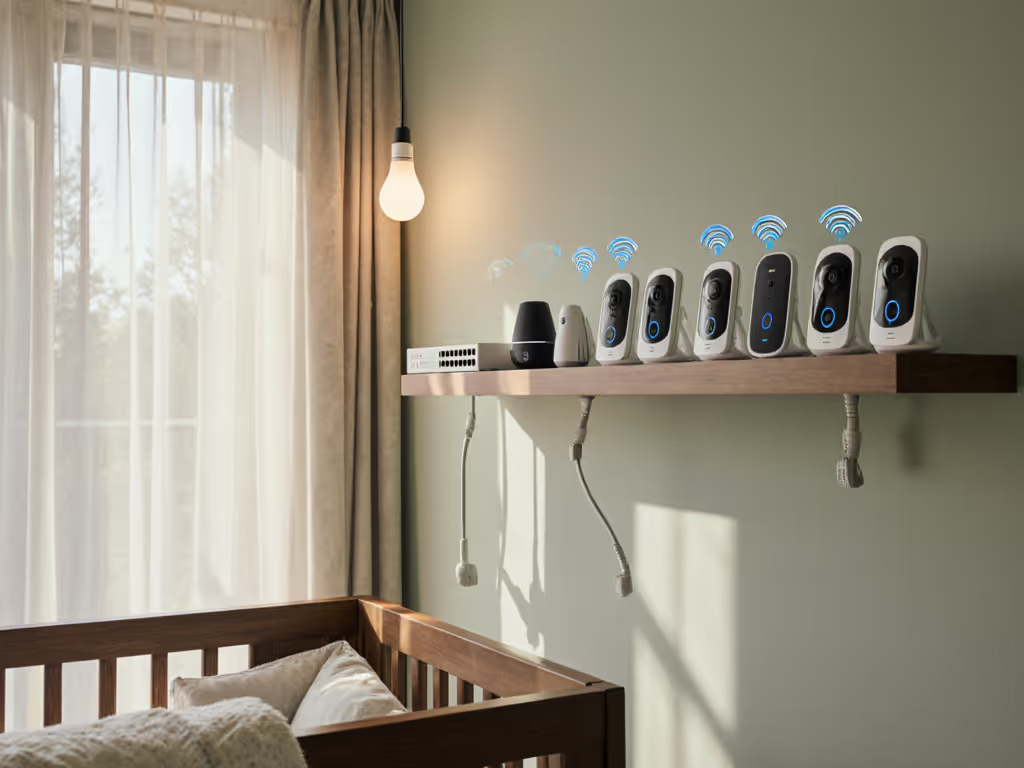
- Consistent connectivity: A monitor that doesn't drop signal between rooms or require constant reconnection; handoffs fail when the feed freezes.
- Minimal latency: Real-time or near-real-time video so you can accurately gauge whether your baby is genuinely in distress or simply resettling.
- Local or hybrid access: Options to view on a parent unit or phone without mandatory cloud storage, preserving privacy and ensuring access during WiFi outages.
Baby Milestone Recognition Technology: Comparing Monitor Types
Not all baby monitors offer the same view into your child's development. Here's how different types compare for milestone tracking:
WiFi Video Monitors with Sleep Analytics
Models like the Nanit Pro combine 1080p HD video with sleep-tracking features that log sleep patterns, duration, and movements. For a deep dive into strengths and trade-offs, see our Nanit Pro review. Some include app-based dashboards showing nap timing and total sleep hours, useful context when you're also tracking developmental leaps (many parents notice sleep regressions during developmental jumps).
Pros for milestone tracking: High resolution, time-stamped recordings, ability to share clips with partners or pediatricians, app notifications for significant movement.
Cons: Requires stable WiFi, app complexity can bury simple features, subscription costs for cloud storage, privacy considerations with cloud uploads.
Local WiFi or Closed-Network Video Monitors
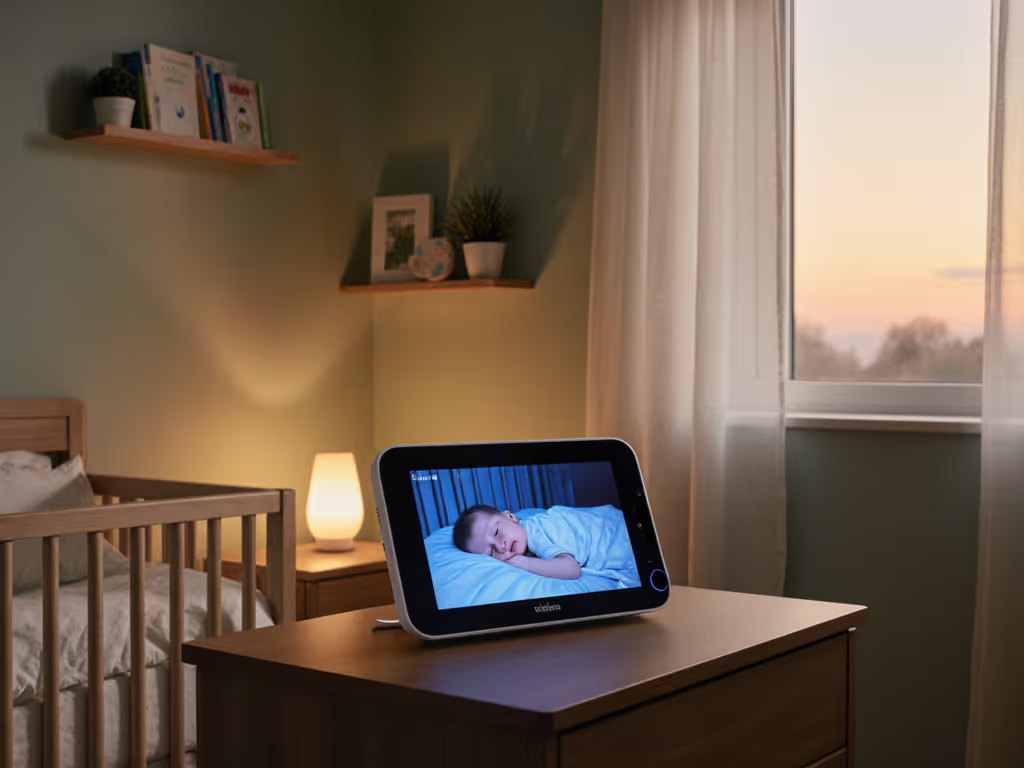
The Infant Optics DXR-8 Pro uses a local, closed network, no cloud required, and pairs a handheld parent unit with a fixed camera. Video streams directly to the parent unit over a secure, local connection.
Pros for milestone tracking: Stable, low-latency video; no privacy concerns about cloud storage; parent unit never dies as long as you're charging it; excellent night vision; simple handoff (just hand the unit to a caregiver with one-line instructions).
Cons: Fixed camera angle (no pan/tilt for older, mobile babies); limited smartphone access; smaller screen on parent unit requires closer attention.
Audio-Only or DECT Monitors
Models like the VTech DM111 use DECT 6.0 digital technology for interference-free audio over a closed connection. Battery life is exceptional (18+ hours), and setup is immediate, no WiFi needed.
Pros for milestone tracking: Lightweight, reliable, zero latency on sound, battery that lasts a full night, dead-simple handoff (caregiver knows one button: on/off), no privacy risk.
Cons: No video means you cannot observe physical milestones or confirm what you're hearing; less useful for sleep training or monitoring motor development.
Movement-Based or Wearable Monitors
Some monitors, like the Owlet Smart Sock models, track breathing motion and heart rate via a wearable band or sock. They pair with video and send smartphone alerts.
Pros for milestone tracking: Can detect breathing patterns and movement without visual observation; useful for parents anxious about SIDS or managing high-risk pregnancies; app dashboards log sleep events.
Cons: Wearable must fit and be worn consistently; alerts can increase anxiety if not well-tuned; less useful for observing deliberate motor skills like reaching or grasping.
Comparison: Choosing a Monitor That Supports Your Observation Routine
The table below summarizes how different monitor types support the core needs of parents tracking developmental progress:
| Monitor Type | Video Quality | Night Vision | Connectivity | Handoff Ease | Best For |
|---|---|---|---|---|---|
| WiFi Video (Nanit Pro) | Excellent (1080p) | Strong with app | WiFi, smartphone | Moderate (requires tech) | Sleep analytics, shared viewing |
| Local Video (Infant Optics DXR-8) | Good (720p) | Excellent | Closed network | Easy (hand off unit) | Simplicity, privacy, caregiver transitions |
| Audio Only (VTech DM111) | N/A | N/A | DECT closed network | Very easy (one button) | Budget-conscious, audio-focused households |
| Wearable + Video (Owlet) | Good (HD) | Good | WiFi + app | Moderate | Health monitoring, anxiety management |
AI Milestone Prediction Accuracy and Smart Monitoring Growth Features
Some newer monitors claim to use AI to predict developmental progress or flag concerning patterns. Be cautious with these claims. For an evidence-based look at what's useful today, read our AI feature comparison. AI can identify gross motor movements (rolling, sitting) from video, but it cannot diagnose developmental delays or predict when your baby will reach milestones; developmental timing varies widely and depends on many factors outside the monitor's view.
What AI-enhanced monitors can do usefully:
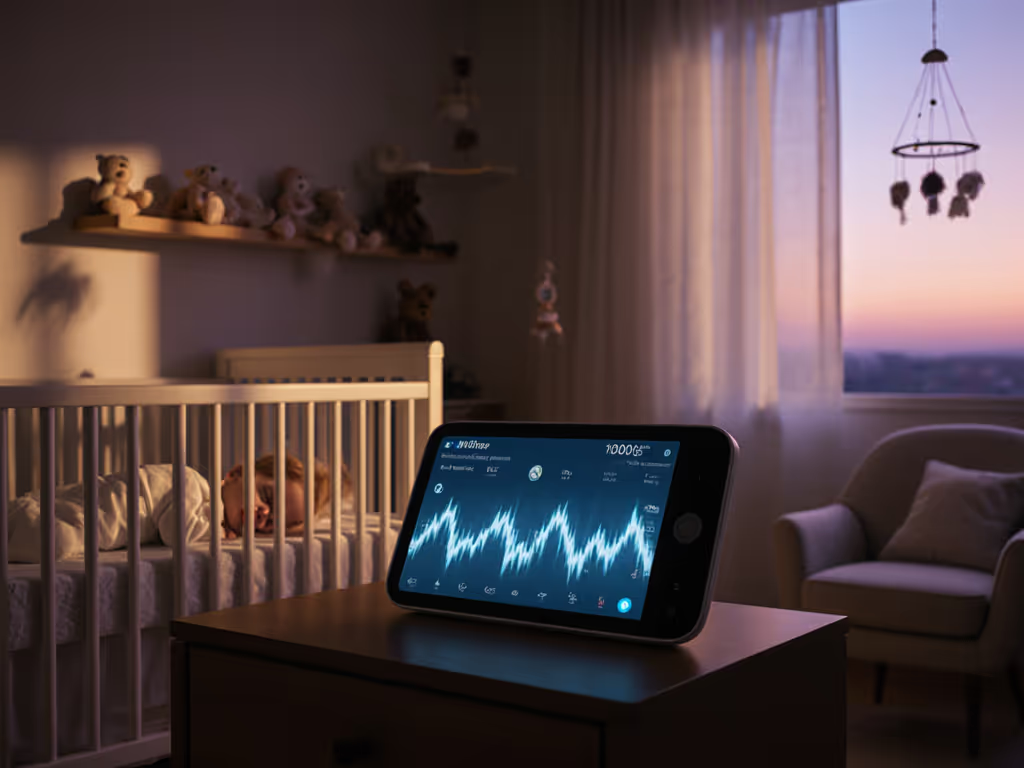
- Log sleep and movement patterns over weeks, showing you trends in activity level and rest cycles.
- Alert you to unusual stillness if configured conservatively (useful as a secondary safety check, not a primary diagnostic tool).
- Provide time-stamped clips that you can share with your pediatrician if you have concerns.
- Generate summary reports for multi-caregiver households, so everyone sees the same baseline.
The key is that your pediatrician and your own eyes remain the primary assessment tools. The monitor's job is to give you reliable data (clear video, accurate timestamps, consistent notifications), not to replace clinical judgment.
Setting Up a Milestone-Tracking Routine with Your Monitor
Plain Steps for Real-Life Scenarios
Scenario: Sleep-training and documenting progress
- Choose a monitor with clear night vision and reliable local connectivity (so WiFi outages don't interrupt your routine).
- Set your camera angle to frame the entire crib and your baby's face, ensuring you can see movement and breathing clearly. For practical layouts that support gentle and Ferber methods, see our sleep training placement guide.
- Keep a simple phone note or spreadsheet with the date, the time baby fell asleep, and any notable behaviors.