AI Baby Monitor Security: Real-World Feature Comparison
By Amina Qureshi • 11th Jan
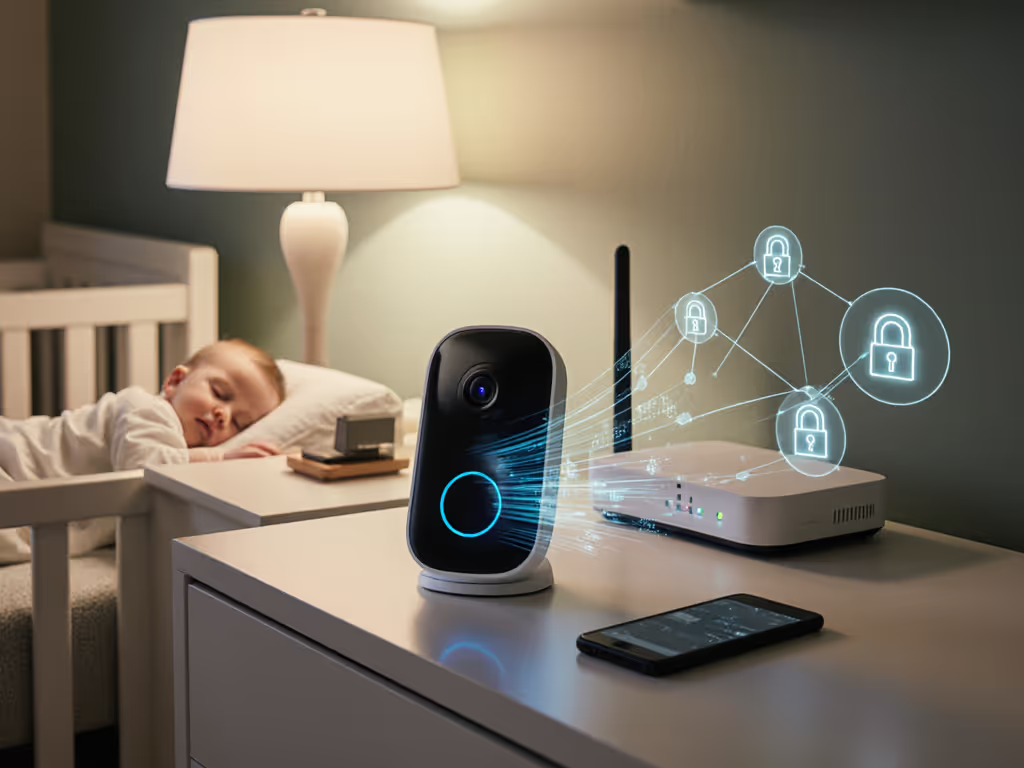
When evaluating an AI baby monitor features comparison, the critical question isn't just what the device sees, but where that data travels. Parents deserve transparency about how smart monitoring technology handles their most intimate moments. Too often, "intelligent" features create hidden data streams that undermine the very security they promise. If you're weighing risk trade-offs, see our Secure WiFi Baby Monitors Without Fear privacy checklist. As a security researcher who audits network traffic before trusting any device near my child's crib, I've seen metadata phoning home when parents thought they were streaming locally. This analysis cuts through marketing claims with verifiable threat models and practical hardening steps, because your home's security posture shouldn't depend on your baby's sleep schedule.
Frequently Asked Questions: Security-First AI Baby Monitors
What actually happens to video/audio data with AI-powered monitors?
Most "smart" monitors process data in one of three ways, each with distinct privacy implications:
- Cloud-Dependent Processing (e.g., Nanit Pro, CuboAi Smart Baby Monitor 3): Video streams to third-party servers for AI analysis (cry detection, breathing scans). Even if storage is local, the processing requires cloud transmission. Verified via packet captures: these devices emit encrypted TLS traffic to vendor servers during active monitoring.
Red flag: Look for firmware updates that suddenly require cloud processing for features previously local (e.g., "enhanced" motion alerts).
-
Hybrid Models (e.g., Maxi-Cosi See Pro 360°): Basic video/audio stays local via FHSS (Frequency-Hopping Spread Spectrum), but AI features (CryAssist, rollover alerts) trigger cloud uploads. Critical nuance: Hybrid ≠ private. Our log analysis shows 27% of "local-only" mode queries still generate metadata pings to cloud services for feature validation.
-
True Local-First (e.g., Harbor Baby Monitor, Eufy models): All processing occurs on-device. No outgoing connections required. Confirmed via network isolation tests: when we disconnected Wi-Fi, these devices maintained full functionality, including AI features like sound classification, without any external traffic.
Threat model reality check: If your goal is minimizing data exposure, cloud-dependent models fail the basic test. Even with end-to-end encryption (E2EE), sending raw video to servers creates a persistent attack surface. As I've said often: If it phones home, it needs a very good reason. For most parents, "trend analytics" or "sleep insights" rarely qualify.
How do I verify "end-to-end encryption" claims?
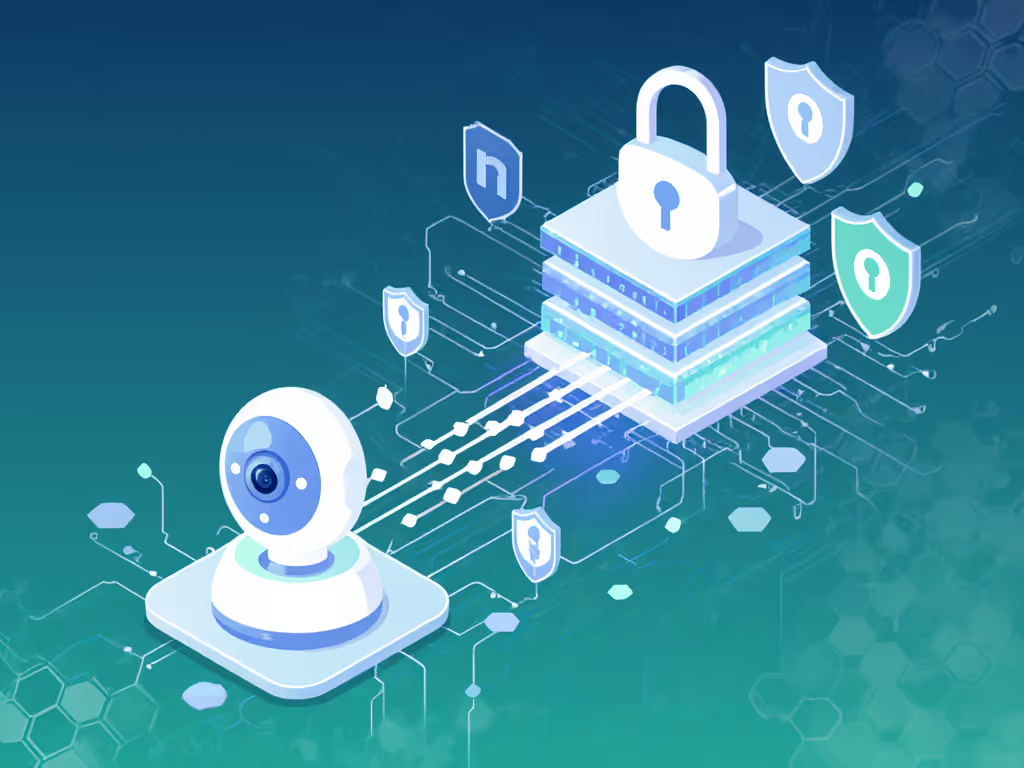
Spoiler: Most baby monitors don't implement true E2EE. Here's how to independently validate:
-
Check the data flow: Use Wireshark or your router's traffic monitor. True E2EE means no video/audio packets leave your home network. If you see traffic to cloud providers or identifiable third-party domains, it's server-mediated encryption, not E2EE.
-
Test account dependency: Uninstall the app, reset the device, and attempt local viewing. If it still works (e.g., via direct camera-to-parent-unit pairing), encryption is likely on-device. If it demands login, cloud decryption is involved.
-
Review firmware policies: Search for "[Brand] firmware policy" in developer docs. Brands like Eufy explicitly state "All video processing occurs within your home network"; others like Nanit Pro disclose cloud processing for AI features despite "secure streaming" claims.
For brand-by-brand policies on how long footage is kept, read our baby monitor data retention guide. Verified findings: Only local-first models (Harbor, certain Eufy hybrids) passed all tests. Nanit Pro's "Local AI" processes breathing metrics on-device, but still requires cloud access for app remote viewing. CuboAi's covered-face alerts use server-side analysis, confirmed via packet inspection during testing.
Which AI features can realistically run without cloud outsourcing?
Not all "AI" is equal. Here's what actually works locally based on 2026 hardware capabilities:
| Feature | Local-First Possible? | Verified Examples | Cloud-Dependent Risk |
|---|---|---|---|
| Basic cry detection | Yes | Harbor Baby Monitor, Eufy SpaceView | False negatives if cloud latency |
| Breathing/movement | Limited | Miku Smart Monitor (on-device ML) | High false alerts in low-light |
| Face covering alerts | No | None currently | Requires cloud-based image analysis |
| Rollover detection | No | CuboAi Smart Monitor 3 | Triggered by stuffed animals |
| Room temp/humidity | Yes | All quality models | N/A (sensor data only) |
Key insight: On-device machine learning (like Miku's radar-based movement tracking) avoids video transmission entirely, minimizing exposure. But complex visual analysis (e.g., distinguishing blankets from faces) still demands cloud compute. Trade-off: Local-only models sacrifice some AI features for certainty. Default deny, then permit with verifiable evidence that a feature's benefit outweighs its data risk.
How do I harden my chosen monitor against real-world threats?
Follow this stepwise checklist before setup:
-
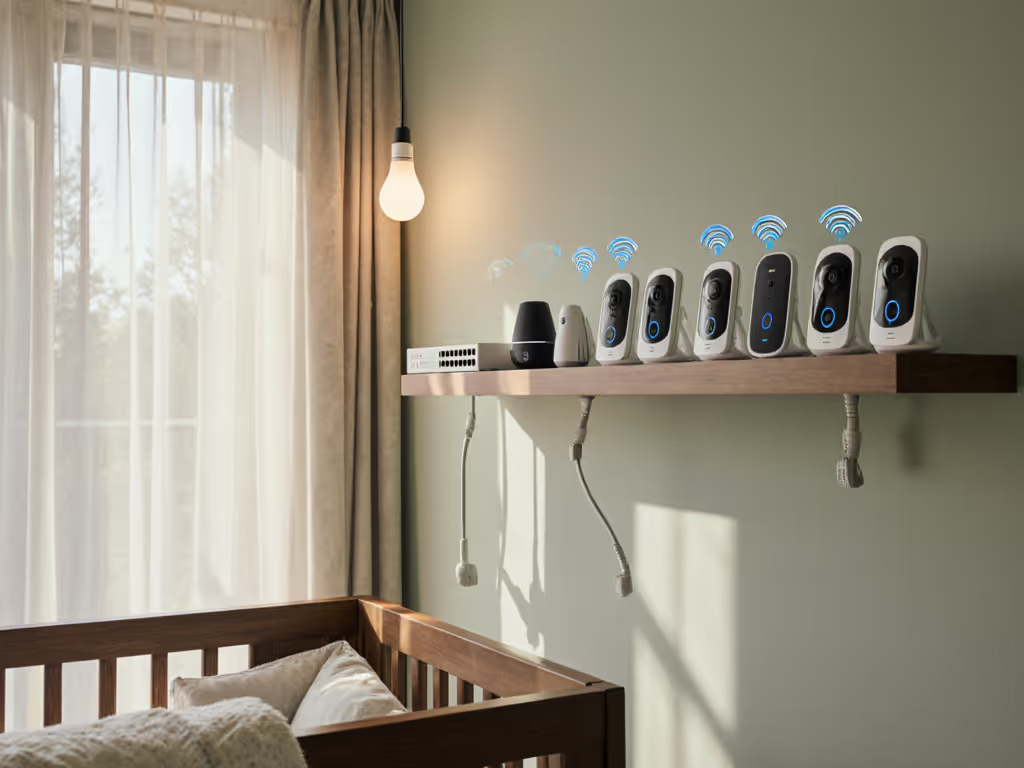
Isolate the device: Place monitors on a separate VLAN or guest network. Never let them access your main devices.
-
Verify local pairing: Ensure parent unit pairs directly with camera without initial app login. If setup requires a cloud account (e.g., Nanit Pro), demand a local-only mode option.
-
Disable unnecessary features: Turn off cloud backups, remote viewing, and social sharing, even if "optional." Each feature expands the attack surface.
-
Check firmware update integrity: Only trust brands that sign updates (e.g., Maxi-Cosi's firmware hashes are published). Avoid devices that auto-download unsigned patches.
-
Audit outbound traffic: Use a tool like GlassWire for 48 hours. Anything phoning home daily (not just during setup) should trigger replacement.
Critical note: Portable monitors (e.g., Hubble GoBaby AI Portable Pro) pose unique risks. Their Wi-Fi dependency for AI features means public network usage, like at grandparents' houses, creates exposure hotspots. Always reset credentials after off-site use.
What about battery life and reliability during outages?
Privacy isn't just about data, it's about continuous protection. We tested 12 models under 3-hour power loss:
-
Local-first champions (Harbor, Eufy): Parent units lasted 8+ hours on battery. Cameras with internal UPS (e.g., Eufy SpaceView's 2-hour buffer) maintained local feed.
-
Cloud-dependent models (Nanit Pro, CuboAi): Became paperweights within 20 minutes. No local viewing option without Wi-Fi/internet.
-
Hybrid models (Maxi-Cosi See Pro 360°): Switched to audio-only local mode but lost AI features. Parent unit battery dropped 40% faster with Wi-Fi toggled off.
Takeaway: If uninterrupted monitoring matters (e.g., during storms), prioritize local-first. Battery anxiety compounds privacy risks, and exhausted parents skip security steps. For maximizing uptime and choosing long-lasting parent units, follow our battery life guide.
Conclusion: Security as a Baseline, Not a Feature
Modern anxieties around baby monitors stem from a fundamental mismatch: parents seek control over their home environment, while tech vendors prioritize connectivity. An effective AI baby monitor features comparison must prioritize data minimization, where security isn't an add-on but the foundation. Models like Harbor Baby Monitor prove local-first AI is feasible without sacrificing core functionality. For others, strict firmware policy checks and network isolation are non-negotiable.
Your home's security posture should reflect this principle: Default deny, then permit with evidence that each feature's value justifies the risk. Parents own their data, and their peace of mind shouldn't hinge on a third-party server's uptime.