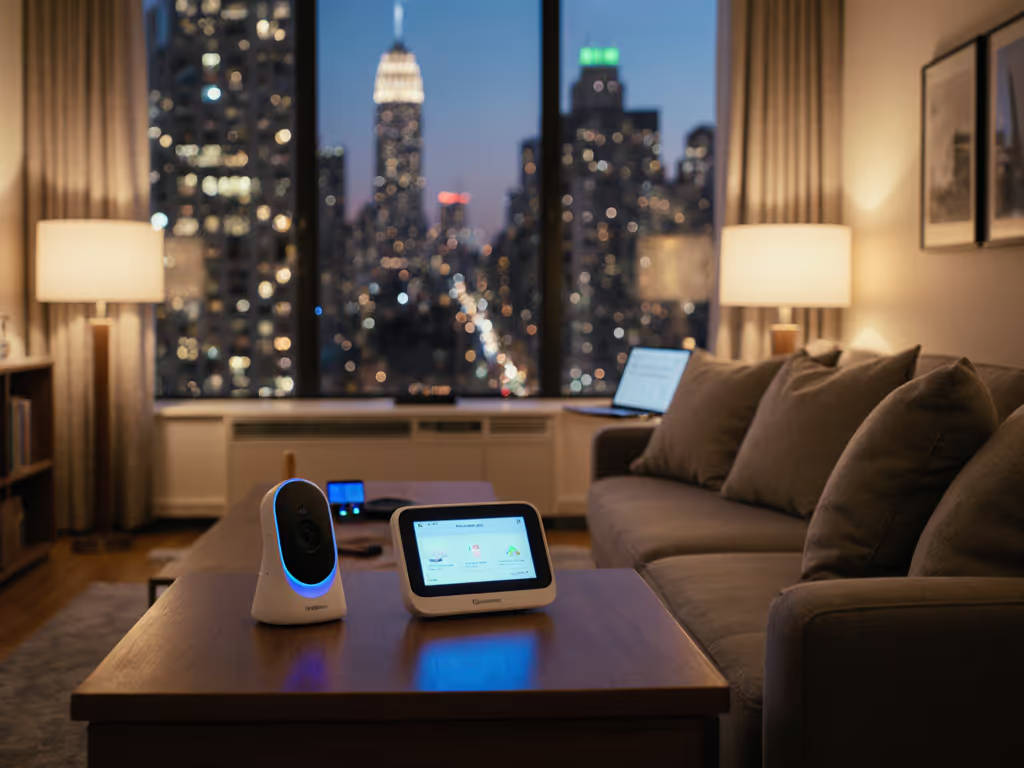
Parental Controls for Healthy Baby Monitor Boundaries
By Hana Ito • 21st Jan
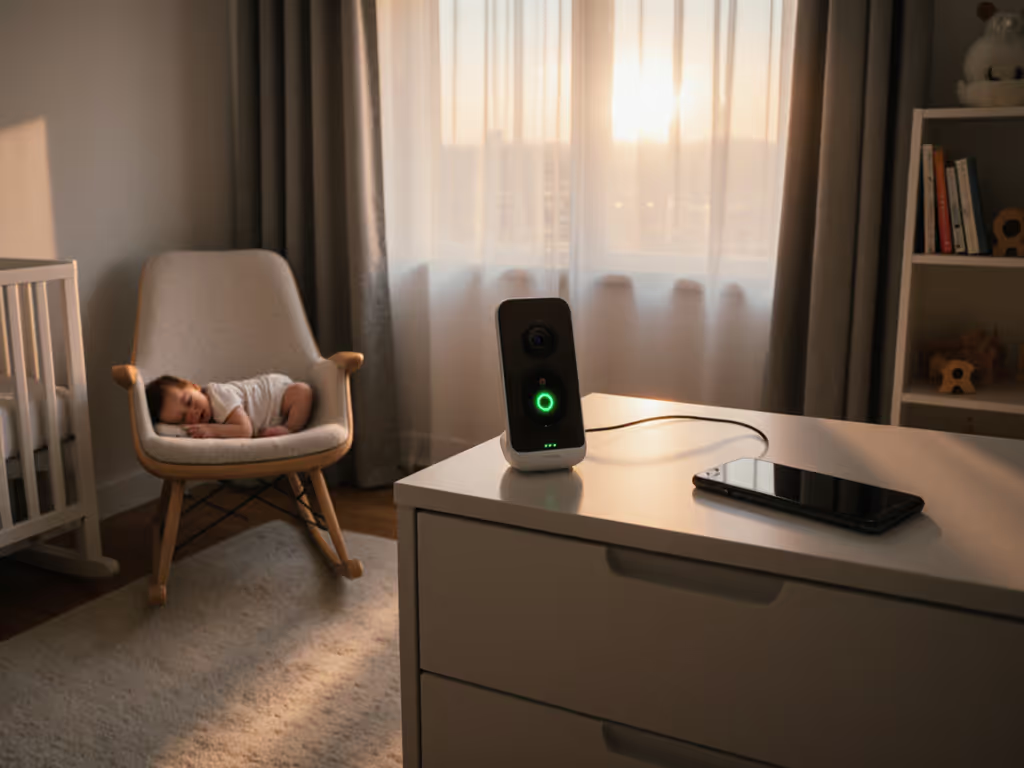
When the Baby Monitor Becomes Your Third Roommate
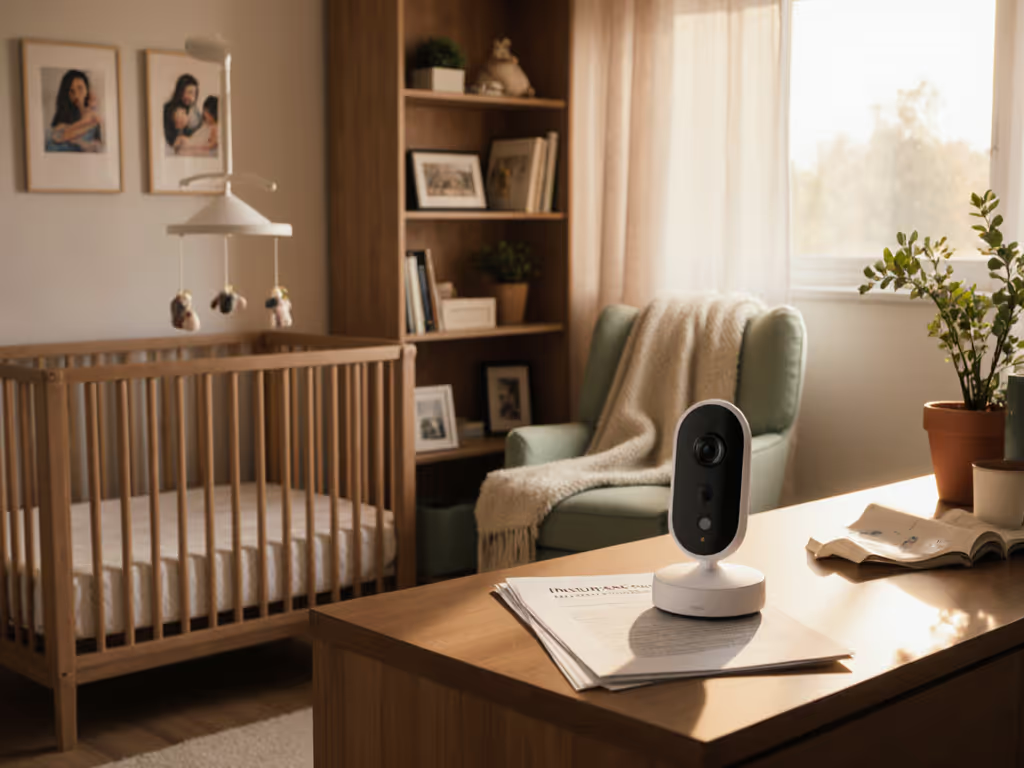
New parents rarely anticipate how deeply baby monitors embed themselves into family life, especially how baby monitor parental controls create space for healthy monitoring boundaries. That glowing screen in your hand at 2 a.m. was meant to ease anxiety, yet often becomes a source of new tension. You scroll through footage while nursing, check motion alerts during dinner, or find yourself refreshing the app between tasks. Sound familiar? This isn't about vigilance; it's about invisible boundaries that protect your rest and your baby's developing sleep rhythms. As a postpartum support worker who's set up routines for hundreds of families, I've seen how intentional controls transform monitors from anxiety amplifiers into quiet allies. The best monitor isn't the one with the most features; it's the one you forget about because it works within your routine.
Why Boundaries Matter More Than Resolution Specs
We've all been there: staring at the screen when our baby stirs, jumping in before they even cry, disrupting their natural sleep cycles. Monitoring overuse rarely comes from negligence (it's cognitive overload). Exhausted caregivers default to what's visible, mistaking screen time for active parenting. But here's what research quietly confirms: babies learn self-soothing partly through uninterrupted moments of fussing. When we intervene too quickly because a monitor shows every wiggle, we rob them of that critical window. Worse, parents report heightened anxiety when glued to real-time feeds (our brains fill gaps in static footage with worst-case scenarios). At 3 a.m., fewer decisions means more calm. For research-backed guidance on balancing monitoring with rest, read our sleep impact guide. Healthy monitoring boundaries aren't about disengagement; they're about creating psychological safety for everyone in the home.
I once helped a family juggling night shifts and sleep training. Mom would wake hourly to check the app, mistaking sleepy murmurs for distress. Dad missed alerts because volume controls were buried in nested menus. Their monitor wasn't faulty; it was mismatched to their reality. We didn't downgrade the tech; we upgraded their controls. Two simple tweaks: a night-view preset that auto-muted non-urgent alerts after 10 p.m., and a two-line handoff note taped to the unit. Three weeks later, both parents slept through the night. The monitor stayed on, but it stopped demanding their attention.
4 Control Features That Actually Reduce Nighttime Stress
Forget flashy specs. Focus on controllable features that align with your real-life rhythm. These are the game-changers I prioritize in every setup I configure:
Usage Time Limits: Your Digital Night/Night Mode
The most overlooked tool? Usage time limits baby monitor functions. Not just auto-shutoff timers (though those help!), but intelligent scheduling that syncs with your family's circadian rhythm. Look for systems allowing:
- Custom blackout periods (e.g., mute video 9 p.m.-6 a.m., keeping only critical cry alerts)
- Automatic dimming of parent-unit screens after 30 seconds of inactivity
- Gradual alert escalation (soft chime first, then vibration, then full alert, giving you 30 seconds to respond before it wakes others)
One client set her monitor to only trigger motion alerts during naps (when baby was prone to rolling), but mute them overnight. She reclaimed 72 minutes of sleep nightly, verified by her partner's sleep tracker. Small changes compound fast.
Activity Reporting: Seeing Patterns, Not Pixels
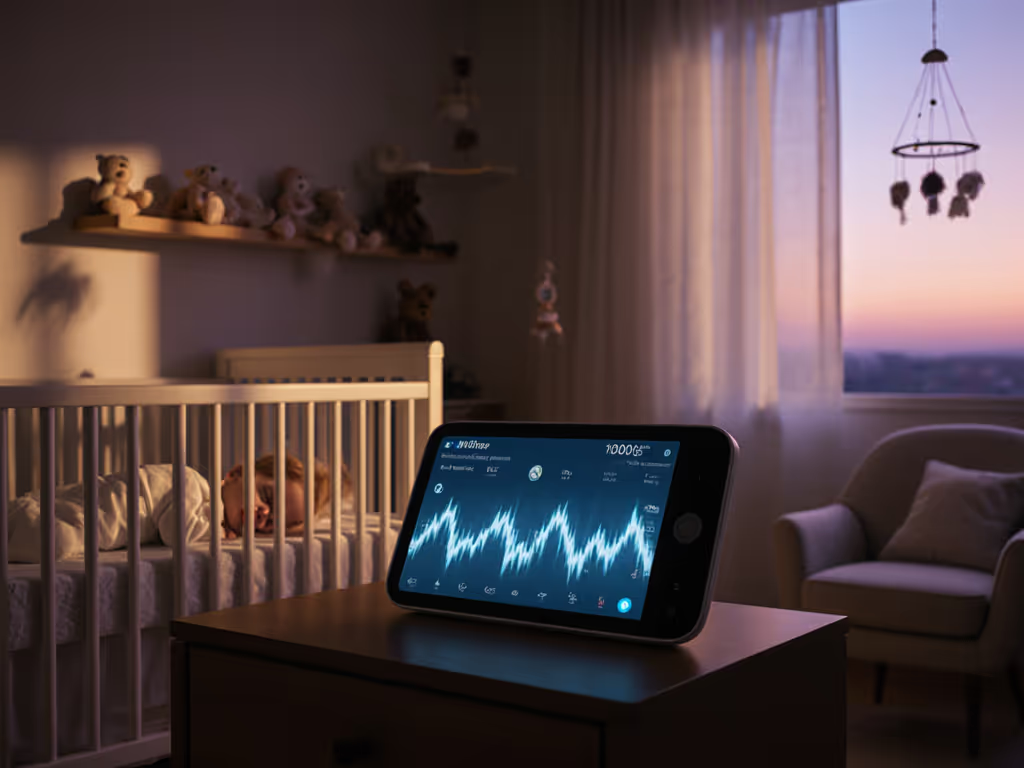
Activity reporting features shift focus from reacting to understanding. Raw footage paralyzes; summarized data empowers. Prioritize monitors that offer:
- Daily sleep summaries (e.g., "Baby settled within 8 minutes 4x today")
- Non-intrusive movement logs (time-stamped wiggles vs. full wake-ups)
- Alert reason tagging ("cry triggered at 2:17 a.m. for 22 seconds")
This isn't about perfection; it's about spotting trends. One mom noticed her baby's fussing peaked during the 5 a.m. bird chorus. She moved the crib away from the window. No more 5 a.m. interventions. Data becomes your stealthy problem-solver.
Alert Customization: Tuning Out the Static
Alert customization options are non-negotiable for shift-work families. Generic "sound detected" alerts cause alert fatigue, making you ignore real emergencies. Seek granular control:
- Cry-sound sensitivity sliders (e.g., ignore whimpers, flag sustained cries)
- Motion-zone mapping (ignore blanket movement, track crib-edge rolling)
- User-specific alerts (Mom gets all alerts; Grandma gets only "crying >60 seconds")
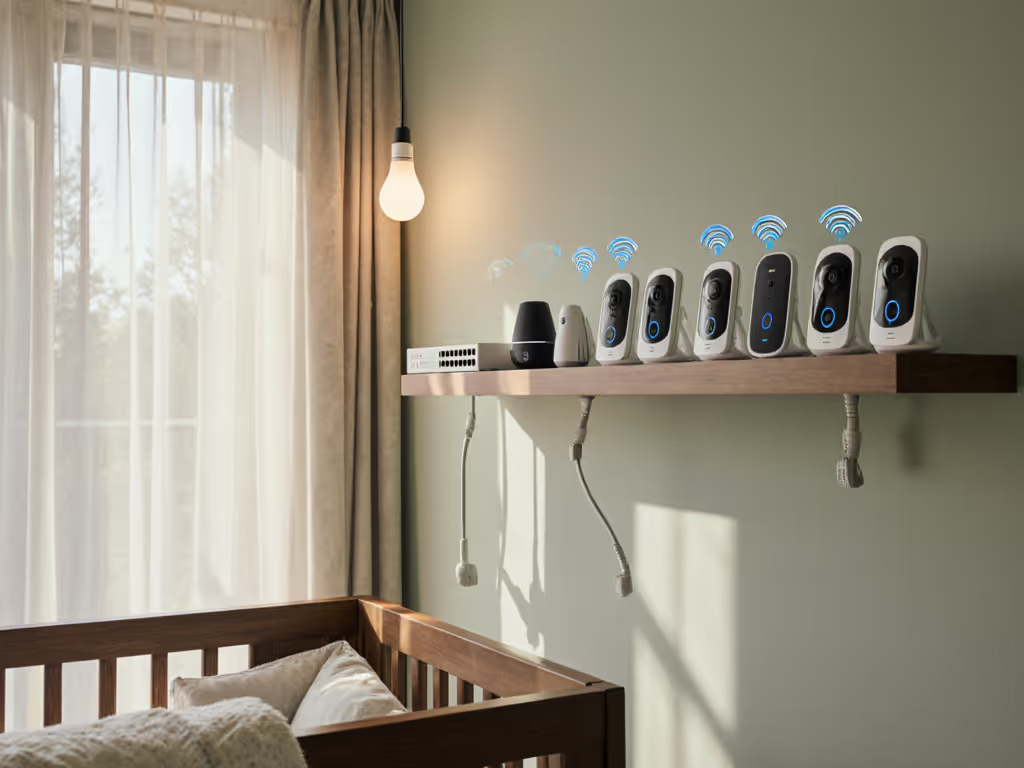
A nurse working 12-hour shifts set her monitor to mute all alerts during her 4-hour sleep block, but kept a vibration-only pulse for sustained cries. Her partner handled immediate needs, then reset the system. For households with multiple caregivers, compare multi-user baby monitors that streamline handoffs and alert routing. Handoff seamless; guilt-free rest achieved.
Night Vision: Clarity Without Distraction
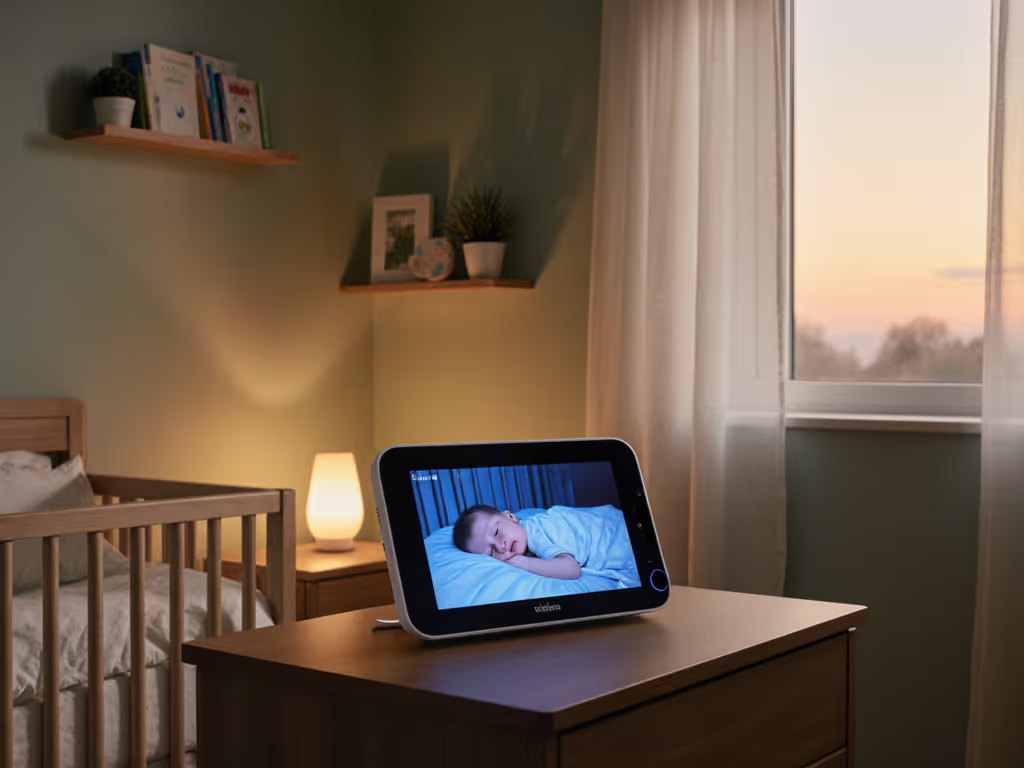
Night vision should feel like moonlight through a window, soft and revealing only what matters. For the tech behind clearer dark-room views, see our night vision guide. Avoid IR glare that washes out faces or grainy footage requiring you to zoom in to check breathing. Ideal systems:
- Auto-adjust brightness based on room darkness
- Highlight subtle chest movements with color accents (e.g., blue pulse for breathing)
- Offer optional high-contrast mode for low-light rooms (but default to gentle grayscale)
I've watched parents relax visibly when they stop straining to see breathing in dark feeds. Clarity = confidence. Confidence = less screen time.
Building Your Boundary Blueprint: Plain Steps for Real Life
Creating healthy monitoring boundaries isn't one-size-fits-all. It's about matching controls to your non-negotiables. Try this caregiver handoff tip every new family learns: the "3 a.m. Rule." Ask: "If this alert wakes me at 3 a.m., is it truly urgent?" If not, adjust your settings now. Here's how to start:
Step 1: Audit Your Nightly Triggers (5 Minutes)
Grab a notepad for three nights. Each time you check the monitor:
- Note the time
- Reason you checked (e.g., "motion alert")
- What you actually saw (e.g., "baby rolling back to sleep")
Pattern will emerge. One client discovered 83% of her 2 a.m. checks were for non-urgent motion alerts. She adjusted her motion sensitivity, and sleep improved immediately.
Step 2: Set Your "Do Not Disturb" Zones
Based on your audit, configure:
- Critical alerts (only for sustained cries, no-motion events)
- Silent zones (e.g., during partner's sleep shifts)
- Visual-only alerts (e.g., gentle screen glow for non-urgent events) If you prefer screen cues over sound, explore visual alert monitors to keep notifications helpful without noise.
Pro tip: Use existing routines. If your baby's dream feed is at 4 a.m., set enhanced alerts for 3:45-4:15 a.m. Precision beats constant vigilance.
Step 3: The Handoff Handshake (For Shift Workers & Caregivers)
Create a 2-line transition note for shift changes:
"Last feed: 10:30 p.m. | Alerts set to CRY ONLY until 6 a.m."
Tape it to the monitor. No app juggling. No "Did you change settings?" fights. Just calm continuity.
The Quiet Freedom of Intentional Monitoring
Preventing monitor overuse isn't about using less tech; it's about using smarter tech. True peace of mind comes when your monitor operates in the background without demanding constant interaction. When alerts are precise, night vision is effortless, and boundaries are built-in, you stop policing the screen and start trusting your instincts. That's when magic happens: you hear the real cry without needing video, you know when to intervene because the data aligns with your intuition, and 3 a.m. becomes quiet instead of frantic.
The families I work with don't crave more features; they crave reliability they can lean on. A monitor that respects your sleep as much as your baby's. One that hums along quietly until it's truly needed. Because when you're not fighting the tool, you're fully present with the tiny human who needs you most.
Ready to Find Your Monitor Match?
Curious how your floor plan or wall materials affect monitor performance? Explore our free Room Layout Analyzer. It maps real-world signal strength based on your home's actual construction. Or dive deeper into privacy-focused setups for apartment dwellers and tech-sensitive households. Because healthy boundaries begin with the right foundation. Night vision should feel like confidence, not compromise.