Baby Monitor Sleep Impact: When Tracking Harms Your Rest
By Amina Qureshi • 16th Dec
You've likely heard about the baby monitor sleep impact on infants, but what about your rest as a parent? Emerging research shows these devices might be undermining the very thing they promise to protect: parental sleep quality monitoring. And it's not just about whether the baby's crying (it's what happens when that monitor silently transmits data outside your home). For practical steps to lock down cloud-connected models, see our WiFi monitor security guide. I've seen this firsthand: while testing a supposedly secure device, I caught metadata (timestamps, device IDs, even signal strength beacons) leaving a network at 3 a.m. The parents weren't streaming. If it phones home, it needs a very good reason. Let's unpack why your monitor might be stealing your sleep, and how to fix it without sacrificing peace of mind.
Why Your Monitor Might Be Keeping You Awake (Beyond the Cries)
Q: Can baby monitors really disrupt adult sleep?
A: Surprisingly, yes, and not just from audible alerts. Learn how to minimize exposure in our EMF safety guide for baby monitors. A 2024 double-blind study in Frontiers in Public Health exposed 12 adults to 2.45 GHz radiation (standard Wi-Fi baby monitor frequency) over seven nights. Results showed:
- 27.3% of participants experienced insomnia-level sleep disruption
- Increased gamma, beta, and theta brainwave activity during Non-REM sleep (indicating an unnaturally active brain when it should be resting)
- Subjective reports of poorer sleep quality compared to sham exposure
This isn't hypothetical radiation. It's the same signal emitted by every cloud-connected monitor in your nursery. While the study size is small (and researchers call for larger trials), it challenges the assumption that "low-power" devices are harmless in sleeping environments.
Q: How does privacy risk translate to sleep loss?
A: Monitor anxiety operates in two layers:
- Direct physiological impact: Radiation exposure may alter sleep architecture (as above)
- Psychological erosion: Knowing your feed could be hacked, or that your data is being harvested, triggers low-grade hypervigilance. The PMC study on "The Quantified Baby" found parents reporting increased stress when devices malfunctioned or generated false alarms, with some describing obsessive checking as "addictive."
This is where threat models matter. Ask: Who benefits from my baby's sleep data? If the answer isn't you, reconsider your setup. I've audited monitors that quietly send audio snippets to the cloud for "voice training" (even when muted). That metadata leakage I caught at 3 a.m.? It vanished once we switched to a local-only model. Not sure which tech aligns with your risk tolerance? Start with our WiFi vs non-WiFi guide. The parents' shoulders dropped; mine did too.
Breaking the Cycle: Healthy Monitoring Habits for Restful Nights
Q: How do I reduce monitor anxiety without ditching the device?
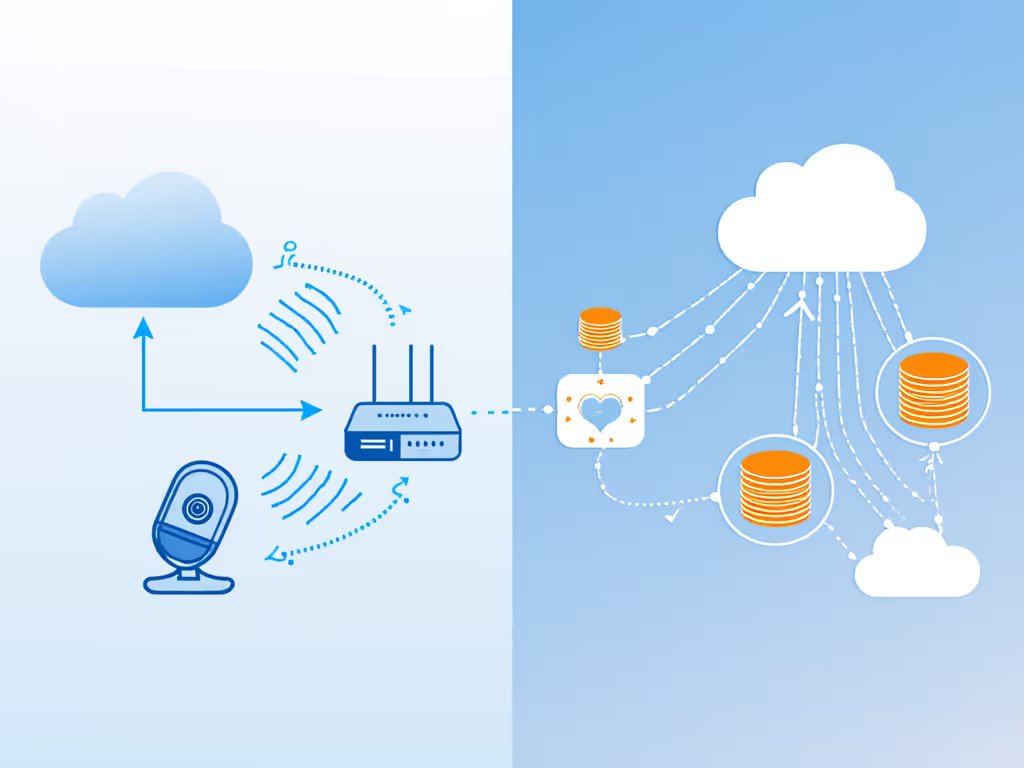
A: Start with data flow diagrams. Sketch exactly where information travels:
- Camera → Parent unit? (Good, local)
- Camera → Cloud server → Parent unit? (Bad, adds latency and privacy risks)
- Camera → App notifications via third-party servers? (Worse, multiple attack vectors)
Prioritize these healthy monitoring habits:
- Go local-first: Choose monitors with on-device viewing (no mandatory cloud). Anything streaming over your home network only eliminates external radiation vectors.
- Kill background comms: Disable features like remote access or cloud storage if unused. (Check router logs for unexpected outbound traffic.)
- Nightly firmware policy checks: Verify no updates added "telemetry" features. Rename the device on your network to something generic like "NurseryCam" (not "BabyMonitor") to avoid targeted scans.
- Hard power-off at 9 PM: Use a smart plug to disable Wi-Fi/Bluetooth outside critical hours. Your baby won't need remote access while you sleep.
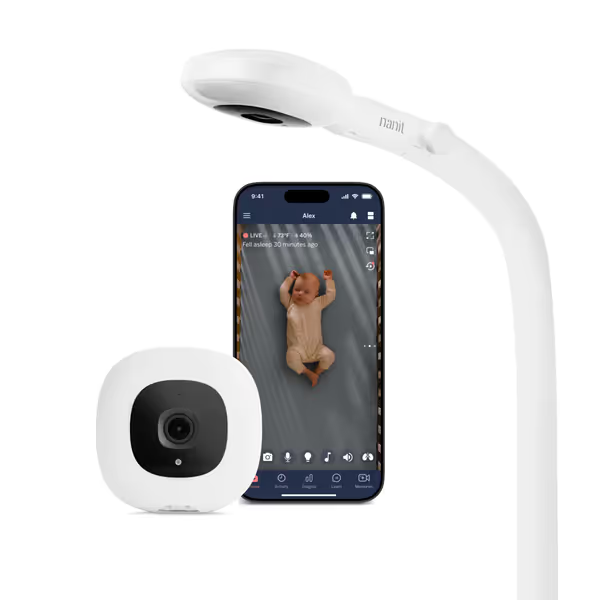
Nanit Pro Smart Baby Monitor
Always-on, secure monitoring with HD video, sleep tracking, and real-time alerts.
$289
Video Resolution1080p HD
Video Resolution1080p HD
Pros
Crystal-clear 1080p HD video & night vision for detailed monitoring.
Advanced sleep tracking and personalized tips via Nanit Insights.
Secure with 256-bit AES encryption & 2-factor authentication.
Cons
Connectivity and functionality issues reported by some users.
Customers find this baby monitor to be the best on the market with super clear picture quality and helpful sleep tracking features. The user-friendly app and two-way audio with white noise options make it easy to use, and customers consider it worth the money. However, functionality and connectivity receive mixed reviews - while the system works well for some, others report it malfunctions frequently and disconnects from the internet.
Customers find this baby monitor to be the best on the market with super clear picture quality and helpful sleep tracking features. The user-friendly app and two-way audio with white noise options make it easy to use, and customers consider it worth the money. However, functionality and connectivity receive mixed reviews - while the system works well for some, others report it malfunctions frequently and disconnects from the internet.
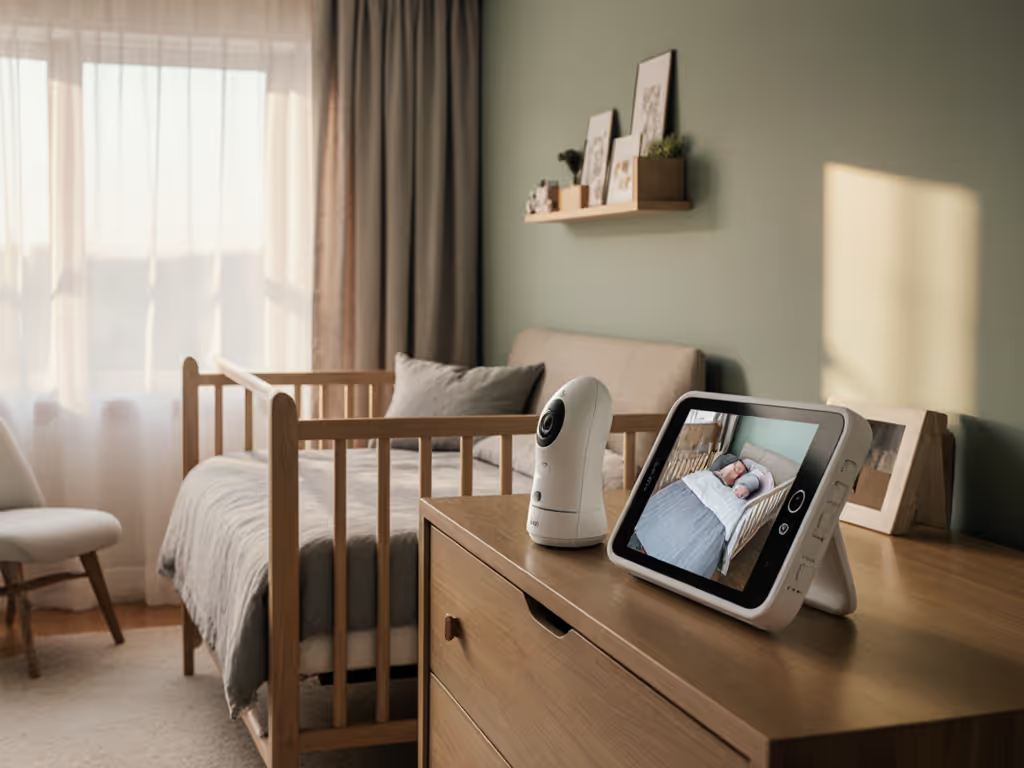
Cloud-reliant models like the Nanit Pro exemplify the trade-off: convenience versus control. While its sleep insights appeal, its mandatory app/cloud dependency creates an external data flow you can't disable, even if you only want local viewing. That constant comms loop isn't just a privacy risk; it's a potential sleep disruptor sitting three feet from your baby's head.
Q: Isn't disabling features defeating the purpose?
A: Not if you reframe the desired outcome. Most parents cite reducing monitor anxiety as their top goal, not remote access during dinner. Ask:
- Do I actually check feeds from the office, or does it just create phantom alerts?
- Could false "cry detected" notifications from a glitchy Wi-Fi system be causing more sleep interruptions than they prevent?
The PMC study confirms this paradox: working monitors reduced parental anxiety, but poor performance increased it dramatically. Latency that makes cries seem delayed, false negatives from mic muffling, or dropped connections during critical moments erode trust. You wind up checking manually more often, hurting your sleep.
Your Sleep-First Action Plan
- Audit your monitor's data flow tonight:
- Check router logs for unexpected destinations.
- Run a Wi-Fi analyzer app to spot 2.4 GHz congestion.
- Turn off location services for the monitor app.
- Implement a local-only fallback:
- Use analog audio monitors as backup during outages.
- Position Wi-Fi cameras near the router (avoiding metal/plaster walls).
- Enable only encrypted local streaming (no cloud pairing).
- Build sleep science for parents into your routine:
- Place monitors ≥6 feet from the crib (reduces radiation exposure).
- Disable night-vision IR if using a dim nightlight (reduces EMF load).
- Use airplane mode on parent units overnight, rely on audio-only alerts.
Minimize attack surface, maximize rest. Your home's data shouldn't travel farther than your baby's first steps.
When to Question Your Setup
Stop using your monitor immediately if:
- It requires a subscription for basic local viewing
- You can't disable cloud backups or third-party data sharing
- Firmware updates add features without clear user consent (e.g., "voice analytics")
This isn't anti-technology (it's pro-sleep). For clarity on how long brands keep your footage, read our baby monitor data retention guide. Just as we moved cribs away from electrical outlets for safety, we must now apply plain-language crypto principles to nursery tech: if you can't explain where the data goes in one sentence, it doesn't belong in your child's room.
Further Exploration
- The full Frontiers in Public Health study on RF radiation and sleep (read the methodology section critically)
- EMF Analysis Toolkit for Home Networks (free guide for verifying device encryption claims)
- Real-world range tests comparing FHSS vs. Wi-Fi monitors through brick/plaster walls
Your home is your sanctuary, not a data pipeline. Optimize for rest, not just connectivity, and you'll find that the quietest monitor isn't the one with the most features, but the one that stays silent when it matters most.
Related Articles