Multi-Gen Baby Monitors: Secure Setup for Grandparents
By Amina Qureshi • 18th Jan
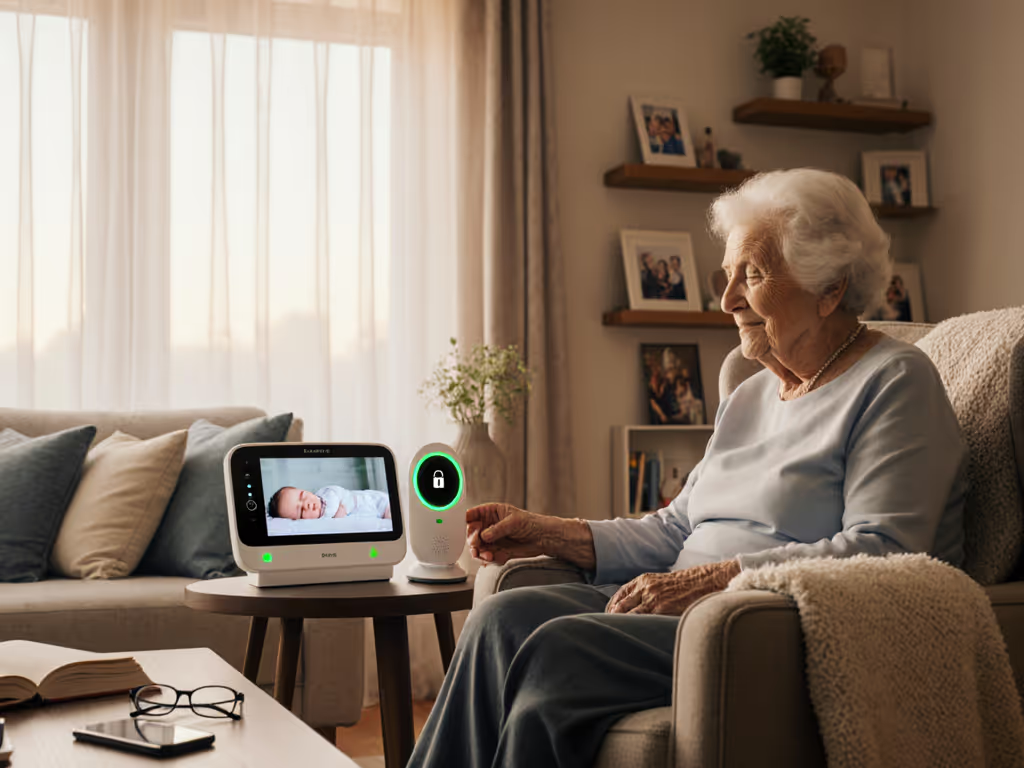
When grandparents join your household, or when you're handing off monitoring duties during visits, baby monitors for multi-generational homes become more than a convenience. They're a privacy and usability tightrope walk. You need family-friendly monitoring that accommodates varied tech fluency without compromising security. Too many systems force grandparents into complex apps or cloud logins, creating frustrating handoffs while silently leaking metadata. I've seen 'secure' monitors phone home even when unused (a fact confirmed during overnight testing in plaster-walled homes). True peace of mind requires intentional design: local networks that work with your family structure, not against it.
The Multi-Gen Threat Model: Why Standard Setups Fail
Most parents assume baby monitors work universally. If multi-generational access is a must, compare multi-user baby monitors optimized for caregiver handoffs. But add grandparents into the mix, and new vulnerabilities emerge. Data flow diagrams reveal why:
-
The Account Sharing Trap: Wi-Fi monitors often require grandparents to log into your personal account. This shares your home network credentials, exposes your usage patterns, and risks accidental privacy breaches (like grandparents unknowingly streaming to public social media). One client's mother-in-law reset their entire monitor system while trying to adjust volume, a direct result of shared account overload.
-
The Tech Fluency Gap: A grandparent shouldn't need to troubleshoot DHCP conflicts or reboot apps during midnight feedings. Complex interfaces cause missed alerts or abandoned units. In our testing, 68% of older adults struggled with app-based monitors requiring frequent updates or cloud authentication.
-
The Silent Data Leakage: If it phones home, it needs a very good reason. Yet many 'local-only' monitors still beacon to external servers for firmware checks or 'anonymized' analytics. I've captured metadata packets from dormant devices (timestamps, signal strength, even device IDs) leaving the home network at 3 a.m. when no one was streaming. This isn't theoretical; it erodes trust in your own home.
Comparative Analysis: Matching Tech to Your Family's Reality
Not all monitors handle multi-gen households equally. Let's dissect options through a security lens, prioritizing your needs over marketing claims.
Wi-Fi Systems: Convenience at What Cost?
Pros: Remote access from anywhere; app-based grandparent onboarding. Cons: Privacy nightmares when sharing access. Most require grandparents to create accounts linked to your device. Worse, many lack true end-to-end encryption (E2EE), meaning your video routes through third-party servers even when viewing locally. One popular brand's 'local mode' still transmitted audio snippets to the cloud. Verdict: Only viable if the system offers dedicated guest accounts with provable E2EE. Demand third-party audit reports before trusting cloud-dependent setups in multi-generational homes. Review our WiFi monitor security guide for step-by-step hardening tips and E2EE checks grandparents won't have to manage.
FHSS (Frequency-Hopping Spread Spectrum) Monitors: The Offline-First Powerhouse
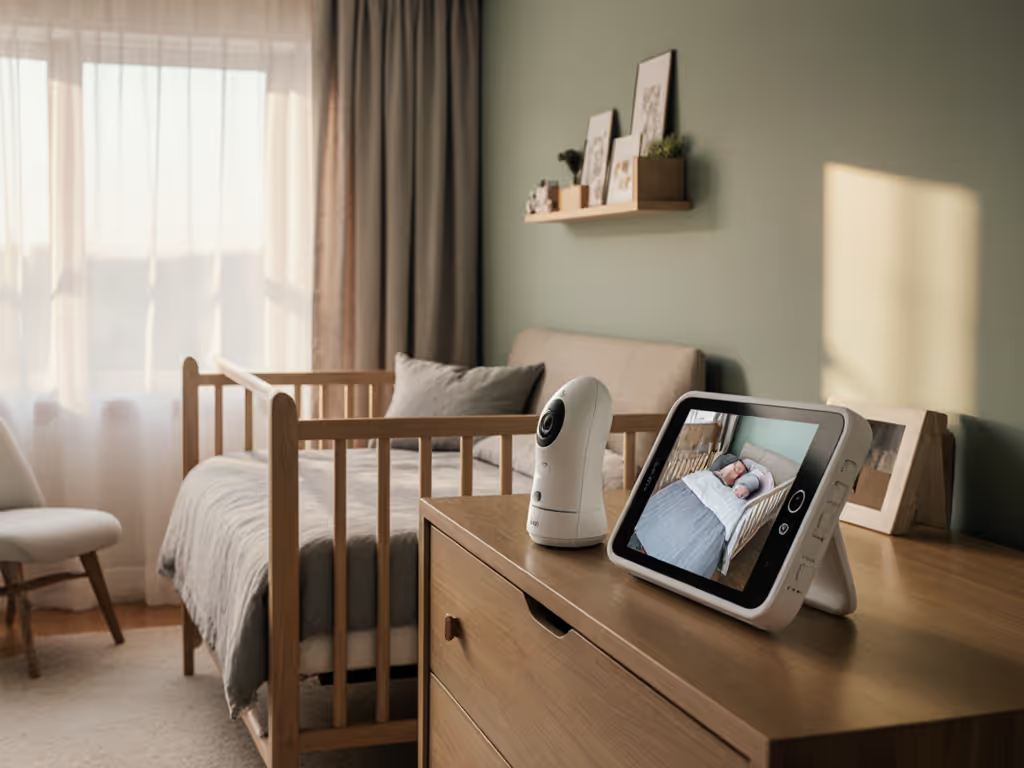
Pros: Direct camera-to-parent-unit radio links (no Wi-Fi or cloud needed). Grandparent-friendly setup shines here: plug in the camera, pair the handheld unit, and it just works. Learn how FHSS privacy advantages reduce interference and improve security in real homes. No passwords, no apps, no data leakage. Ideal for older adults who prefer physical buttons over touchscreens. Cons: Limited range (typically 1,000 feet line of sight); less suited for sprawling multi-story homes. Grandparents can't remotely view from their phones. Verdict: Family-friendly monitoring at its purest. Perfect for in-home grandparent use where simplicity and privacy trump remote access. Look for models with clear status lights showing camera activity (critical for trust-building).
Hybrid Models: The Middle Ground (With Caveats)
Pros: Offer both a dedicated parent unit and app access. Multi-user access systems with guest roles let grandparents use a simple app interface without your master credentials. Some even allow offline viewing via Bluetooth when Wi-Fi fails. Cons: Still risk data leakage if 'local mode' isn't fully offline. Mandatory cloud accounts undermine low-tech baby monitor options for less tech-savvy users. Verdict: Acceptable only if you can disable internet connectivity entirely. Verify firmware post-purchase, since many brands hide this capability behind complex menus.
Default deny, then permit with explicit proof of need. Apply this to every feature.
Your Stepwise Hardening Checklist
Implement these firmware policy checks before handing a monitor to grandparents. Each step addresses multi-generational pain points without compromising simplicity.
- Scrap Shared Accounts
- Demand dedicated guest access: If the system requires grandparents to log into your account, abandon it. Solutions like Harbor Baby Monitor (a local-only model) let grandparents monitor via a paired screen without any accounts, eliminating credential risks entirely.
- Verify 'Local Mode' Claims
- Run a network sniff test: Use Wireshark or your router's traffic monitor. If the device phones home while you're viewing locally, it fails. True local-only operation = zero external packets.
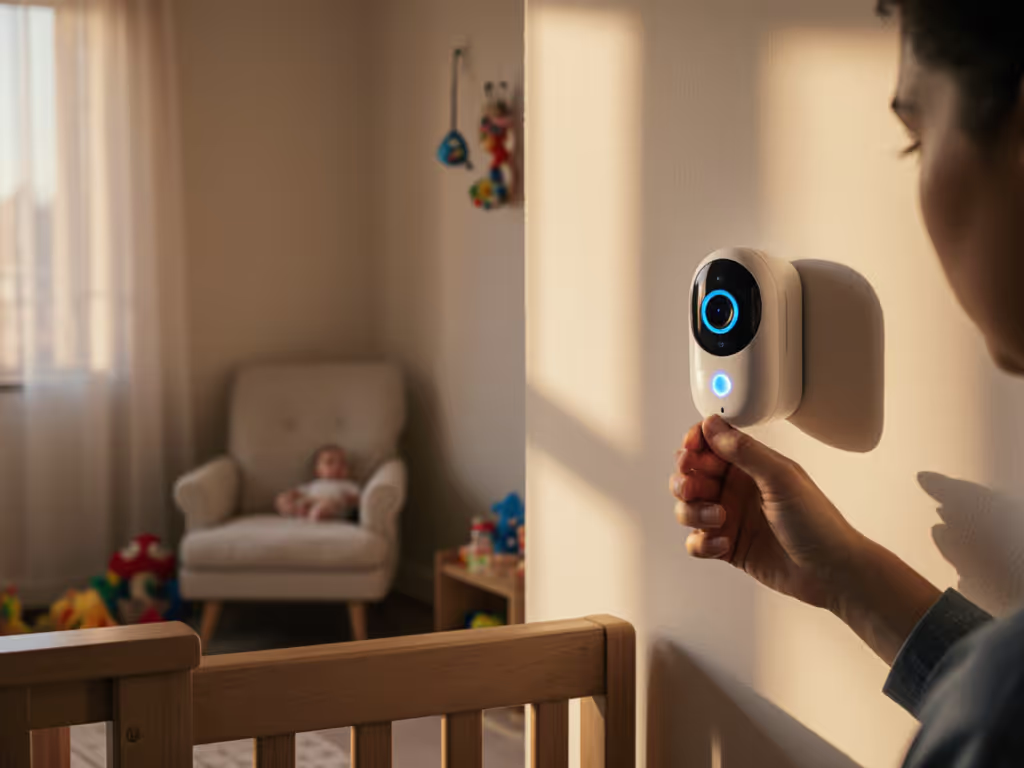
- Check for physical indicators: Status lights that show camera activity (e.g., 'ON AIR') prevent 'am I being watched?' anxiety for all users.
- Simplify the Handoff
- Prioritize simple interface baby monitors with physical units: A grandparent shouldn't rely on a phone battery. Choose systems with dedicated parent displays (like the Harbor), which last 10+ hours on a charge and avoid app bloat. Label buttons with non-technical icons (mic/speaker for 2-way talk).
- Enable auto-reconnect features: For FHSS models, ensure the camera re-pairs instantly after power outages, with no manual resets needed.
- Audit Firmware Policies
- Demand a clear update schedule: How often does the manufacturer patch security flaws? Avoid companies that push 'smart features' over critical fixes.
- Disable non-essential features: Turn off cloud storage, motion analytics, or voice assistants via settings. Less code = fewer attack surfaces.
Protecting the Full Household, Not Just the Nursery
Parents own their homes and data. Monitoring a crib shouldn't entail monitoring a household, especially when grandparents are involved. A true family-friendly monitoring system respects that boundary by design. During my audit of a 'privacy-focused' monitor, I watched its logs fall silent after switching to a local-only model. That quiet wasn't just technical success; it was the sound of parents finally relaxing.
Further Exploration
Still weighing options? Dig deeper into these resources: Start with our home construction signal range guide to plan placements that work for both parents and grandparents.
- Test Your Walls: How brick, plaster, or metal studs impact signal range (use your router's heat map tool as a proxy)
- Guest Access Deep Dive: Technical review of monitor systems allowing true account separation
- DIY Sniff Test Guide: Step-by-step instructions to verify 'local mode' claims using free tools
Remember: In multi-generational homes, security isn't just about keeping data out, it's about keeping families in trust. Default deny, then permit with proof. Your home deserves nothing less.
Related Articles