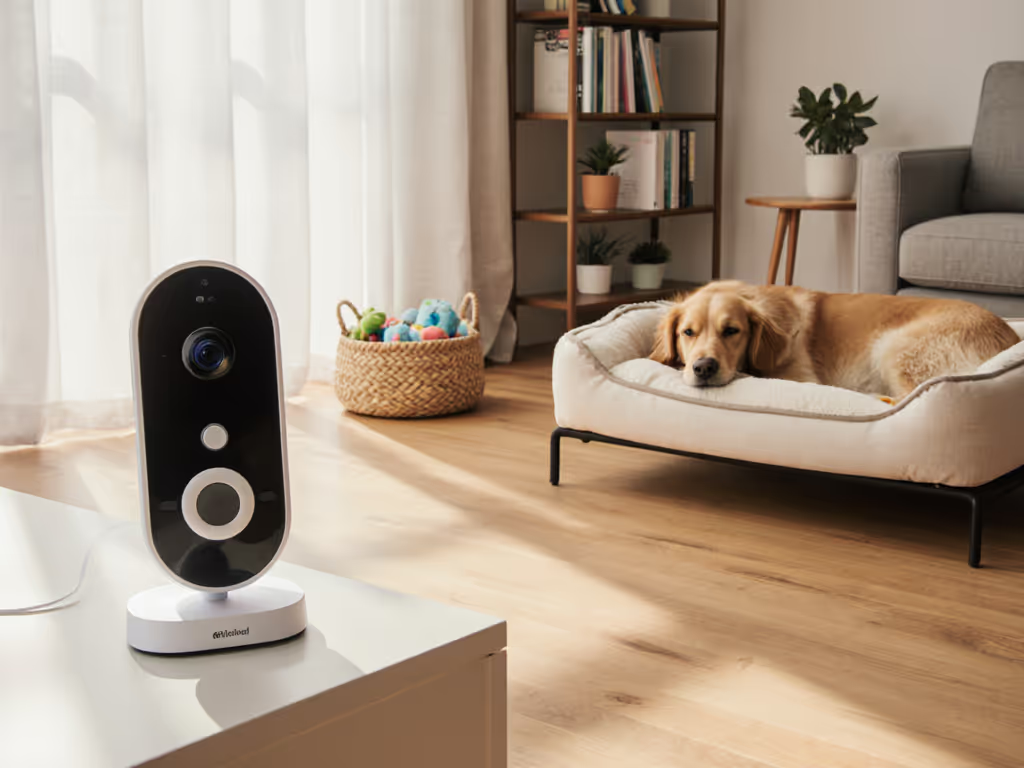
Outdoor Baby Monitor for Toddlers: Waterproof, Range & Setup
By Amina Qureshi • 20th Apr
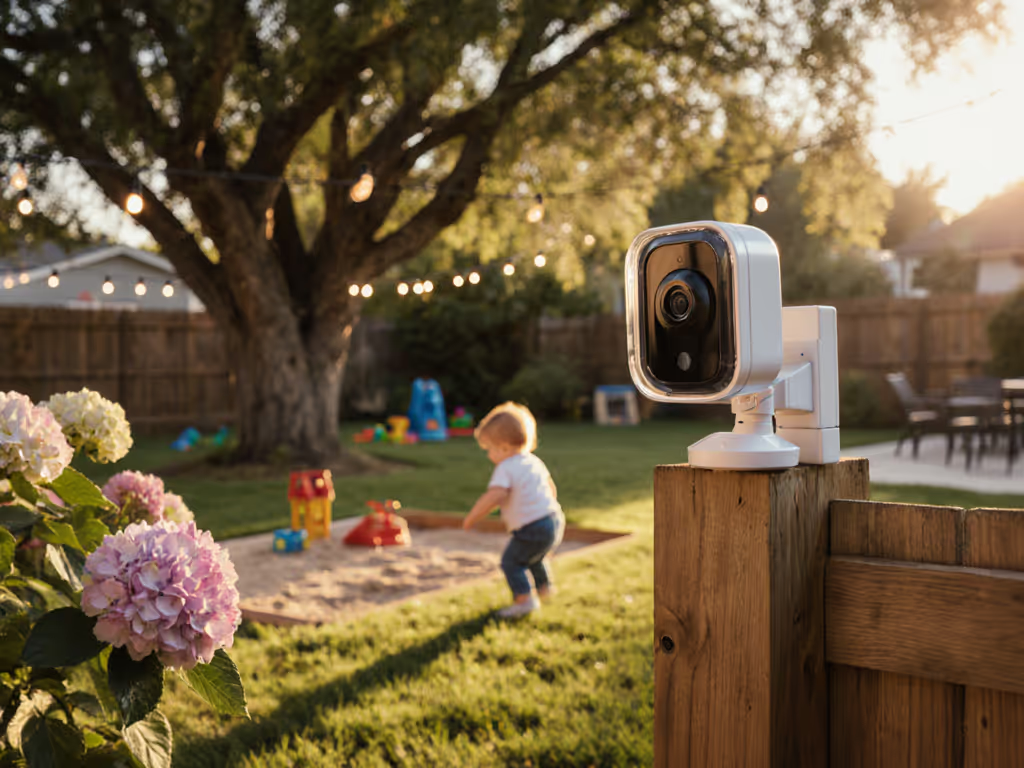
An outdoor baby monitor for toddlers extends your sightline beyond the nursery, into yards, patios, and multi-story homes where signal degradation and weather pose real threats. A waterproof outdoor monitor requires different threat modeling than indoor-only devices: you're not just managing Wi-Fi interference anymore, you're managing distance, physical barriers, power constraints, and a device that needs to survive rain, UV exposure, and temperature swings.
Outdoor monitoring is deceptively complex because range and durability specs alone don't guarantee stable, trustworthy performance. A monitor rated for 1000 feet in open air behaves very differently across a suburban lot bounded by fences, trees, and a garage. More importantly, the data leaving your home during outdoor monitoring (timestamps, video streams, motion alerts) follows pathways you need to understand and control. If it phones home, it needs a very good reason.
This guide addresses the core questions parents face when extending monitoring beyond the house.
What Makes Outdoor Monitoring Different From Indoor Setup?
Indoor monitors operate in controlled RF environments with consistent wall materials and limited distance. For material-specific range planning, see our signal range by home construction guide. Outdoor use invokes a different threat model:
- Physical range trade-offs: A 1000-foot rated range assumes minimal obstacles. Real yards include trees, fences, brick barriers, and rooflines that fragment signals. Line-of-sight distance in a backyard is often 60-150 feet, not the marketing spec.
- Longer battery draw: Transmitting across yards drains parent units faster than room-to-room monitoring. A monitor rated for 19 hours indoors may deliver 10-12 hours during regular outdoor use.
- Weather and durability: Rain, UV, and temperature swings aren't cosmetic concerns (they degrade antennas, corrode connectors, and shorten battery life). "Water-resistant" is not waterproof; IP ratings matter.
- Interference complexity: Outdoor RF space is noisier than a single home. Neighbors' Wi-Fi, cordless phones, baby monitors in adjacent yards, and metal structures (gutters, swing sets, fencing) all scatter 2.4 GHz signals. You're sharing spectrum with hundreds of devices.
- Data flow implications: If your monitor uploads to cloud storage or streams over Wi-Fi, outdoor use exposes position data (you're in the yard), activity data (bedtime, wake windows), and device signatures that a threat actor can geolocate and correlate over time.
Understanding these differences is how you avoid buying a monitor that looks good on paper but fails at bedtime.
Should You Choose Wi-Fi, Closed Mesh (FHSS), or Hybrid Outdoor Monitors?
Each option carries security and reliability trade-offs.
Closed-mesh (Frequency-Hopping Spread Spectrum / FHSS): Many outdoor-first monitors use proprietary 2.4 GHz mesh protocols. These devices pair parent and child units directly without Wi-Fi or accounts. See outdoor head-to-head results in our Roar vs VTech backyard test. Threat model: Signal is contained between two devices; no central server means no cloud logs, no third-party access, no account compromise. Range trade-off: Typical range is 600-1000 feet line-of-sight outdoors, degrading significantly with walls and obstacles. Example: Monitors like the Roar and many camping-focused models operate on closed mesh with 20-hour battery life and water resistance, eliminating cloud dependencies entirely.
Wi-Fi-based monitors: Cameras connect to your home Wi-Fi; parent app streams over the internet. Threat model: Video transits your network and ISP, potentially to a cloud server. Encryption, account security, and the manufacturer's privacy policy become critical. If the monitor requires an account and upload by default, you're distributing data to a third party. Advantage: Unlimited range (your phone can view from anywhere) and feature richness (cloud recording, AI alerts, multi-camera management). Disadvantage: Phone battery drain, dependency on home Wi-Fi stability, and mandatory account/subscription.
Hybrid options: A monitor that works with or without Wi-Fi, defaulting to local-only pairing. Threat model: You retain local, offline viewing as the primary mode; Wi-Fi is optional, not mandatory. This aligns with the principle that backyard toddler monitoring shouldn't require your home network to broadcast location and activity data outward. Trust is configured, then verified, meaning you set local-only as the baseline, test that it works reliably outdoors, and only add Wi-Fi if the local connection proves insufficient.
For outdoor use, I favor closed-mesh and hybrid-local approaches. If your model phones home every time your toddler stirs, you've traded convenience for surveillance infrastructure you don't control.
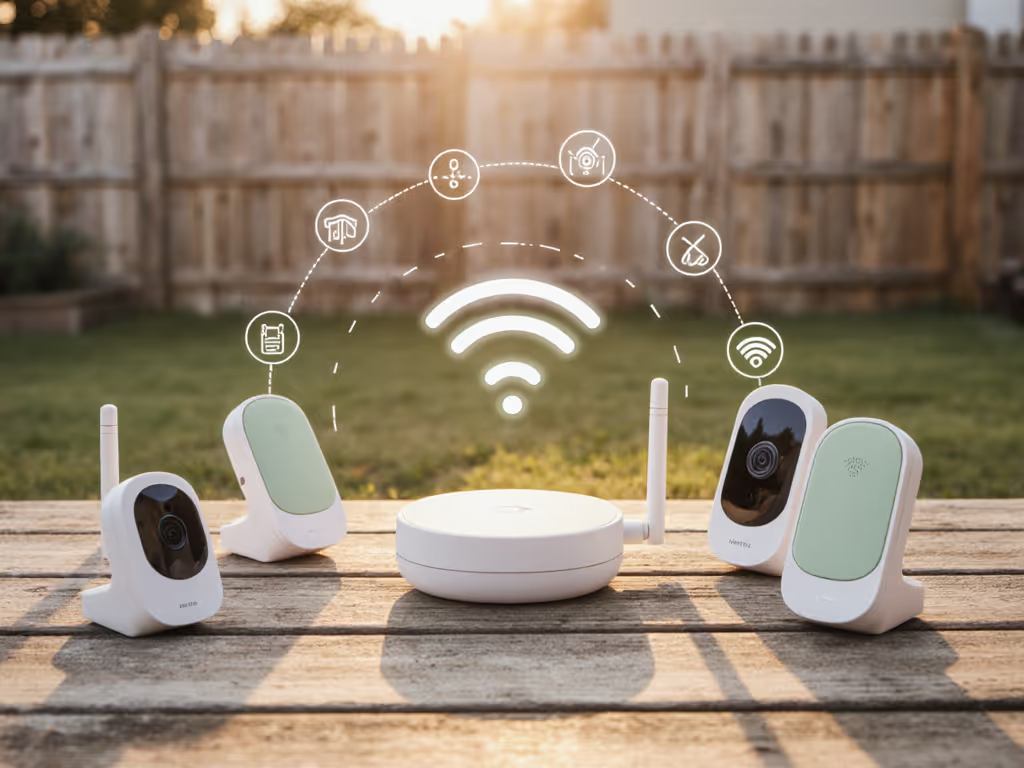
How Do Range, Interference, and Wall Materials Affect Outdoor Coverage?
Range specs are marketing claims, not guarantees. Real-world performance depends on three variables: distance, obstacles, and RF noise.
Distance and line-of-sight: Most outdoor monitors specify range in ideal conditions (open field, no obstacles). In suburban backyards with trees, fences, and house walls, effective range drops 40-60%. A rated range of 1000 feet becomes 400-600 feet in typical use.
Wall materials matter: Older homes with brick, plaster, or metal-framed walls absorb 2.4 GHz signals more aggressively than wood and drywall. If your yard is blocked from the camera by the house wall, even a close distance can result in dropout. Patio safety monitoring near a metal garage or on a deck adjacent to steel framing creates RF shadows.
Interference sources: In dense neighborhoods or apartments, competing devices fragment the spectrum:
- Neighbors' Wi-Fi and baby monitors
- Microwave ovens and cordless phones
- Metal structures (fencing, swing sets, gutters)
- Overhead power lines
Many outdoor-rated monitors use frequency-hopping to reduce collision likelihood, but FHSS isn't collision-proof. In RF-noisy environments, a closed-mesh monitor may still experience brief dropouts. Closed-mesh monitors avoid Wi-Fi congestion entirely, improving outdoor stability in dense urban settings.
Firmware policy checks: Before purchase, verify the manufacturer's response to RF interference. Does the monitor auto-reconnect after a brief signal loss? Does it gracefully fall back to audio-only if video degrades? Does it notify you of disconnection, or does it fail silently? These behaviors, governed by firmware, determine whether the monitor is resilient or fragile in outdoor conditions.
What Waterproofing Standard Do You Actually Need?
IP ratings define device durability against water and dust:
- IP54: Dust-protected; splash-resistant (not submersion). Suitable for patios and sheltered yards.
- IP65: Dust-tight; water-jet resistant. Safe for rain and hose spray; not submersion.
- IP67: Dust-tight; submersion to 1 meter for 30 minutes. Suitable for pool decks or wet environments.
For outdoor surveillance for children in typical backyards, IP54 to IP65 is sufficient. IP67 adds cost and weight; unless your camera is at pool-deck height or prone to accidental dunking, IP65 is the practical threshold.
Beyond ratings, inspect physical durability: sealed connectors (no exposed micro-USB ports), reinforced cable strain relief, and UV-resistant plastics matter. A monitor with exposed ports will corrode within 1-2 seasons, regardless of IP rating.
How Should You Position and Secure an Outdoor Camera?
Placement affects both coverage and safety. For step-by-step hardware options and cord safety, see our secure monitor mounting guide.
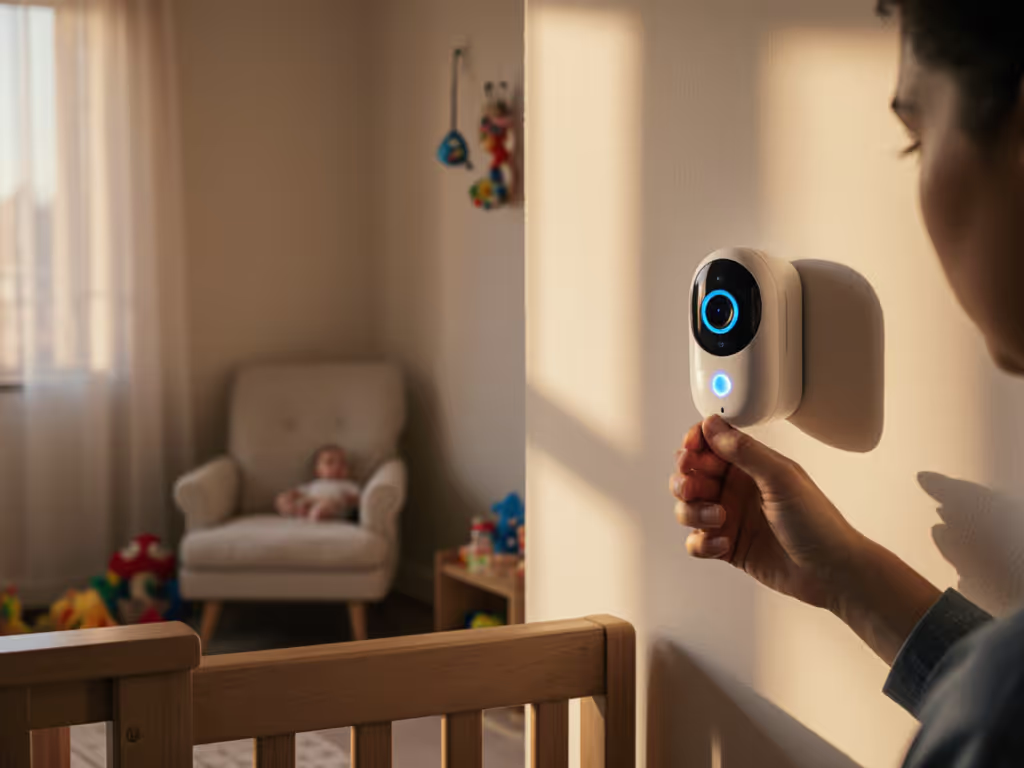
Mounting height: Position the camera 4-6 feet above ground, angled slightly downward. This height provides a wide field of view while placing the lens out of toddler reach and rain splash zones. Avoid mounting directly above the parent unit (child unit) receiver, which can cause self-interference.
Cable management: Run power cables through conduit or along fence lines, away from swing sets, play areas, and points where a toddler might trip or pull. Secure cable to fencing with weatherproof clips at 12-inch intervals. Use a weatherproof power enclosure or outdoor-rated UPS if the camera is far from outlets.
Line-of-sight to receiver: Position your parent unit (handheld receiver) indoors near a window or door facing the camera. Signal strength improves with minimal obstacles between units. If monitoring from deep inside the house, signal will degrade; consider placing the receiver near a window during outdoor play.
Angle and coverage: Test the camera's field of view from multiple positions. Ensure you can see climbing structures, gate exits, and common play zones. A wide-angle lens is useful but can introduce blind spots directly below the camera.
What Role Does Battery Life Play in Reliable Outdoor Monitoring?
Battery drain in outdoor use is non-negotiable. Learn how to extend runtime in our battery life optimization guide. Parent units (handhelds) discharge 30-50% faster outdoors because RF transmission at distance consumes more power than indoor room-to-room communication. A monitor rated for 19 hours of indoor use may deliver 10-12 hours when used regularly outdoors over a full day.
Practical considerations:
- Charge the parent unit overnight without fail; don't rely on residual charge from daytime use.
- If monitoring spans dawn to dusk (naps, early morning play, evening yard time), top off the battery at midday.
- Avoid using the monitor's screen backlight continuously; set to activate on demand or auto-dim.
- Carry a portable battery pack (5000 mAh minimum) if you're away from AC for extended periods.
Camera/child unit power: If your camera runs on batteries, verify the manufacturer's runtime claim under real outdoor conditions. Older models claiming 15-20 hours may degrade to 10 hours as batteries age. Consider hardwiring the camera to an outdoor outlet or a weatherproof solar trickle charger for continuous, maintenance-free operation.
For extended outdoor monitoring, full-day yard days or caregiver supervision, hardwired cameras eliminate battery anxiety entirely.
How Do You Verify Encryption and Data Privacy in Outdoor Monitoring?
Outdoor use heightens privacy concerns because your monitor broadcasts signals across property lines and, if Wi-Fi-enabled, across the internet. Brush up on best practices in our WiFi baby monitor security guide. Here's how to audit your device:
Firmware policy checks:
- Does the manufacturer publish an encryption standard (AES-128, TLS 1.2+) in product specs or security documentation? If not specified, assume it's weak.
- Can you disable cloud features? If the monitor forces uploads or account creation, data is leaving your home by design.
- Does the device have a physical shutter or privacy mode that disconnects the camera while leaving audio on?
- Are firmware updates signed and verified, or can a rogue update introduce backdoors?
Data flow visibility:
- If Wi-Fi-capable, capture your network traffic using a packet analyzer (Wireshark) during a brief monitoring session. Examine the destination IPs and payload headers. Unknown or non-HTTPS traffic is a red flag.
- Review the manufacturer's privacy policy for third-party data sharing. If the policy is vague or mentions "analytics partners" without specifics, contact support for clarity.
- Check the terms of service for subscription lock-ins or remote-access requirements.
This process sounds technical, but it's essential: I once captured metadata leaving a home network during what the parents thought was local-only monitoring. Timestamps, device IDs, signal-strength beacons (all exfiltrating at 3 a.m.). Switching to a proven local-only model, resetting credentials, and confirming the logs went silent transformed their trust in the system. That verification is how parents reclaim agency over their homes.
Local-only alternatives: If you want to avoid the audit entirely, opt for closed-mesh monitors with no Wi-Fi capability. They're inherently local-first; if it doesn't have Wi-Fi, it can't phone home.
How Do You Transition From Indoor to Outdoor Monitoring - Or Use Both Simultaneously?
Many families use indoor monitors during naps and outdoor monitors during play. Coordinating two systems prevents confusion.
Single-system approach: Choose a hybrid monitor (works with and without Wi-Fi) and use local-only pairing indoors and outdoors. Setup is streamlined; you carry one parent unit from nursery to yard. Pairing is stable because it's always the same devices communicating.
Dual-system approach: Keep an indoor monitor in the nursery and add an outdoor-specific model for yard supervision. Handoff is manual (you switch from one receiver to the other as the toddler moves). This works if you have consistent routines (nap indoors, yard play outdoors) but requires discipline to avoid leaving one unit behind.
Multi-camera management: If your monitor supports multiple cameras, pair an indoor camera with an outdoor camera to the same parent unit. Many outdoor-rated monitors allow 2-4 cameras; you can scan between rooms or view split-screen. Confirm the manufacturer's switching speed and interface usability before purchase; clumsy multi-camera control defeats the convenience benefit.
When Should You Upgrade or Replace an Outdoor Monitor?
Outdoor monitors face environmental aging. Plan for replacement or firmware maintenance:
- After 2-3 seasons: UV exposure, thermal cycling, and salt air (coastal homes) degrade plastics and antennas. Performance may decline even if the device still works.
- When firmware updates stop: Manufacturers typically support devices for 3-5 years. Once updates end, security vulnerabilities are unfixed. Retire the monitor and replace it.
- If battery life drops below 50% of the original rating: Lithium battery degradation is inevitable. A monitor that once ran 20 hours but now runs 8 is less reliable for all-day yard monitoring.
- If RF noise in your area increases: Neighborhoods change. New Wi-Fi networks, cell towers, or solar inverters can increase 2.4 GHz congestion. If you experience new dropouts, a switch to a closed-mesh model or a frequency-agile upgrade may be warranted.
Regular firmware updates and transparent support from the manufacturer are signs of a device worth keeping. If the company ships new privacy policies or monetizes features once free, it's time to switch.
What Does a Reliable Setup Workflow Look Like?
Here's a stepwise hardening checklist for confident outdoor monitoring:
- Inventory your space: Measure distance from window to camera location; note obstacles (trees, walls, fences). Estimate effective range as 50% of the manufacturer's claim.
- Test RF interference: In a dense neighborhood, borrow or rent the monitor before buying; test range and stability in your own yard.
- Verify local-only pairing: Pair the camera and parent unit in your yard without connecting to Wi-Fi. Confirm stable connection and understand the pairing protocol.
- Check data flow: If Wi-Fi-capable, confirm that local-only mode is the default and that you can disable cloud uploads.
- Install hardware securely: Mount the camera 4-6 feet high, cable-managed, away from high-traffic areas. Test angle coverage from multiple positions.
- Establish a charging routine: Plug the parent unit in overnight; don't assume residual charge.
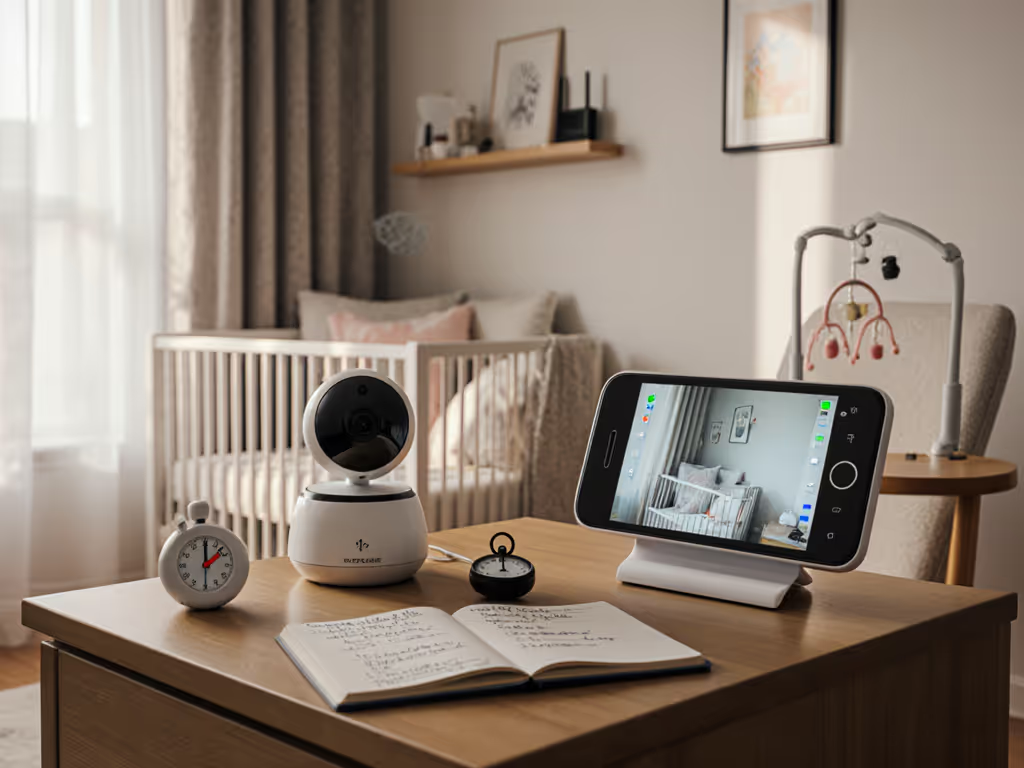
- Document settings: Write down the pairing codes, default channels, and any firmware version numbers. If the device resets or fails, these notes speed troubleshooting.
- Test failover: Simulate signal loss by moving the parent unit far from the camera. Does the monitor alert you or fail silently? This behavior determines your confidence in the device.
A setup that passes these checks will serve reliably for outdoor monitoring across seasons and caregiver handoffs.
Key Takeaways
Outdoor baby monitor selection is a threat-model exercise: you're balancing range, durability, battery life, and data privacy across a more hostile RF environment than indoor monitoring. Closed-mesh (FHSS) monitors prioritize local-first operation and eliminate cloud dependencies; Wi-Fi monitors offer unlimited range but require robust encryption and account security; hybrid options split the difference.
Real-world range is 50% of marketing specs due to obstacles, interference, and wall materials. Test in your own yard before committing.
Waterproofing standards (IP54 to IP65) cover rain and splash; sealed connectors matter as much as the IP rating. Plan for equipment aging and firmware support over 3-5 years.
Outdoor use heightens privacy concerns because signals cross property lines and Wi-Fi-enabled monitors may upload data off-site. Verify encryption, review privacy policies, and prefer local-only pairing when possible. Trust is configured, then verified, meaning you test the device in your home before trusting it with your family's routine.
Further Exploration
As you evaluate outdoor monitors, dig deeper into the manufacturer's documentation: request encryption specs, firmware update policy, and customer support responsiveness. Join parent communities or forums where users share real-world range and interference experiences in homes similar to yours. Consider reaching out to local security researchers or your ISP's customer support if you're uncertain about RF interference in your area. And before finalizing your choice, simulate outdoor use during a play session (don't rely on marketing promises or lab tests).
Your home data belongs to you. An outdoor monitor should extend your peace of mind, not distribute your family's rhythms to third parties. Choose deliberately, verify often, and update your setup as seasons and circumstances change.
Related Articles