Baby Monitors for Epilepsy: A Seizure-Safe Setup Guide
By Nora Jensen • 17th May
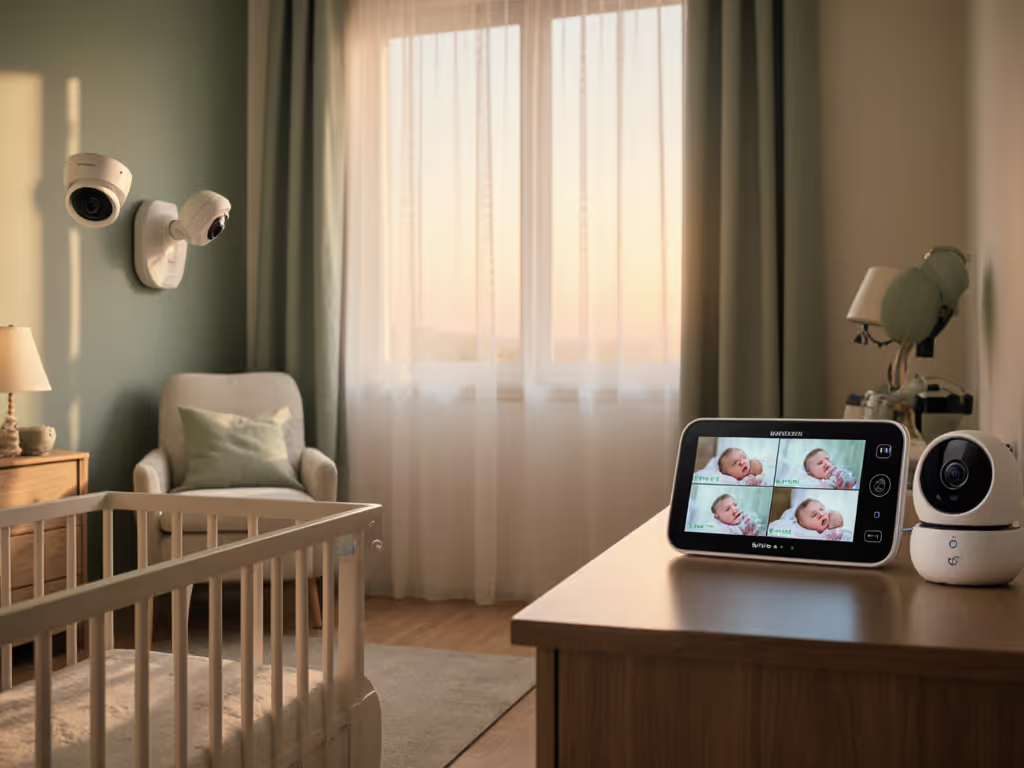
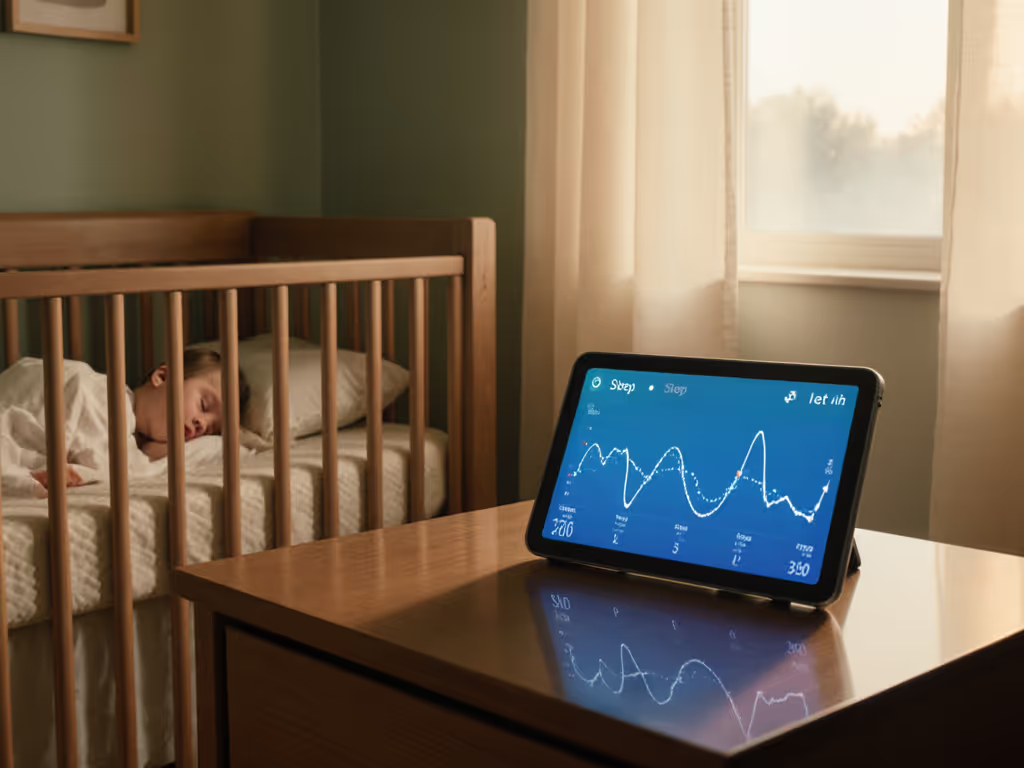
For families managing epilepsy, baby monitors for epilepsy aren't about cute livestreams. They're one piece in a broader safety plan. This FAQ deep dive focuses on seizure-safe baby monitoring: what monitors can realistically help you do, how to choose the right type for your home, and how to place and configure the system so it works when it matters.
This guide is informational and layout-focused. It does not replace medical advice or medical-grade seizure detection. Always discuss monitoring plans with your child's neurologist.
FAQ 1: What can a baby monitor actually do for epilepsy, and what can't it?
What a monitor can help with
A good setup can:
- Let you see and hear potential seizure activity sooner.
- Rhythmic jerking or stiffening
- Unusual stillness compared to baseline
- Sudden gasping, grunting, or moaning
- Capture context. Recording (local, not cloud-locked) can help you and your neurologist understand timing, duration, and what preceded an event. Learn how to set up local SD card recording securely to keep footage private and accessible.
- Support overnight supervision when constant bedside watching isn't possible.
What a monitor cannot safely promise
- No consumer baby monitor can guarantee seizure detection. Clinical seizure-detection wearables and bed sensors struggle with sensitivity and false alarms even when designed specifically for epilepsy; off-the-shelf cameras and audio monitors are inherently less precise.
- Monitors are not medical devices. They don't replace medication, rescue plans, or direct observation when your care team advises it.
- Algorithms (cry detection, motion alerts) aren't seizure-aware. They're tuned for noise or movement, not neurologic patterns.
Think of baby monitors as assistive tools inside a broader, neurologist-approved, safe seizure monitoring system (not as stand-alone protection).
FAQ 2: Which epilepsy-friendly monitor features matter most?
When I plan epilepsy-aware setups, I treat the monitor as a sensor in a bigger system. Here are the most important epilepsy-friendly monitor features from that systems view.
1. Clear, low-latency audio
- Why it matters: Many seizures in infants and toddlers are first noticed as odd breathing sounds, grunts, or a "cry that sounds wrong."
- What to look for:
- Low audio delay (what you hear feels essentially live)
- Adjustable VOX (voice-activated) thresholds so you're not woken by every rustle, but don't miss real distress
2. High-quality night vision
- Why it matters: You need to see small movements, chest rise, limb jerks, changes in posture, in a dark room. For a deeper checklist on evaluating IR performance, see our night vision guide.
- What to look for:
- Resolution sufficient to see fine limb movement (1080p or better, 4K can help when zooming)
- Clean IR (infrared) night vision with minimal "white wash" on light bedding
- Ability to turn off or dim visible status LEDs, which can distract or disturb sleep
3. Tunable alerts, not just "on/off"
Your baby monitor alert configuration should let you:
- Adjust cry/noise sensitivity in multiple steps
- Set alert frequency (e.g., don't ping you every 10 seconds for the same ongoing noise)
- Optionally, enable motion or "activity" alerts if offered, understanding they'll trigger on normal movement too
4. Local-first, reliable connectivity
In an epilepsy context, you want the monitor to keep working even if the internet drops.
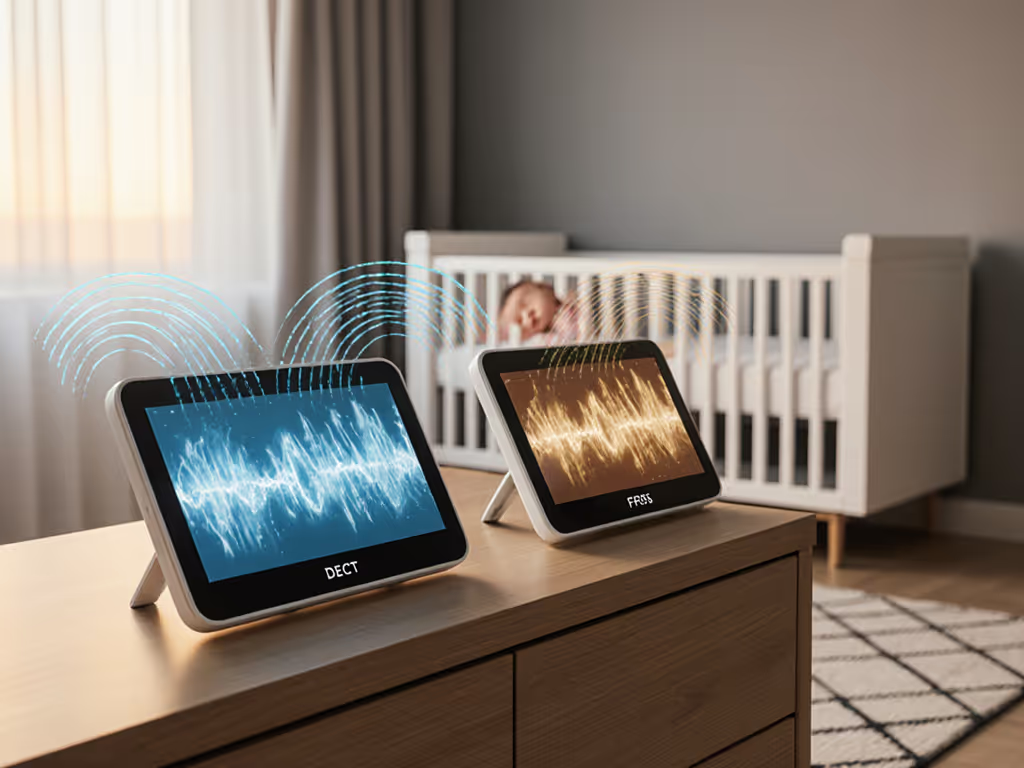
- Local radio (FHSS/DECT): Many "traditional" baby monitors use FHSS (frequency-hopping spread spectrum) or DECT (cordless-phone style radio). They connect directly from camera to parent unit and don't depend on Wi-Fi or the cloud. To choose the best radio tech for your home, compare FHSS vs DECT.
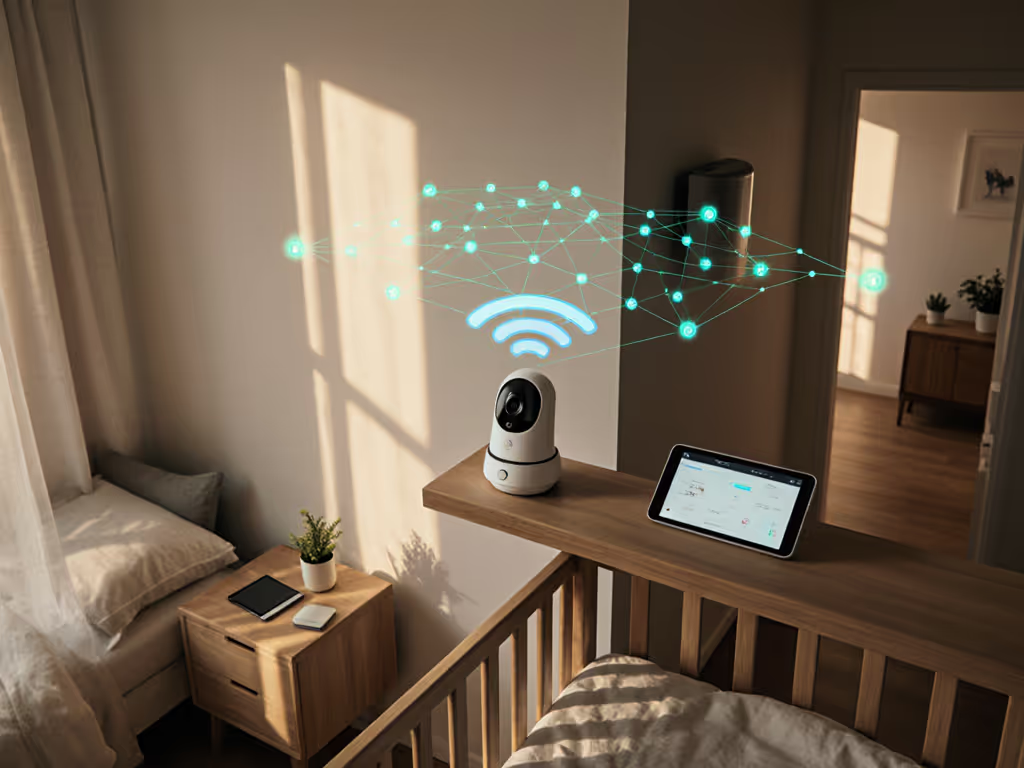
- Hybrid models: Some newer systems offer both a dedicated parent screen and optional Wi-Fi/app access, with a hardware switch to disable Wi-Fi when you want local-only viewing.
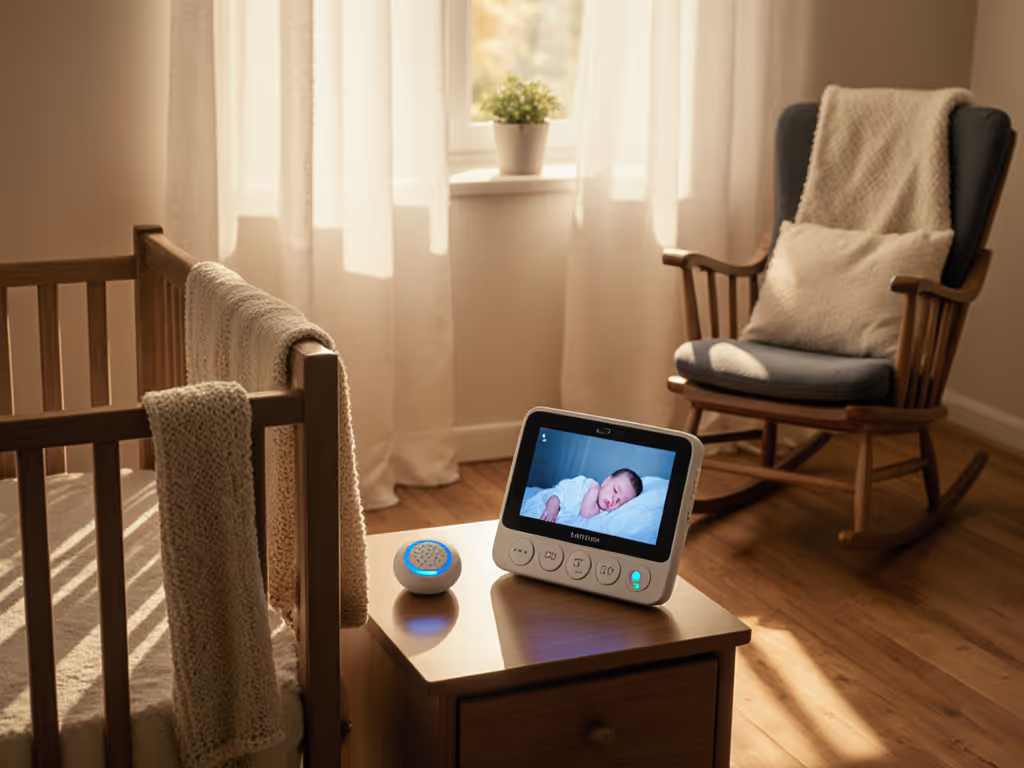
For example, a hybrid monitor like the eufy Security E21 Baby Monitor combines a local 5" screen with optional app access and a physical Wi-Fi on/off switch, plus local SD recording. These features fit many parents' privacy and reliability requirements for seizure-aware setups. For broader trade-offs between hardware screens and phone apps, read standalone vs app baby monitors.
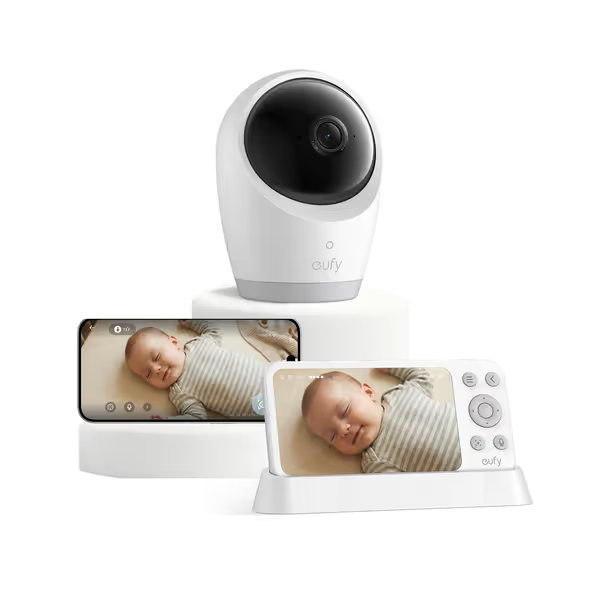
eufy Security E21 Baby Monitor
Privacy-first 4K monitor with hybrid Wi-Fi/local connection and portability.
$259.99
Camera Resolution4K UHD
Camera Resolution4K UHD
Pros
Secure local-first connection or remote app access.
Crystal-clear 4K video, even for night vision details.
Portable 5,000mAh battery for travel or power outages.
Cons
Cannot connect a single camera to two monitors simultaneously.
Customers praise the monitor's high-end quality, clear video, and ease of use, with some noting the ability to zoom and personalize notifications.
Customers praise the monitor's high-end quality, clear video, and ease of use, with some noting the ability to zoom and personalize notifications.
5. Privacy and encryption
Parents in security-sensitive fields are right to be cautious:
- Prefer systems that work fully without an account or cloud subscription.
- Look for clear statements about end-to-end encryption and local storage.
- Favor products that let you hard-disable Wi-Fi when you don't need remote viewing.
FAQ 3: How do I design a seizure-safe monitoring layout for my home?
Before you buy or reconfigure anything, sketch your home. Literally.
Step 1: Make a simple floor-plan overlay
On paper or tablet:
- Draw the nursery and the rooms you'll monitor from (bedroom, living room, home office).
- Mark wall materials ("material callouts"):
- Drywall on wood studs (low attenuation)
- Plaster, brick, stone (medium to high attenuation)
- Known foil-backed insulation or metal studs (high attenuation)
- Add big metal or appliance blocks: fridge, microwave, HVAC ducts, electrical panels.
- Mark your Wi-Fi router if you'll use an app.
You now have a basic floor-plan overlay to reason about signal paths. For material-specific strategies and test data, see our signal range by home construction guide.
Step 2: Apply placement heuristics for the camera
Use these placement heuristics:
- Position:
- 6-10 ft (1.8-3 m) from the crib, angled down, to see the entire mattress
- Slightly above crib height (wall or shelf), never with cables reachable from inside the crib
- Avoid:
- Mounting directly behind thick masonry or a chimney if your parent unit is on the other side
- Mounting on or directly next to metal shelves or HVAC ducts
- Cable safety: Use trunking, clips, or adhesive raceways to keep power leads at least 3 ft from crib edges.
Step 3: Place the parent unit or Wi-Fi router intelligently
- If you use a dedicated parent unit, try to:
- Keep it one interior wall away from the nursery, not across multiple brick walls
- Avoid spots adjacent to the microwave or between large metal appliances
- If you rely on Wi-Fi/app viewing:
- Move your router closer to the line between nursery and your bedroom, or add a wired access point
- Avoid tucking the router in a metal cabinet or next to the breaker panel
I've seen townhouses where a monitor dropped only when the oven preheated... foil-backed insulation and metal ducts turned the kitchen into a signal sink. A one-room shift of the parent unit and a slight camera re-angle turned that from nightly panic into a stable, quiet setup. That's the power of mapping materials before you assume you need "more range."
Map the house, then pick the monitor, not vice versa.
FAQ 4: How should I configure alerts for seizure-safe baby monitoring?
You're trying to balance two risks:
- Missing important events (under-sensitive alerts)
- Alarm fatigue that leads you to ignore real alerts (over-sensitive alerts)
Start with audio/cry detection
- Baseline night: On night one, turn VOX off and listen to continuous audio for 15-30 minutes at bedtime.
- Note your child's typical settling noises versus what you'd consider concerning.
- Set VOX / cry level one notch below "concerning."
- If the monitor has five levels, many families land at 2-3 rather than 1 or 5.
- Nudge up or down over a few nights to minimize false wakes while preserving your confidence.
If your child's neurologist has described specific vocal patterns (e.g., gasping, particular cry quality), ask whether a slightly more sensitive setting is advisable.
Add motion or activity alerts cautiously
If your monitor offers motion detection:
- Start with whole-scene detection (the entire crib) rather than "person-only" algorithms, which can miss partial views.
- Expect false alarms from rolling, blanket movement, or siblings entering the frame.
- Use motion alerts as a secondary signal, not your only trigger to check on your child.
Avoid alert patterns that could become low-light triggers
For children with known low light seizure triggers or photosensitive epilepsy (rarer in infants, more common later):
- Avoid baby monitors whose camera LEDs or room nightlights flash or pulse.
- In the parent's bedroom, disable full-screen waking on every minor alert; use subtle sound first, screen second.
- If your child sleeps with a dim nightlight, choose a steady, non-flickering LED or incandescent bulb, not a color-cycling or strobing device.
FAQ 5: Are there special concerns about night vision and low light?
Yes, mainly about what the camera emits and what you actually see.
Infrared (IR) night vision
Most baby monitors use IR LEDs:
- The light is invisible to human eyes but lets the camera "see" in darkness.
- Good designs keep IR constant, not pulsing, and use wavelengths that don't visibly glow red.
For seizure-aware setups:
- Prefer cameras that let you disable visible status LEDs.
- Test for any visible glow in a fully dark room; if it distracts your child, adjust angle or distance.
Image quality checks for seizure visibility
Do this with the room as dark as it will be at night:
- Lie or place a doll in the crib and reproduce small, fast limb movements.
- Watch the live feed from your normal viewing position.
- Confirm you can:
- See chest rise clearly
- Distinguish small jerks from normal squirming
- Zoom in without losing too much clarity
If you can't see this clearly in tests, treat that as a setup problem to fix (angle, distance, placement, or model choice), not "just how night vision is."
FAQ 6: Is Wi-Fi, FHSS, or a hybrid system better for epilepsy-aware monitoring?
FHSS/DECT (non-Wi-Fi)
- Pros:
- Direct camera→monitor link; doesn't depend on home internet
- Typically lower, more consistent latency
- Simpler for grandparents/babysitters, just hand them the monitor
- Cons:
- Limited range across dense materials (brick, concrete, foil insulation)
- No remote viewing outside the radio range
Wi-Fi / App-only
- Pros:
- View from anywhere with internet
- Easy multi-device viewing
- Cons:
- Dependent on router and ISP; outages coincide with lost monitoring
- More attack surface for hacking if cloud security is weak
- Can drain your phone battery; notification reliability depends on OS and app health
Hybrid systems
Hybrid designs try to give you both:
- A dedicated parent screen for local, low-latency viewing
- Optional app access for travel or work, ideally with:
- A physical Wi-Fi switch to force local-only mode
- Local SD storage, so recordings aren't cloud-dependent
For complex, multi-floor homes, my bias is toward robust local links (FHSS/DECT or hybrid) plus good placement, rather than Wi-Fi-only "smart cams." Place first, purchase second.
FAQ 7: How do I test my setup before trusting it overnight?
Treat this like a mini acceptance test for a safe seizure monitoring system inside your home.
1. Range and interference walk-test
- With your child out of the crib, play a podcast or white noise in the nursery.
- Walk to every spot you'll be at night (bed, sofa, home office, yard door).
- Note any places where:
- Audio cuts out
- Video freezes or lags badly
- Turn on "noisy" appliances one by one (microwave, oven, vacuum, blender) and repeat briefly.
2. Night-view realism test
At your real bedtime lighting:
- Put a doll or lie your child down (if they're due to sleep) and observe for several minutes.
- Check that:
- You can see breathing without zoom
- Zooming still shows clear movement
- No harsh glare from light bedding
3. Alert calibration rehearsal
- With one caregiver in the nursery and another at the monitor:
- Reproduce normal settling noises and bigger cries.
- Adjust VOX/cry levels until the parent at the monitor is alerted only when you both agree it's appropriate.
4. Failover check
Finally, briefly:
- Turn off your home internet (unplug modem) and confirm local viewing still works.
- For Wi-Fi-only systems, at least confirm that local network viewing continues even if WAN is down.
If any of these tests fail, change placement first (camera and parent unit positions relative to walls and appliances) before assuming you need different hardware.
Actionable Next Step: Build Your Seizure-Aware Monitoring Plan in 5 Moves
- Talk to your child's neurologist about what signs you personally should watch for (sound, movement, breathing changes) and how urgently you must respond.
- Map your home with a quick floor-plan overlay, including wall materials and big metal/appliance blocks.
- Choose a monitor type that matches that map:
- FHSS/DECT or hybrid for multi-floor or privacy-critical homes
- High-quality night vision and tunable alerts as non-negotiables
- Install with intent:
- Follow the placement heuristics above (distance, angle, cable safety)
- Prefer local-first modes and disable unnecessary cloud features
- Run the full test suite (range walk, night-view realism, alert rehearsal, failover check) before you mentally "sign off" on the system.
Once you've done that, you'll have something much stronger than "a baby cam": a monitoring layout tuned to your walls, your routines, and your child's specific epilepsy profile, built on the principle that how and where you place the system matters just as much as which box you buy.
Related Articles