FHSS vs DECT: Choose the Right Home Monitor
By Hana Ito • 3rd Mar
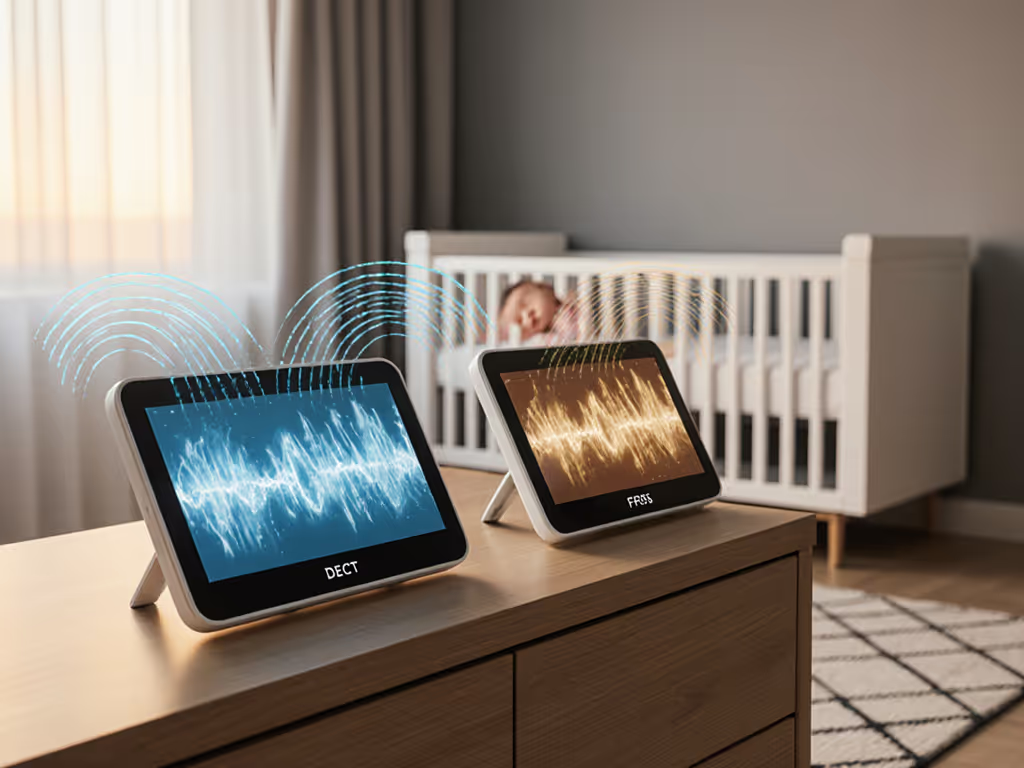
When you're standing in a hardware store at 8 p.m., sleep-deprived and holding a list of abbreviations you half-understand, the last thing you need is a technology lecture. Yet here you are, deciding between FHSS vs DECT baby monitor technology because you've heard both are "more secure" than WiFi, and you want to know which one actually works in your home, with your family's routine.
The right answer depends less on which technology has a fancier acronym and more on how you'll use it at 3 a.m. when your partner is on night shift, you're half-asleep, and the monitor needs to just work. This guide walks you through the real differences, so you can match a monitor to your actual life instead of guessing.
Understanding Non-WiFi Signal Technology Explained
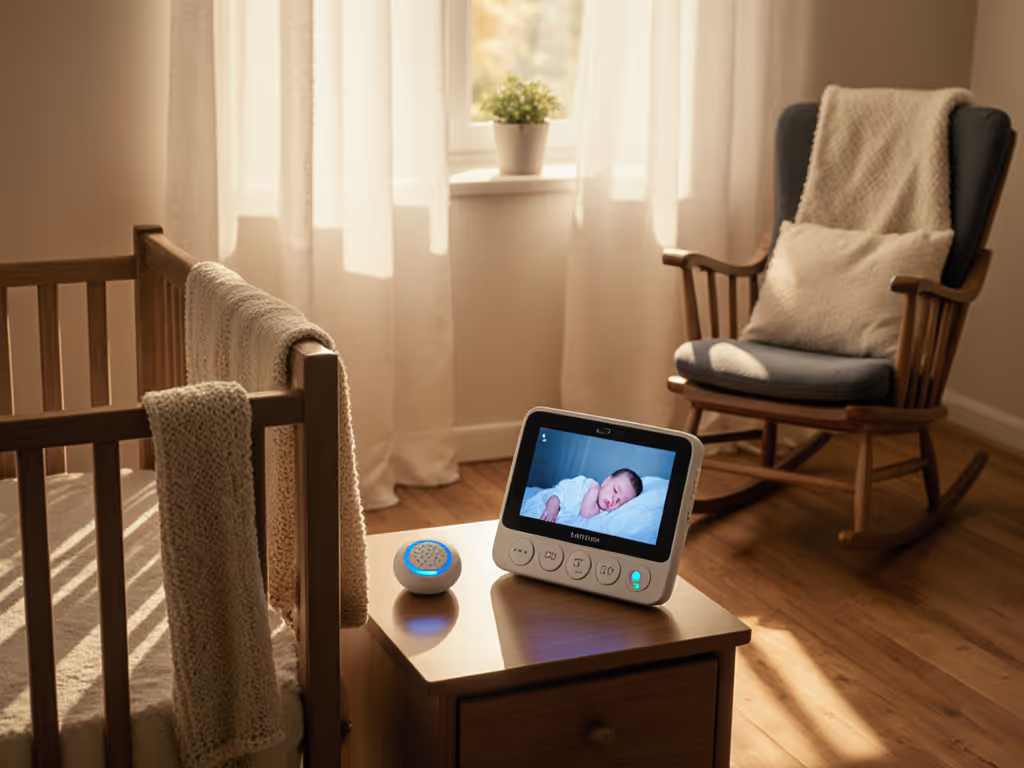
Both FHSS and DECT are non-WiFi signal technology options that create a closed link between a camera unit and a parent handheld or bedside receiver (no internet router, no cloud, no smartphone dependency). That's the core appeal: they keep your baby's image local and off the internet.
The trade-off for that privacy is range. If you're still weighing internet-connected features against local-only reliability, start with our WiFi vs non-WiFi baby monitors guide. Non-WiFi monitors typically reach 300 to 1,500 feet in ideal conditions, depending on the model and your home's walls.[5] WiFi monitors, by contrast, work anywhere you have internet. But if your household is mostly under one roof and you're not checking the feed from a coffee shop, local range is plenty.
At 3 a.m., fewer decisions means more calm, and fewer connected devices means fewer things that can fail.
How FHSS (Frequency Hopping Spread Spectrum) Works
Frequency hopping spread spectrum is the older technology, developed around 1903, and it's conceptually simple: instead of broadcasting on one radio channel, the signal bounces rapidly between many channels in the 2.4 GHz band.[1][4] Think of it like switching stations on a radio dozens of times per second. To someone trying to eavesdrop, the signal is nearly impossible to lock onto because it's constantly moving.
Modern FHSS monitors market this as "secure," and in one sense, they're right: a hacker sitting in a van outside your home would struggle to intercept a moving signal without being physically close and using specialized equipment.[4] However, the technology is old, and the security is modest. FHSS primarily obfuscates (it hides the signal, not encrypts it).[4]
How DECT (Digital Enhanced Cordless Technology) Works
Digital enhanced cordless technology came later, in 1988, and was originally designed for cordless phones.[4] DECT uses a different frequency band (1.9 GHz, not 2.4 GHz) and includes encryption, specifically the DECT Standard Cipher (DSC).[4] On paper, this sounds more robust than frequency hopping alone.
The catch: DECT's encryption uses a 35-bit initialization vector and 64-bit encryption, and security researchers have published free tools to break it in real-time.[4] Many newer DECT standards exist (like DECT-NR+) that are genuinely stronger, but there's little evidence that baby monitors actually use them.[4]
Step-by-Step: Choosing Between FHSS and DECT for Your Home
Step 1: Map Your Monitoring Zones
Before comparing technologies, know your layout.
Plain steps to clarify your needs:
- Count how many rooms or zones you monitor: nursery only, nursery + your bedroom, nursery + living areas, or multiple floors?
- Identify distance challenges: if the parent unit will live upstairs and the baby room downstairs, or if you plan to monitor from the backyard during naps, note it.
- Note wall materials: dense brick, plaster with metal studs, or modern drywall? Thick walls reduce range for both FHSS and DECT.[5] For material-specific advice and real testing across brick, plaster, concrete, and drywall, see our home construction signal guide.
- Flag interference sources: microwave location, WiFi router placement, cordless phones, or neighboring apartments with active 2.4 GHz networks.
This map is crucial because non-WiFi monitoring reliability depends heavily on line-of-sight and building materials, not just the technology.
Step 2: Test Latency Tolerance in Your Routine
Latency (the delay between live action and what you see) matters most during sleep training or when you're responding to cries. WiFi monitors often introduce a 5- to 10-second delay as data travels to the cloud and back.[5] FHSS and DECT, transmitting peer-to-peer directly to your handheld, feel nearly instant.[5]
Ask yourself:
- Are you doing sleep training where you need to know right now if the baby is truly awake?
- Does your caregiver handoff require quick visual confirmation (e.g., a nanny showing you the baby is settled)?
- Is real-time response part of your routine, or do you check periodically?
If latency matters, both FHSS and DECT deliver. If you're checking every few minutes and don't need instant feedback, the difference is less critical.
Step 3: Assess Your Privacy and Encryption Priorities
Here's the honest conversation: neither FHSS nor DECT is guaranteed unhackable.[4] But they do keep your baby's image off the cloud and out of corporate servers, a meaningful privacy baseline for many families.
If your concern is "I don't want a stranger viewing my nursery via a cloud breach," both technologies solve that.[5] Local transmission means local data; no internet router, no cloud account required.
If your concern is "I want military-grade encryption that can't be cracked," neither FHSS nor DECT offers that guarantee. DECT's encryption has known weaknesses.[4] FHSS has no encryption at all, only obfuscation. For absolute privacy paranoia, hardware-based video recording or a truly airgapped setup is the only answer (and that's not realistic for most families).
Step 4: Compare Range and Signal Penetration
Signal penetration comparison between the two is minimal in practice. Both struggle equally with thick walls, metal framing, or distance.[5] Most FHSS and DECT monitors claim ranges between 300 and 1,500 feet.[5]
The real variable is your home's construction. Test before you commit: ask the retailer if you can demo a unit, or order online from a company with a solid return policy. Walk the camera around your actual spaces, upstairs, downstairs, outside, and confirm the signal holds.
For apartment dwellers with dense neighbors, shared walls, or older brick construction, expect shorter effective range. For single-family homes with open layouts, you may get closer to the maximum.
Step 5: Plan Your Caregiver Handoff
Here's where the rubber meets the road. The families I've supported who struggled most weren't confused by FHSS vs. DECT, they were confused about how to hand off monitoring to a babysitter or grandparent without sharing their personal phone or WiFi password.
Non-WiFi monitors with a simple handheld parent unit shine here. If you're deciding between a dedicated handheld screen and a phone app, compare real-world reliability in our standalone vs app monitors breakdown. You hand off the receiver to the caregiver. No app login. No shared account. No asking them to download software. They turn it on and it works (the same way their old cordless phone worked decades ago).
Caregiver handoff tips:
- Test the parent unit with your caregiver before you rely on it.
- Write a two-line laminated card: "Press this button to turn on. Volume here. That's it."
- Confirm battery is charged; leave a charger nearby.
- Schedule a brief walk-through so the caregiver knows what normal looks like (baby breathing, sleeping position, background noise).
Your future 3 a.m. self will be grateful you invested five minutes in this clarity now.
FHSS vs DECT: The Practical Comparison
| Factor | FHSS | DECT |
|---|---|---|
| Frequency | 2.4 GHz | 1.9 GHz[2][3] |
| Latency | Near real-time, peer-to-peer[5] | Near real-time, peer-to-peer[5] |
| Encryption | Frequency hopping (obfuscation only)[1][4] | DECT Standard Cipher (known weaknesses)[4] |
| Range | ~300-1,500 ft (home dependent)[5] | ~300-1,500 ft (home dependent)[5] |
| Interference Risk | Higher (shares 2.4 GHz with WiFi, microwaves)[2] | Lower (uncommon 1.9 GHz band)[2][3] |
| Audio-Only Suitability | Yes, good option[4] | Yes, good option[4] |
| Setup Complexity | Simple | Simple |
Making Your Final Choice
If you live in a dense urban apartment with heavy 2.4 GHz interference (mesh WiFi, neighbors' routers, sound machines), DECT may perform more reliably because it uses a less congested frequency band.[2][3]
If you live in a house, have light to moderate interference, and value simplicity, FHSS works well and is often more affordable.
If you need audio-only monitoring and privacy is your priority, either will serve you.[4]
If you need video from afar (babysitter at the park), you need WiFi, and this choice doesn't apply.
Exploring Your Next Steps
Once you've narrowed to FHSS or DECT, test the specific model in your home before committing. Ask:
- Does the manufacturer offer a demo or 30-day return?
- Are replacement batteries and parts available if something breaks in year two?
- Is the parent unit's interface intuitive, or does it have buried menus?
- Can you mute notifications without missing a real cry?
Read owner reviews that mention your home type (apartment, old house, new build) and your actual use case (sleep training, shift work, nanny share). Skip the five-star marketing testimonials; find the real stories.
Then set it up, test your caregiver handoff, and let it disappear into your routine. A monitor you forget about is a monitor doing its job.
Related Articles