AI Cry Detection: Baby Monitors Compared for Privacy & Accuracy
By Amina Qureshi • 6th May
Understanding the Landscape
When evaluating AI cry detection comparison and baby monitor voice recognition analysis, parents face a deceptively complex choice. The marketing pitch is straightforward: machine-learned algorithms distinguish your infant's distress from white noise, your voice, or a barking dog. But beneath that simplicity lies a critical question: where does that analysis happen, and what happens to the audio data afterward? Smart cry detection technology and emotion recognition baby monitor features sound comforting until you trace the data flow and realize that many models require a constant pipeline from your nursery to cloud servers. If it phones home, it needs a very good reason. For a sleeping baby, local processing isn't a luxury (it's the baseline). For a step-by-step safety checklist and best practices, read our WiFi baby monitor security guide.
This guide walks through the threat models, compares how leading monitors handle vocal pattern analysis and intelligent audio monitoring, and helps you match the right device to your privacy stance and home layout. We'll focus on what actually leaves your network, how to verify encryption claims, and whether the accuracy gains justify the privacy trade-offs.
FAQ Deep Dive
What Is AI Cry Detection, and How Does It Actually Work?
Cry detection algorithms typically combine audio feature extraction with shallow machine learning or small neural networks trained on thousands of labeled cry samples. The monitor's on-device processor converts sound into spectral data - the frequency and intensity patterns that define a cry - and compares that fingerprint against learned thresholds. Some systems also layer in temporal analysis: is this a rhythmic, escalating pattern typical of distress, or isolated fussing?
What matters here is where the learning and classification happen. True on-device cry detection processes audio locally; the nursery camera or parent unit holds the trained model, performs inference, and discards the raw audio after analysis. The parent only receives a binary alert: "Cry detected" or "All quiet." No spectrogram leaves the room. If you're evaluating models that claim emotion or need recognition, see our AI cry detection monitor reviews for accuracy and privacy findings. No timestamp of your infant's vocalization is logged to a cloud database.
Conversely, cloud-dependent detection sends audio - or a compressed proxy - to remote servers, where a larger model runs inference and returns a verdict. This approach can yield more nuanced accuracy, but it introduces persistent questions: Is the audio stored? For how long? Can it be re-analyzed for other purposes, like training new models or third-party data sales? Industry language is often vague on these points.
Where Does the Audio Data Go, and How Can I Verify That?
This is the crux of the threat model. Begin by mapping your data flow:
- Capture: Audio enters the device at 16-48 kHz (standard baby monitor sample rates).
- Processing: The audio is converted to features (or stays raw, depending on the design).
- Decision: Cry/no-cry determination is made.
- Output: Only the alert (or event log) is transmitted; or, the raw/processed audio is sent upstream.
- Storage: Local device only, local network storage, or cloud endpoints?
- Retention: Deleted immediately post-inference, or kept indefinitely?
To verify claims:
- Check the firmware policy: Review the manufacturer's published privacy documentation. Look for explicit statements: "Audio is processed on-device and discarded," not ambiguous language like "encrypted in transit."
- Network traffic analysis: If you're technically inclined, use tools like Wireshark or simple router-level logging to monitor what packets leave the monitor's IP address. Cry detection shouldn't produce a steady stream of outbound data; if it does, raw audio is likely being sent.
- Inspect the EULA and privacy policy for phrases like "aggregate training data," "third-party processors," or "indefinite retention." These are red flags.
- Ask the manufacturer directly: A transparent company will provide network diagrams, encryption key locations, and data deletion schedules. Vague answers are data. For brand-by-brand policies, compare baby monitor data retention practices before you buy.
I recall testing a monitor marketed as "local-only cry detection" and capturing metadata leaving the home network at 3 a.m. - not the audio itself, but device identifiers, timestamps, and signal strength beacons. The parents weren't streaming; the app was closed. We replaced it with a model that kept its logs local, reset network credentials, and watched the outbound traffic vanish. Their shoulders dropped; mine did too. That shift from constant low-level exfiltration to true silence transformed how they felt about the monitor.
What's the Difference Between Local E2E Encryption and Cloud Encryption?
End-to-end encryption (E2EE) means that audio (or alerts derived from it) is encrypted before leaving the device and cannot be decrypted by the manufacturer, cloud provider, or network observer - only by the intended parent unit or app. If the private decryption key never leaves your home, the company cannot access the content.
Cloud encryption in transit (TLS/HTTPS) means data is encrypted as it travels but is decrypted on the company's servers. The company then has plaintext access to the audio or features and can log, analyze, or retain it. This is better than no encryption but offers no privacy from the service provider.
Many monitors claim "encryption" without specifying which. If the marketing says "end-to-end encrypted cry detection," verify:
- Who holds the encryption keys? (You, or the manufacturer?)
- Is encryption mandatory, or optional behind a premium tier?
- What data is encrypted? (Raw audio, features, or just the alert?)
- Can the company force a firmware update that changes the encryption model?
Trust is configured, then verified. Don't assume a privacy claim just because the box says "AES-256." Encryption is only meaningful if the architecture is designed so that only you and your devices hold the keys.
How Accurate Is AI Cry Detection in Real Homes?
Accuracy claims in lab settings often drop significantly in the field. A model trained on clean, isolated cry samples may perform poorly when a sibling laughs, a parent sneezes nearby, or the dog barks during nap time. Real homes introduce noise, overlapping sounds, and age-dependent cry characteristics (a newborn's cry is vastly different from a 12-month-old's). To understand how microphones and noise filtering affect alerts, check our baby monitor audio quality comparison.
Manufacturers typically report sensitivity and specificity in isolation - e.g., "96% true positive rate, 2% false alarm rate." But these metrics hide trade-offs. High sensitivity (catching all real cries) often means more false alarms. High specificity (few false alarms) can mean missing soft fussing. Your desired balance depends on your parenting style and sleep sensitivity.
When comparing monitors:
- Request or find independent testing data from parents or reviewers in multi-story homes, apartments, or homes with background noise (pets, older siblings, ambient sounds).
- Tuning options matter: Can you adjust the sensitivity threshold? A rigid algorithm may be useless in your home's acoustic environment.
- Test the device in your specific room during the trial period. Different wall materials (brick, plaster, metal studs), room dimensions, and ambient noise profiles will alter real-world accuracy.
- Separate cry detection from sound level alerts: Some monitors use simpler thresholds ("alert if sound exceeds 70 dB") rather than AI, which can be more reliable for detecting any vocalization but less specific to distress.
Privacy Trade-Offs: Local Detection vs. Advanced Features
Here's the hard truth: local-only cry detection is constrained by what a small neural network can learn and infer on a low-power device. Cloud-based detection can leverage massive datasets, continuous retraining, and complex models. In theory, a cloud-connected monitor might distinguish your baby's cry from similar sounds more reliably.
But that capability comes at a cost:
| Aspect | Local Processing | Cloud Processing |
|---|---|---|
| Privacy | Your audio never leaves home; only alerts are logged locally. | Audio or features are sent upstream; company can log, retain, or re-analyze. |
| Latency | Minimal; alert happens in milliseconds. | Depends on network; can introduce seconds of delay. |
| Accuracy (Lab) | Often lower; simpler model on constrained hardware. | Often higher; leverages larger, continuously improved models. |
| Accuracy (Real Home) | Depends heavily on tuning; may require manual threshold adjustment. | Also depends on home; but remote model updates can improve over time. |
| Offline Resilience | Works even if Wi-Fi is down (if monitor has its own parent unit). | Fails if internet is unavailable. |
| Account Dependency | Usually not required. | Almost always required for cloud access and model updates. |
| Subscription Risk | Rare; features are fixed in firmware. | Features may move behind paywalls; cloud access can become paid-only. |
The trade-off is control vs. capability. A fully local monitor gives you data ownership but less algorithmic sophistication. A cloud-connected monitor offers better accuracy in some scenarios but requires trusting the manufacturer and their security posture.
Choose based on your threat model:
- If you rent, travel frequently, or change caregiver arrangements often, local-first protects you from account lock-in and surveillance.
- If you remain in one home, trust the manufacturer, and prioritize maximum accuracy, cloud-hybrid (local alerts + cloud refinement with your permission) may make sense.
- Never accept mandatory cloud-only for basic cry detection. If it phones home, it needs a very good reason. A sleeping baby is not one.
How Do I Set This Up and Verify Security?
Firmware policy checks and hardening steps:
- Disable auto-uploads. Many monitors have a default setting to upload video or logs to cloud. Turn this off before pairing.
- Set a strong, unique Wi-Fi credential. Use a 25+ character password and a dedicated 5 GHz band if possible (less congestion, faster throughput).
- Isolate the monitor on a separate SSID or network segment if your router supports guest networks. This prevents lateral movement if the monitor is compromised.
- Check firmware version during setup. Update immediately if a newer version is available.
- Review notification permissions. Restrict access to microphone, location, or camera only to the parent unit and approved apps.
- Verify E2E encryption is active. If the app offers an "encryption" toggle, ensure it's enabled before pairing the camera.
- Set a strong PIN or password for the parent unit and any app login. Use a password manager.
- Test the monitor offline. Disconnect Wi-Fi and confirm local viewing still works (for local-only models). This verifies the device doesn't depend on cloud connectivity for basic operation.
- Monitor outbound traffic. Use your router's logging feature or a packet analyzer (Wireshark) to confirm the monitor isn't phoning home unexpectedly. You should see minimal traffic outside of alerts and app syncs.
- Firmware updates. When updates are available, review the changelog. If it introduces cloud dependencies, new account requirements, or subscription features, consider whether the trade-off is acceptable.
Practical Comparison: What Matters for Your Home?
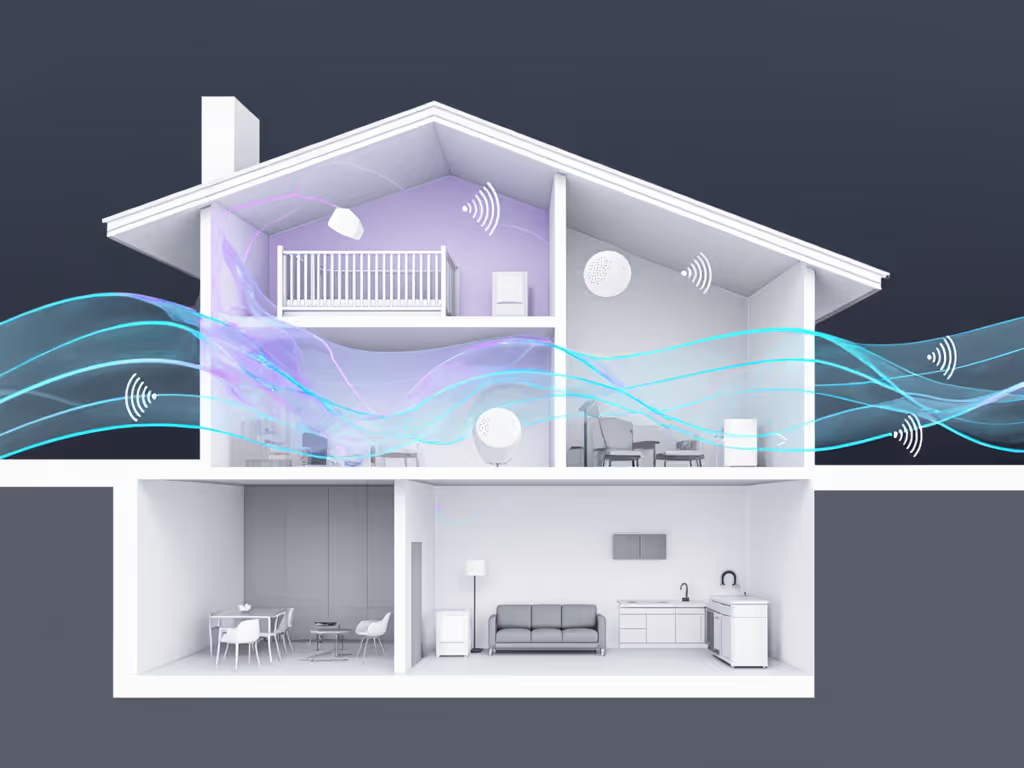
When you're down to two or three models, ask yourself: For build-material specifics and placement strategies, see our home construction range guide.
On range and interference:
- How many stories or rooms away from the parent unit will you monitor? Test both devices in your home's actual layout, not the showroom.
- What is the wall material? (Brick and plaster attenuate Wi-Fi and FHSS differently.)
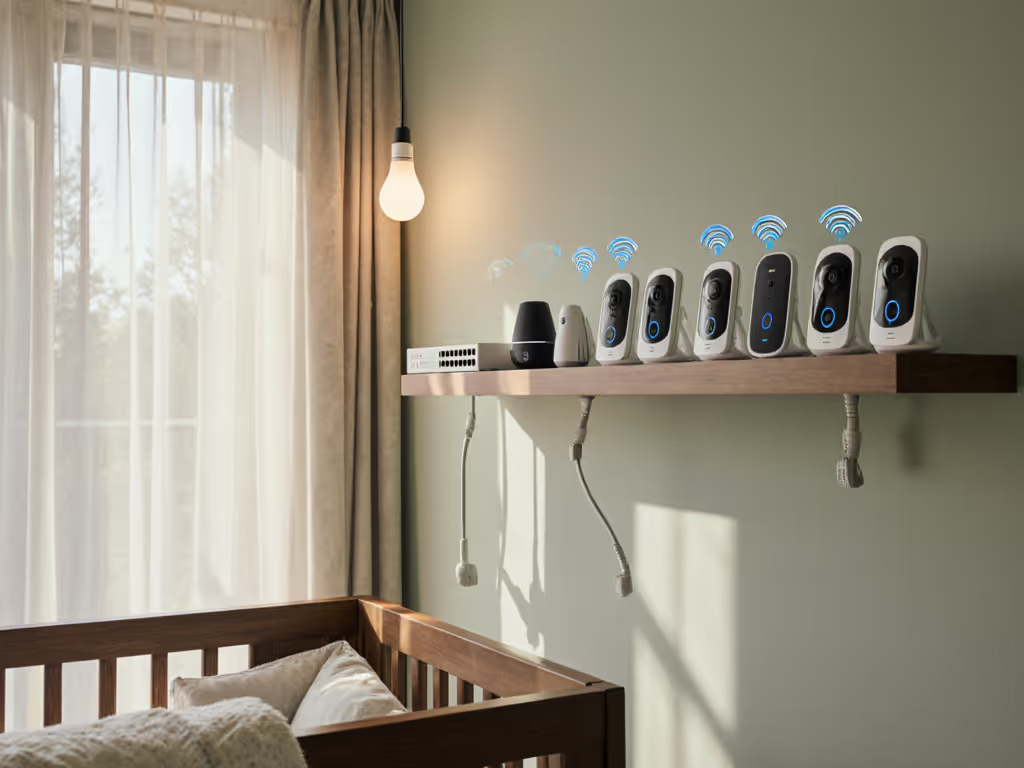
- Are there dense sources of 2.4 GHz interference? (Mesh Wi-Fi, baby sound machines, cordless phones, nearby apartments.)
On accuracy:
- Can you tune the sensitivity? Does the monitor offer user-adjustable thresholds or automatic learning over time?
- How does it handle your infant's specific cry pattern and age?
On privacy:
- Does the monitor offer local-only viewing, or must you use an app and internet?
- Is a cloud account mandatory, or optional?
- What is the encryption model? Can you verify it?
On reliability:
- What happens if the Wi-Fi drops for 10 seconds? Does it auto-reconnect, or does the parent unit go dark?
- If the camera loses power, is there a UPS option or battery backup?
- Does the parent unit hold a local, persistent backup of settings and logs?
On multi-room use:
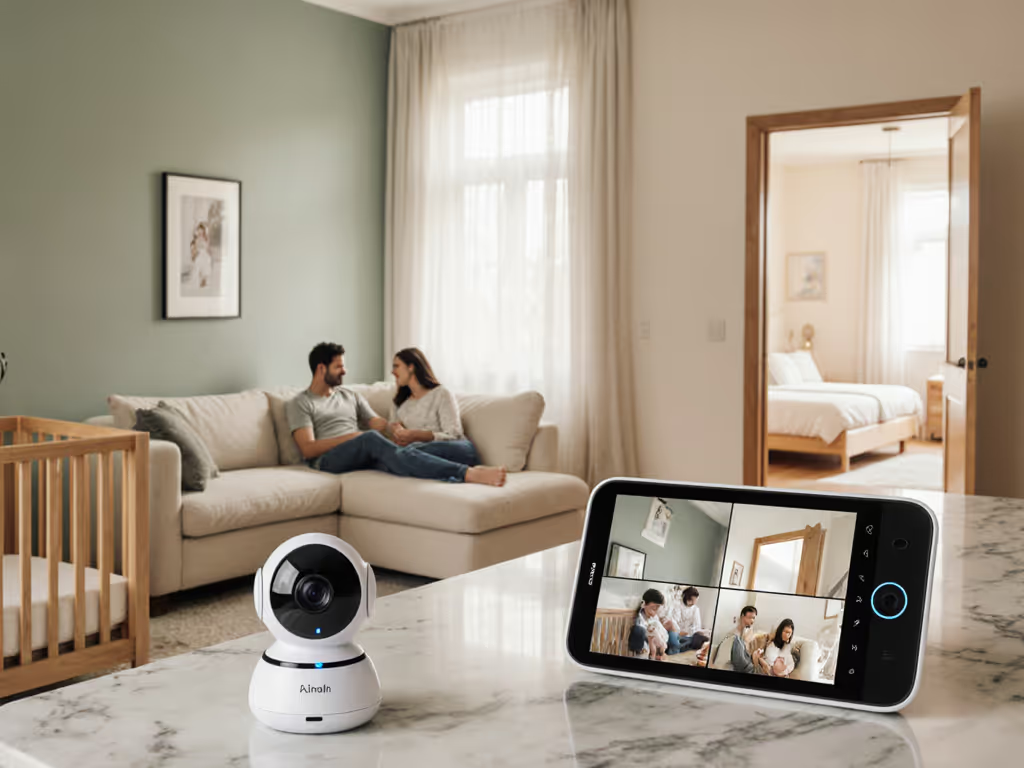
- If you're monitoring twins or multiple rooms, how intuitive is the split-screen or camera cycling?
- Can you add a second camera without repurchasing the parent unit?
- Do you have to set up each camera from scratch, or is there a one-touch pairing option?
Toward a Confident Decision
The right monitor for your home balances three competing needs: accuracy (does it reliably detect your baby's cry?), resilience (does it stay connected in your environment?), and privacy (who can see and hear your data?). No device optimizes all three; each is a trade-off.
Start by defining your non-negotiables:
- If privacy is non-negotiable, prioritize local-only processing and E2E encryption, even if accuracy is modest.
- If accuracy is non-negotiable (e.g., you have hearing loss and rely on AI to catch soft cries), accept that cloud connectivity is likely and choose the model with the most transparent, user-friendly privacy controls.
- If reliability is non-negotiable, test the monitor's auto-reconnect behavior and battery performance in your specific floor plan.
Then, within that frame, compare on the secondary dimensions: cost, ease of setup, multi-camera support, and customer support.
Further Exploration
Now that you understand the threat model and key questions, here are concrete next steps:
-
Map your nursery's layout and materials. Measure square footage, note wall types, and identify potential interference sources. Share this information with manufacturers; they often provide range predictions and placement recommendations.
-
Read the EULA and privacy policy for your shortlisted models. Highlight any phrases that make you uncomfortable, then contact the manufacturer to clarify. A responsive company will answer within 48 hours.
-
Request a trial period or return window. Set up the monitor in your home, use it for 1-2 weeks, and test its accuracy, range, and reliability in real conditions. Pay attention to false alarms and missed detections.
-
Use a packet analyzer (even a simple one built into your router) to observe what data leaves the monitor. If you're not comfortable doing this yourself, ask a tech-savvy friend or consult online communities focused on home network security.
-
Ask other parents in your area (local parenting forums, Reddit, Facebook groups) about their experience with your top choice. Acoustic environments and interference profiles vary by region; local knowledge is invaluable.
-
Document your setup and security decisions. Keep a note of firmware versions, encryption settings, and Wi-Fi credentials. This becomes a reference if you need to troubleshoot or migrate to a new home.
The goal is not to achieve perfect security - no networked device is truly risk-free - but to make informed choices about what you're willing to trade for convenience and accuracy. Once you've set up your monitor with a clear understanding of its threat model and verified its behavior in your home, you can stop second-guessing the decision and focus on what matters: your infant's safety and your family's peace of mind.