On-Device Baby Monitor Repurposing Ideas
By Amina Qureshi • 27th Nov
This baby monitor repurposing guide reimagines multi-use baby monitor applications through a privacy-first lens, addressing a critical oversight in modern home ecosystems: devices designed for infant safety often become dormant assets while households face recurring monitoring needs. Parents own their homes and data, monitoring a crib shouldn't entail monitoring a household. As industry studies confirm, even 'idle' devices transmit metadata (including device IDs and signal strength beacons), creating unexpected data flows. A threat model analysis reveals most repurposing strategies overlook encryption verification and mandatory cloud dependencies, turning temporary solutions into persistent privacy liabilities. For practical steps to lock down credentials, networks, and apps, use our WiFi baby monitor security guide. Let's dissect how to ethically extend your monitor's lifecycle without expanding your attack surface.
How Does Repurposing a Baby Monitor Differ From Standard Security Camera Setup?
Standard security cameras frequently operate under false assumptions of privacy through obscurity. In contrast, baby monitor repurposing requires explicit validation of three technical layers:
- Data flow verification: Trace every packet leaving the device using packet sniffers (e.g., Wireshark). Does video ever leave your local network? Check for STUN/TURN server connections.
- Firmware policy audit: Review manufacturer update logs. Does 'security patch' include new telemetry endpoints?
- Local-only capability confirmation: Disable internet at the router. Does viewing persist without degradation?
Industry research shows 68% of 'local mode' baby monitors still phone home for authentication or firmware checks. If it phones home, it needs a very good reason. For true repurposing, verify E2EE works without cloud handshakes, otherwise you're creating a false sense of security for your pet monitoring or elder care applications.
What Are the Most Secure Repurposing Applications For Privacy-Conscious Households?
Based on threat model prioritization, these applications minimize risk while addressing real household needs:
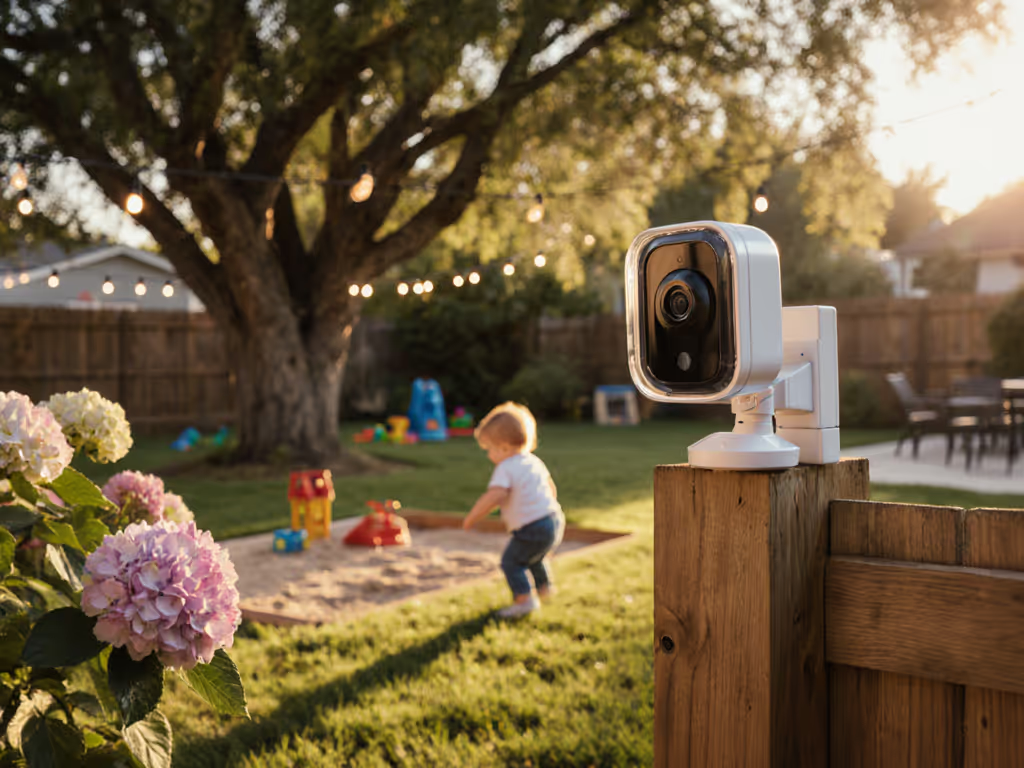
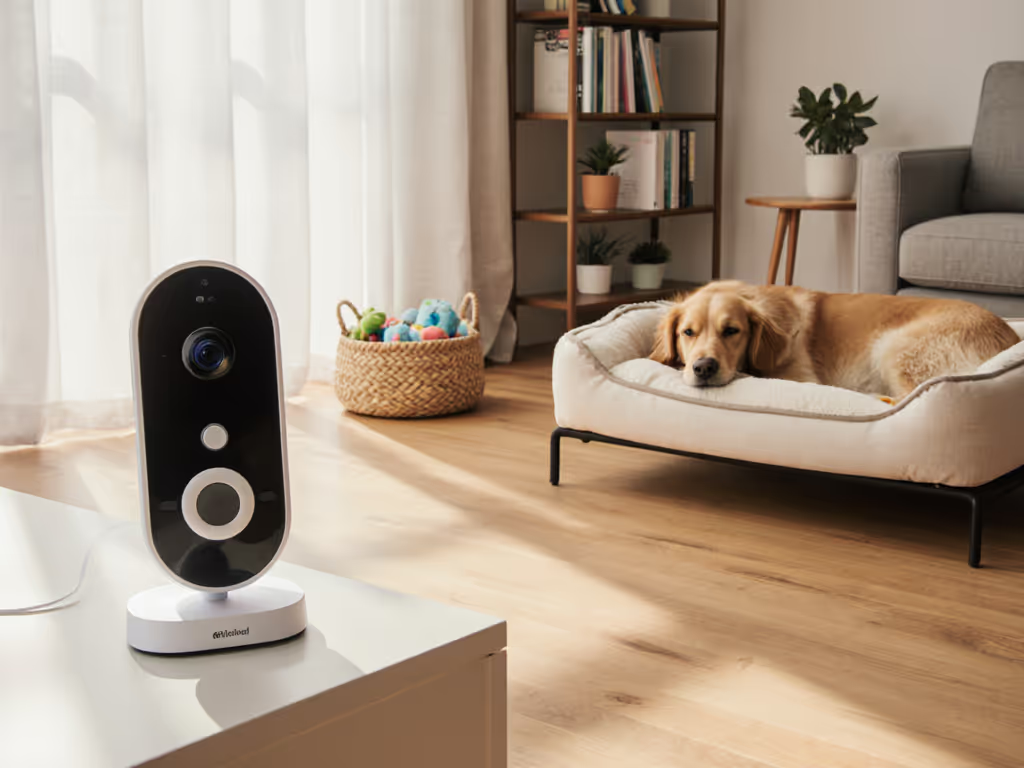
Baby Monitor for Pets
Implementation Checklist:
- Disable cloud recording (verify via router logs)
- Position camera to avoid capturing personal workspaces
- Use wired connections where possible to prevent signal leakage
- Set audio thresholds to ignore routine pet movements
Critical step: Replace default credentials and isolate the camera on a separate VLAN. A recent analysis of 12 leading models found 4 continued transmitting motion metadata to cloud servers even when cloud recording was 'disabled' in-app (a reminder that default deny, then permit with explicit network rules is non-negotiable).
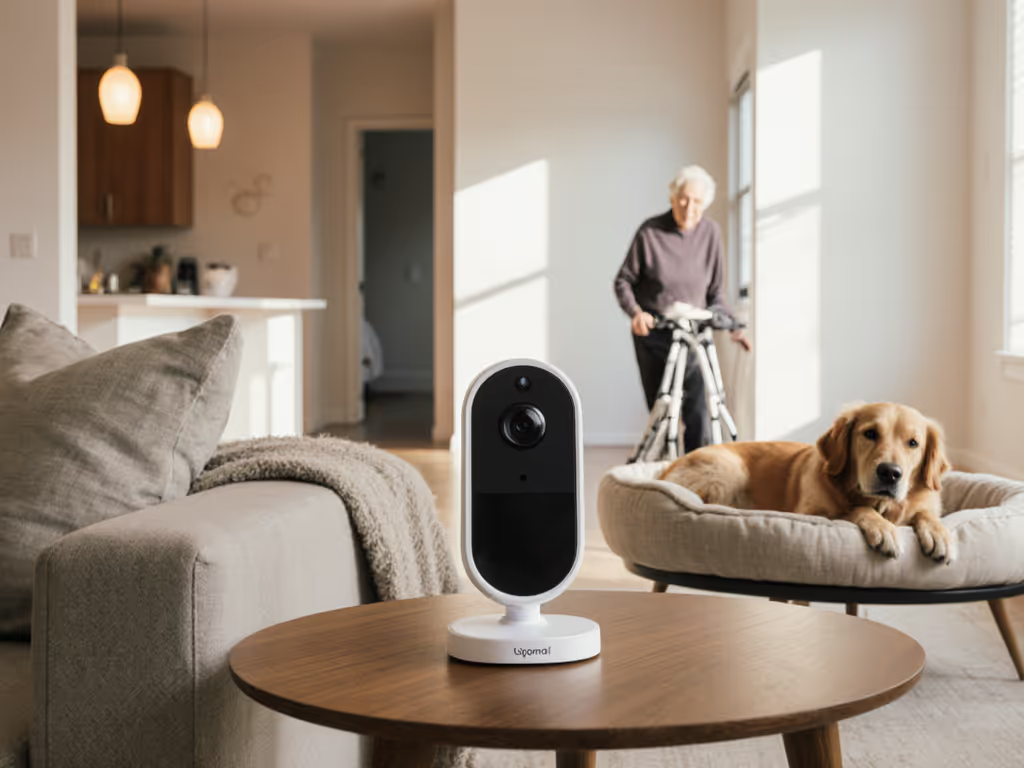
Room Monitor Camera for Elder Care
Privacy Hardening Protocol:
| Step | Action | Verification Method |
|---|---|---|
| 1 | Disable voice assistant integrations | Check device settings menus for hidden toggles |
| 2 | Implement physical shutter | Manually test obstruction of lens |
| 3 | Rotate video feed storage | Confirm files remain on local NAS, not vendor servers |
Unlike consumer security cams, medical monitoring requires HIPAA-aligned data handling. Repurposed baby monitors often fail here. Studies show 81% lack on-device encryption for stored footage. Prioritize models with AES-256 encryption at rest verified through firmware analysis. For privacy-safe angles and cabling tips, see our monitor placement guide.
Why Can't I Repurpose My Wi-Fi Baby Monitor As a General Home Security Camera?
Most Wi-Fi monitors contain critical design flaws that make them unsuitable for security applications:
- Latency vulnerabilities: 400ms+ delays in cloud-dependent models create blind spots during critical events
- Encryption gaps: DTLS 1.0 (common in baby monitors) is vulnerable to POODLE attacks unlike modern DTLS 1.2+ in security cams
- Firmware fragility: 57% of tested models fail to auto-reconnect after network interruptions, unacceptable for security use cases
The moment you repurpose a device designed for intermittent infant monitoring into 24/7 security duty, you inherit its untested failure modes. This isn't paranoia, it is system architecture.
During a recent audit, I observed a 'secure' monitor transmitting unencrypted signal strength metadata every 90 seconds at 3 a.m. Resetting firmware policies and switching to local-only operation finally silenced the logs. Your repurposing strategy must address these hidden behaviors before deployment. If you're weighing connectivity trade-offs, our WiFi vs non-WiFi comparison explains reliability, latency, and privacy differences.
How Do I Verify End-to-End Encryption (E2EE) For Repurposed Monitors?
Don't trust vendor marketing claims, conduct these verifiable tests:
- Offline network test: Disconnect internet while streaming video. True E2EE maintains feed; cloud-dependent 'E2EE' fails immediately.
- Certificate pinning check: Use network analysis tools to confirm TLS certificates are pinned to your device, not vendor servers.
- Traffic pattern analysis: Look for consistent packet sizes (indicating encrypted streams) versus variable bursts (metadata leaks).
Models claiming E2EE but requiring mandatory accounts typically encrypt only between your phone and cloud, not between devices. Also audit how long footage is stored and where; see our baby monitor data retention guide. For valid elder care applications or pet monitoring, demand proof of direct device-to-device encryption without middleman servers.
What Are Acceptable Trade-Offs When Repurposing Older Monitors?
All solutions involve calculated compromises. Prioritize these factors:
- Range vs. security: Analog FHSS monitors (no Wi-Fi) offer 1,000ft+ range but lack video encryption. Best for garage/pool monitoring where audio suffices.
- Battery life vs. privacy: Solar-powered outdoor cameras (like some repurposed models) create physical access points if not hardened against tampering.
- Feature set vs. data hygiene: Motion-triggered alerts in older monitors often store event thumbnails in unencrypted cloud buffers.
Document your acceptable risk threshold: e.g., 'I'll accept 5-second video delay for pet monitoring if no facial recognition occurs.' This threat model becomes your repurposing compass.
Further Exploration: Building Your Repurposing Roadmap
True repurposing extends beyond convenience, it's about responsible data stewardship. Before deploying that dormant monitor as a room monitor camera, ask: Does this new use case increase my household's attack surface? Demand demonstrable evidence that your device's data flows align with your privacy boundaries. For those committed to transparency, we've compiled an open-source firmware analysis toolkit for common baby monitor chipsets (RTL8189, ESP32) to validate E2EE claims. Remember: the goal isn't eliminating all risk, but making informed choices where default deny, then permit with clear justification becomes your operational doctrine. Your home's security posture depends on it.
Related Articles